4-7
Chapter 4: Printing
Printing Without Table
If your label design does not include any elements that are connected to a table, the Direct Printing option will be
highlighted.
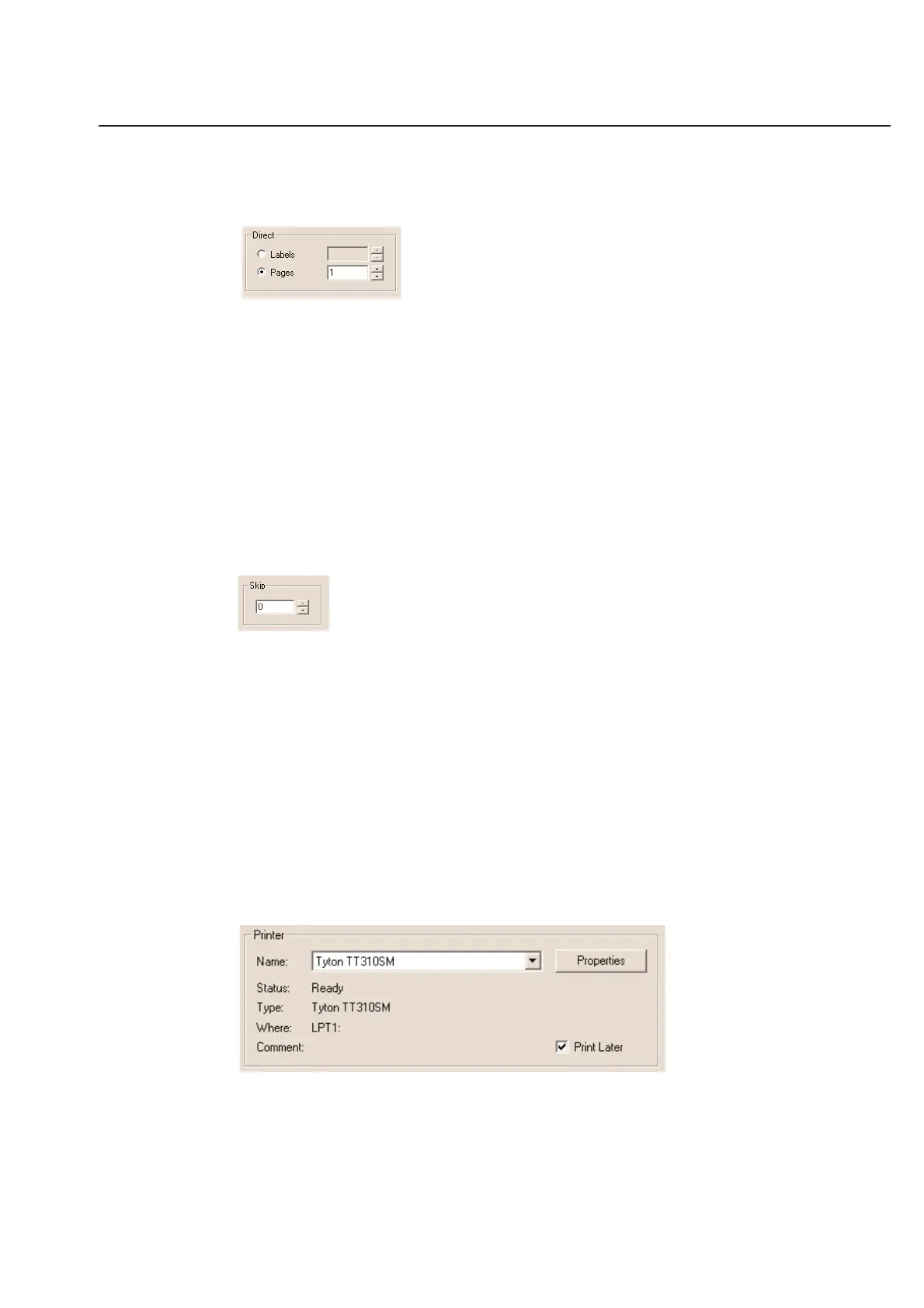
You can print labels that do not require a table in one of two ways.
Labels
The Labels option allows you to print a certain number of labels, no matter how many pages or partial pages will be
used.
Pages
The Pages option allows you to print a controlled number of full pages. The number of labels on the page depends
on the label definition. The Pages function will work with the Skip option by only skipping the specified number of
labels on the first page and printing full pages thereafter.
Skip
The Skip option will leave a number of labels unprinted before the software starts printing the current batch of
information.
This function is useful in allowing you to re-use a partially printed page. You may also adjust the Skip value in the
Print Preview mode.
Cancel Printing
You may cancel printing any remaining portion of labels that have not already been spooled to your printer. You may
use this option as long as it remains on your screen.
When dialog box disappears, the entire print job has already been spooled to your computer for printing.
If you have turned off the spooling option for your printer, you may cancel any time during the print job.
Print Later
You have an option to select the Print Later box. First, make sure the proper printer driver and port is selected as
well as the print quantity before selecting OK within the Print menu.
If the Print Later box is selected, you will be prompted to enter the name of this job for later use. You can use the
default date stamp or edit the name for your own application.



 To Next Page