4-8
Chapter 4: Printing
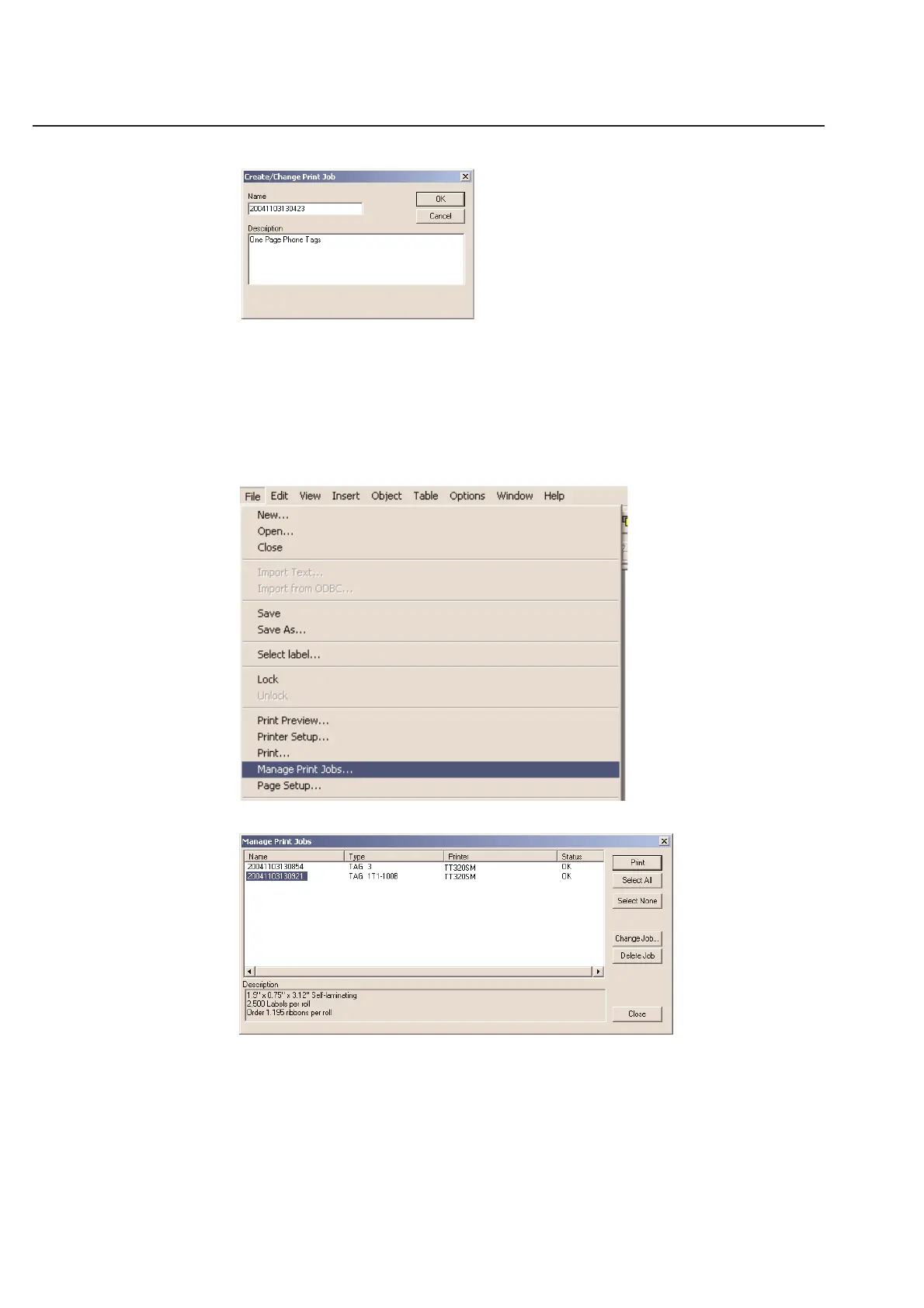
Once saved, the print job contains the printer driver, printer port, heat, density and print quantity information.
When you are ready to print a label job from the Print Later menu, you can select File and then Manage Print Jobs.
This brings up the Manage Print Jobs dialog box. You can select as many jobs as desired and then send them off to
their respective printers. Jobs will stay in the print database until deleted by the user. The jobs in the database cannot
be altered or changed. This is still done by opening and saving the original template and table to the Print Later
directory as indicated above.



 To Next Page