4-4
Chapter 4: Printing
Page Setup
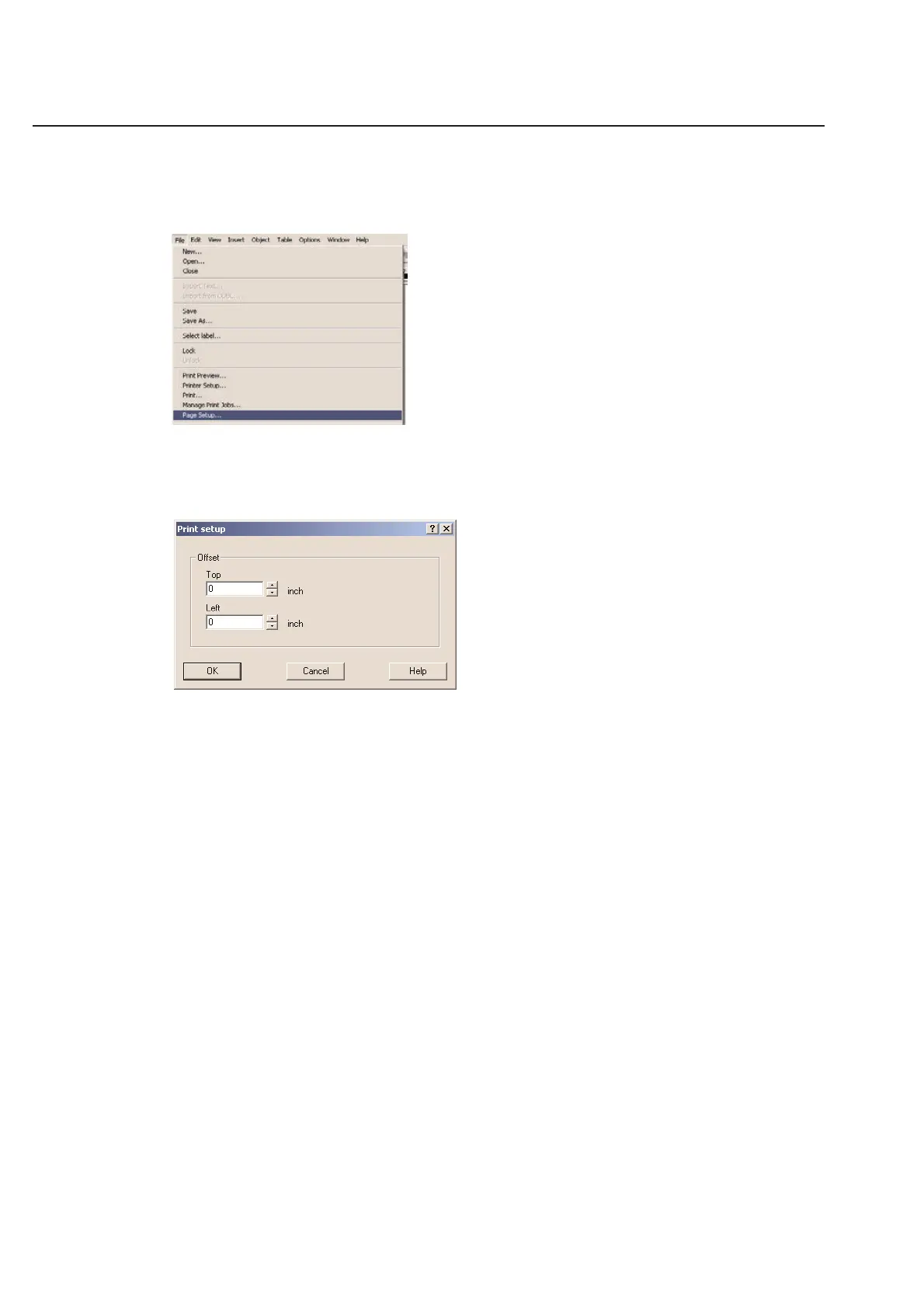
Use the Page Setup... command in the File menu to adjust the print position on the label sheet. These settings will
affect the way that TagPrint prints all of your labels.
The print position will vary from printer to printer globally. It is not unusual for printers to vary by as much as 1/8”.
Use the Top Offset and Left Offset options to line your labels up correctly.
Note: If you change these values, they will be stored as the default and automatically used the next time you print!
To make permanent changes to one particular label definition, see Chapter 5 in this manual.
Top Offset
Decreasing the Top offset will move the print up. (Decreases the top margin)
Increasing the Top offset will move the print down. (Increases the top margin)
Note: You may use negative values.
Left Offset
Decreasing the Left Offset will move the print to the left. (Decreases the left margin)
Increasing the Left Offset will move the print to the right. (Increases the left margin)
Note: You may use negative values.



 To Next Page