5-3
Chapter 5: Label Definitions
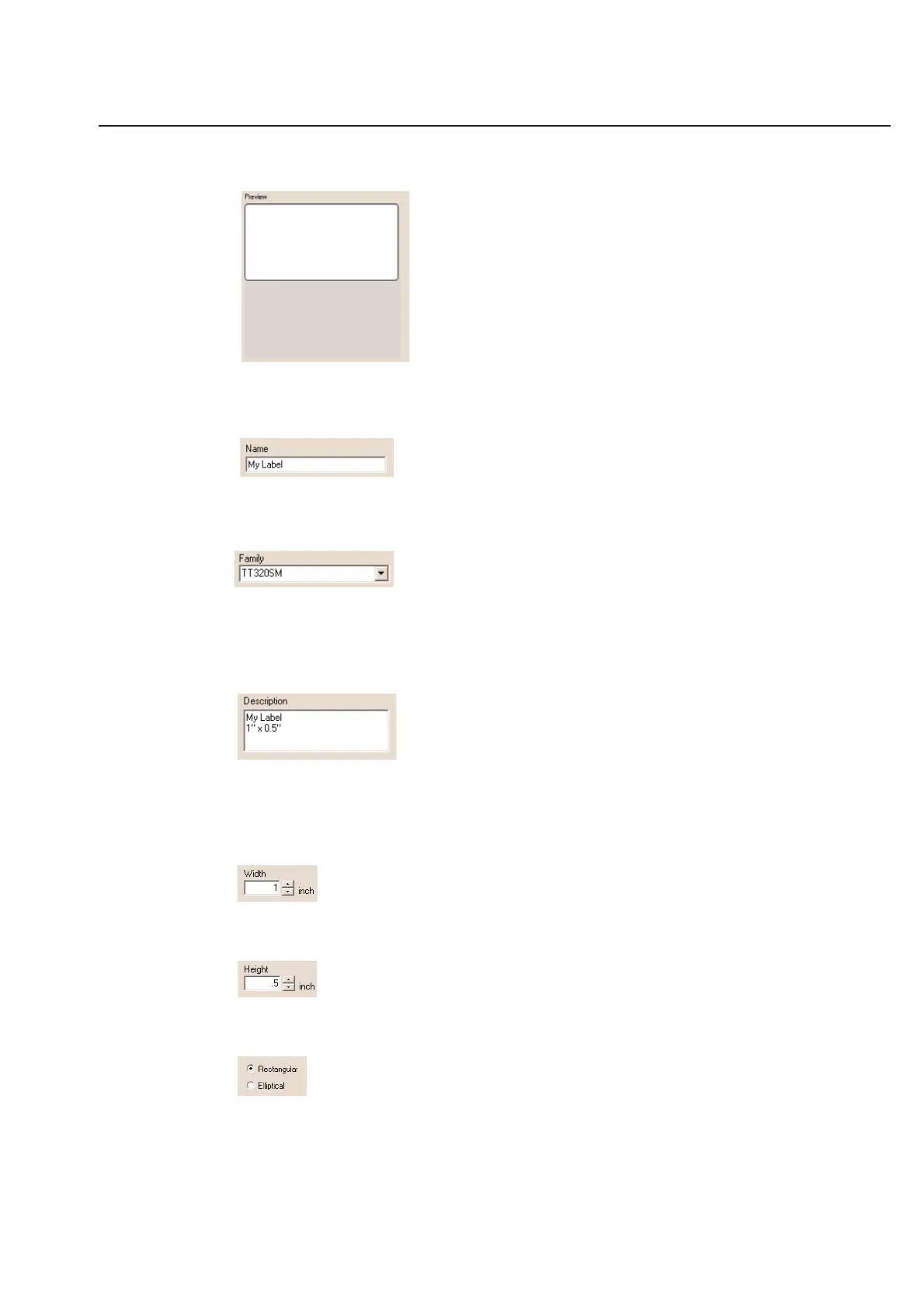
Preview
The Preview window allows you to see what the label you are defining will look like when you print it. This will allow
you to quickly realize any entry errors that may exist.
Name
You may Name your label anything you like. Ideally you will name it something you will easily remember. The label
name must be unique within each family with a maximum of 32 characters.
Family
TagPrint Pro allows you to group labels into Families for easy organization. The labels come grouped by their print
technologies, but you may organize them in any way you wish. You may choose an existing Family name by clicking
on the tab to the right of the Family box. You may also create a new Family of labels by simply entering a new name
in the box. Family names have a maximum of 32 characters and are always upper case.
Description
The Description box allows you to display any information about a label that may be useful to a user. This same
information will display when you are choosing labels. You may enter as many lines of information as you like, but
only 3 lines will display in the label selection screen. Entering information into the Description box is entirely
optional.
Width
Enter the horizontal Width of the label type. Use up to 2 decimals.
Height
Enter the vertical Height of the label type. Use up to 2 decimals.
Rectangular/Elliptical
The shape of the label can be changed between rectangular and elliptical.
Note: If you wish to define round labels, select elliptical and set the length and width to the same value.



 To Next Page