2-34
Chapter 2: Label Design
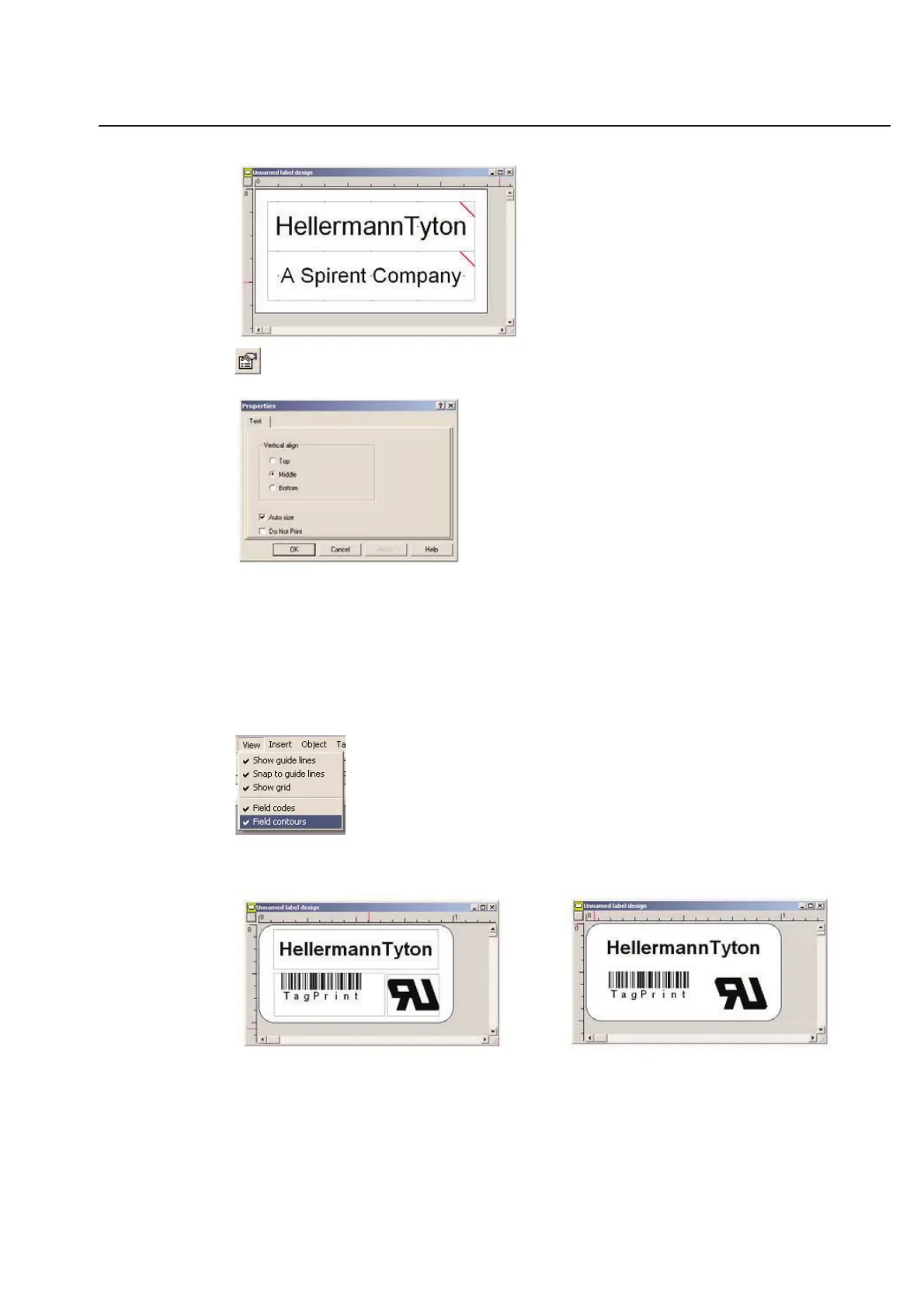
To remove this feature - Click on the text box to be edited and right click the mouse to bring up the Options
pull down menu.
Simply un-select Auto size and the red slash will go away. You can now force a specific font size to be used.
Selecting Do Not Print will allow that particular text box to be visible on the label in the TagPrint Pro software, but
this same box will not print to a label when the label is printed.
Field Contours
Field contours do not print, but they show the outline of an object while you are designing your label design. They
are very useful for lining up, re-sizing, moving, and manipulating objects. It is recommended that you only turn off
the Field contours option when you want to view the label design just as it would print.
The first illustration shows the label design with the field contours turned on. You can easily see the borders to each
individual item on the label design. The second illustration shows the label design with the field contours turned off.
This view allows you to see exactly what the label will look like when it is printed.



 To Next Page