2-5
Chapter 2: Label Design
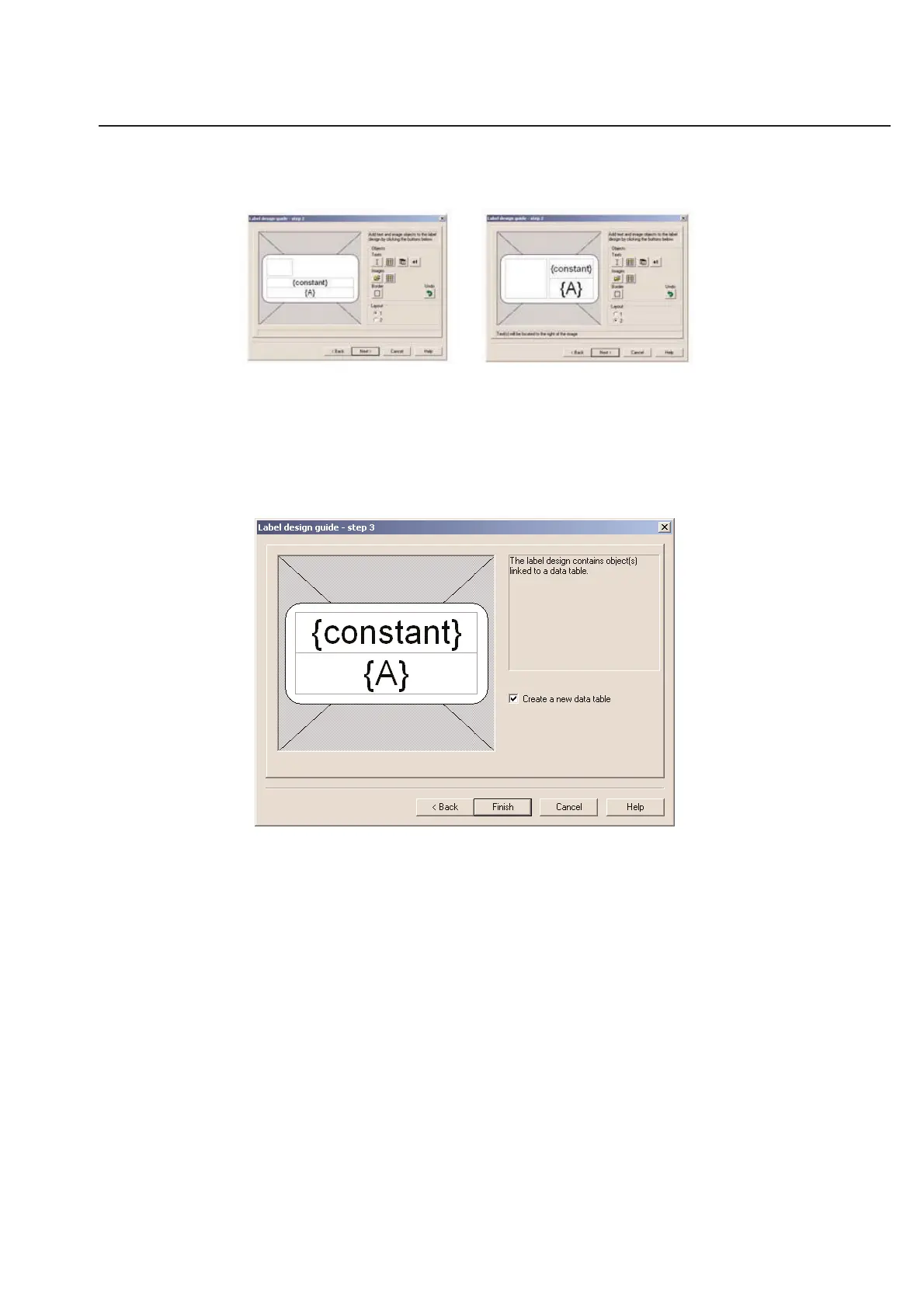
If you have added any graphics to your label design, you can choose from 2 layout types. Layout 1 will align your
graphics above or below your text fields. Layout 2 will align your graphics to the left of your text boxes.
Layout 1 Layout 2
When you are satisfied with the design of your label layout, click on Next to continue.
You are then asked if you wish to create a new data table (Recommended).
Label Design Guide - Step 3
Click Finish to complete the design process.



 To Next Page