TagPrint Pro Installation Instructions - Page 6
Changing Languages After Initial Installation:
- Select Help
- Choose "Select Language"
- A pop-up menu appears, "Select Language on Next Restart Yes/No"
- Choose “Yes” and restart
Installing TT310SM / TT210SM / TT1210 Printer Drivers
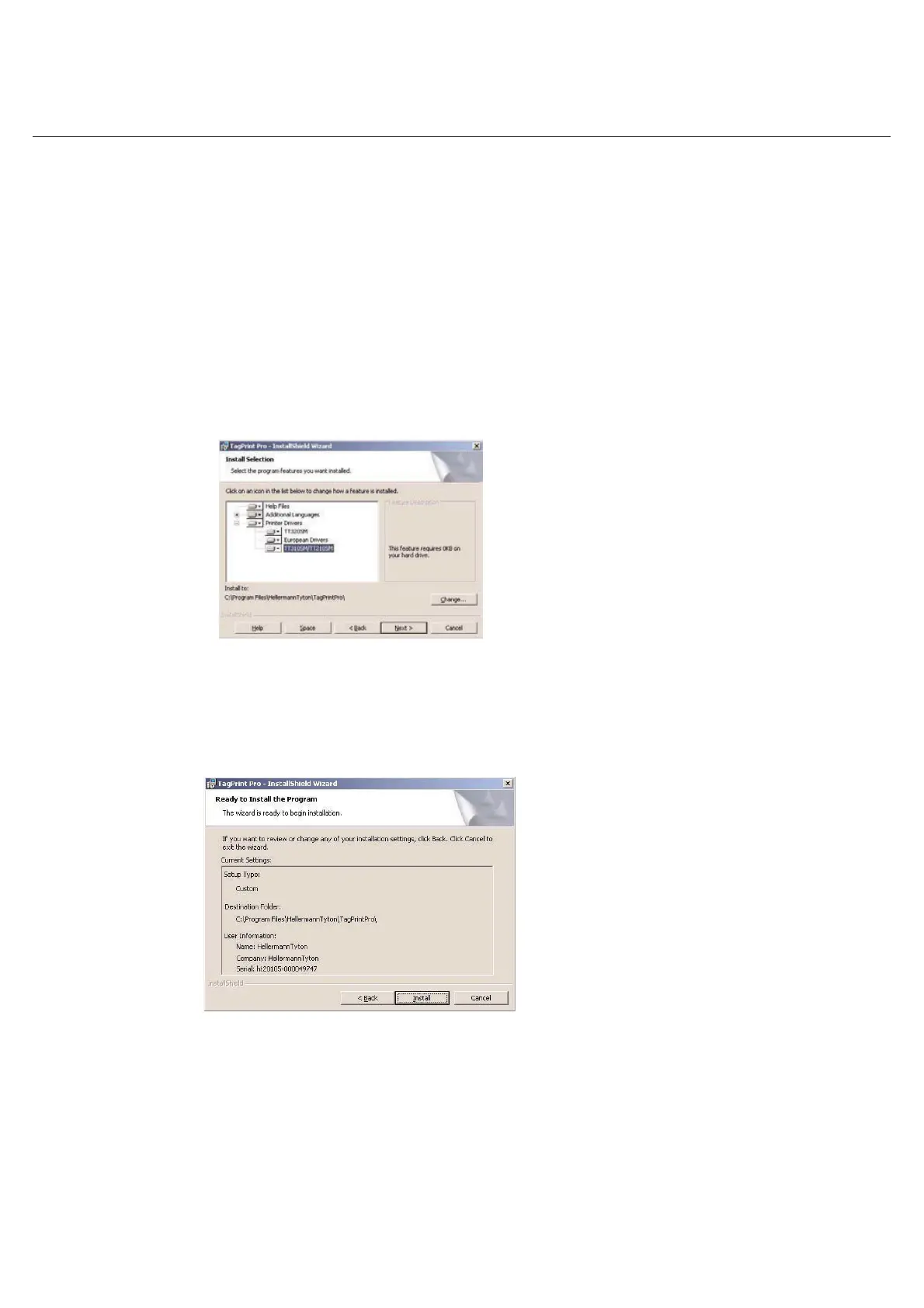
When the Install Selection menu pops-up, expand the Printer Drivers menu and select the TT310/TT210/TT1210
drivers. The drivers will be installed after the installation of the software.
Review the install settings, then click Install



 To Next Page