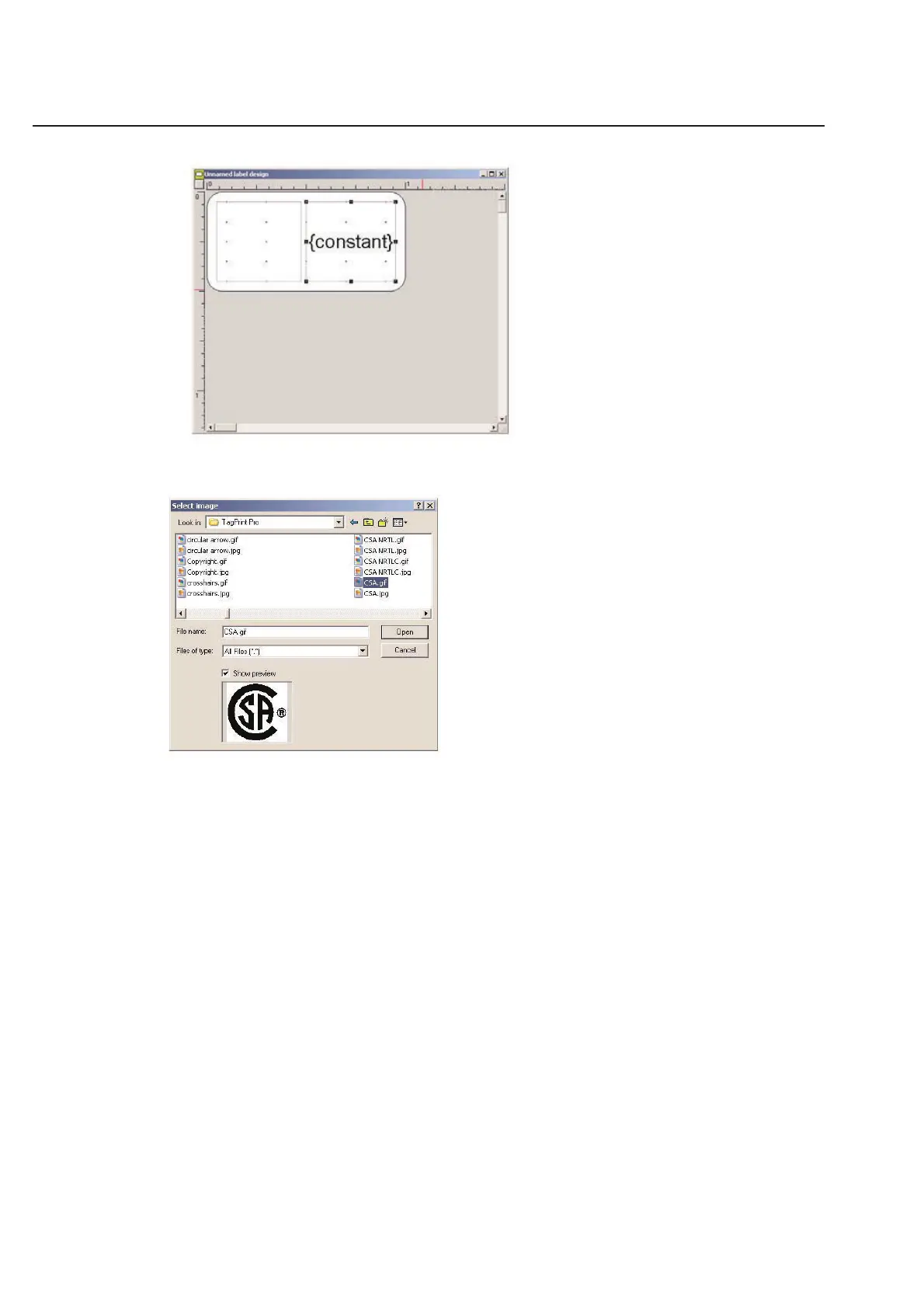
Double-click on the empty box that represents your image. TagPrint Pro will automatically open up the default clip art
folder in the Select image folder.
Simply scroll through the list of available images. You can view any image at any time by simply clicking on the image
name once. Double-click on the image you wish to select.
NOTE: The default folder is the the TagPrint Pro Clipart file. TagPrint Pro supports the following image formats:
.bmp (Windows Bitmap)
.jpg (JPEG)
.pcx (PC Paintbrush)
.png (Portable Network Graphics)
.tif (Tagged Image File)
.wmf (Windows Metafile)
The default location to retrieve clip art is listed in the options dialog box. You can open the options dialog box by
clicking on the Options menu of TagPrint Pro.
2-14
Chapter 2: Label Design



 To Next Page