3-21
Chapter 3: Table
Find
TagPrint Pro’s Find command can be used to locate text in a particular column of the data table. This can be useful
when you have developed a very large table and you want to find only one particular line to change.
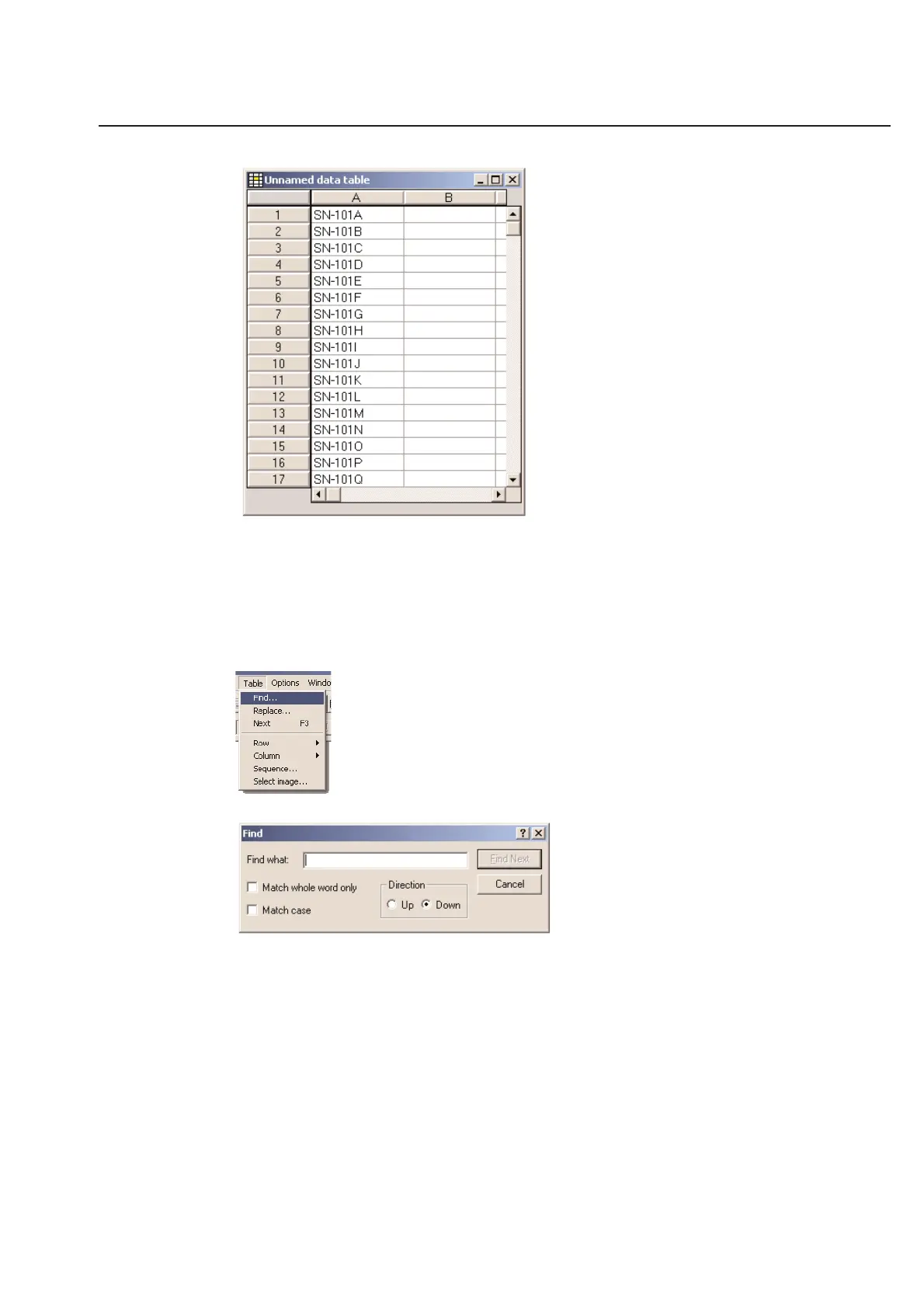
Before you can use the Find command, you must first select the column or a cell in the column you wish to search.
TagPrint Pro will only search one column at a time. Next, choose the Find command from the Table menu.
When you choose the Find option, the following dialog box will appear:
Simply enter the text you wish to find in the Find what entry box. Next, select any options that you wish to use.
Match Whole Word Only - This option will force the the software to exclude matches that are part of another
word. For instance, if you are searching for “car”, you would choose this option so the software would not find
“cargo” or “oscar”.
Match Case - This option would make the search case sensitive. If you type in “Car” the software will not find
“car”.
Direction - Choose between Up and Down. This is based on the location of the selected cell in the table.
Once you have entered your information and selected the options you would like, click on the Find Next button to
search your table. If the software finds text different than what you were looking for, click the Find Next button
again.



 To Next Page