3-23
Chapter 3: Table
Save
The Save command is used when you have previously saved a file and you want to save the changes. If your table is
new, TagPrint Pro will automatically use the Save as... command.
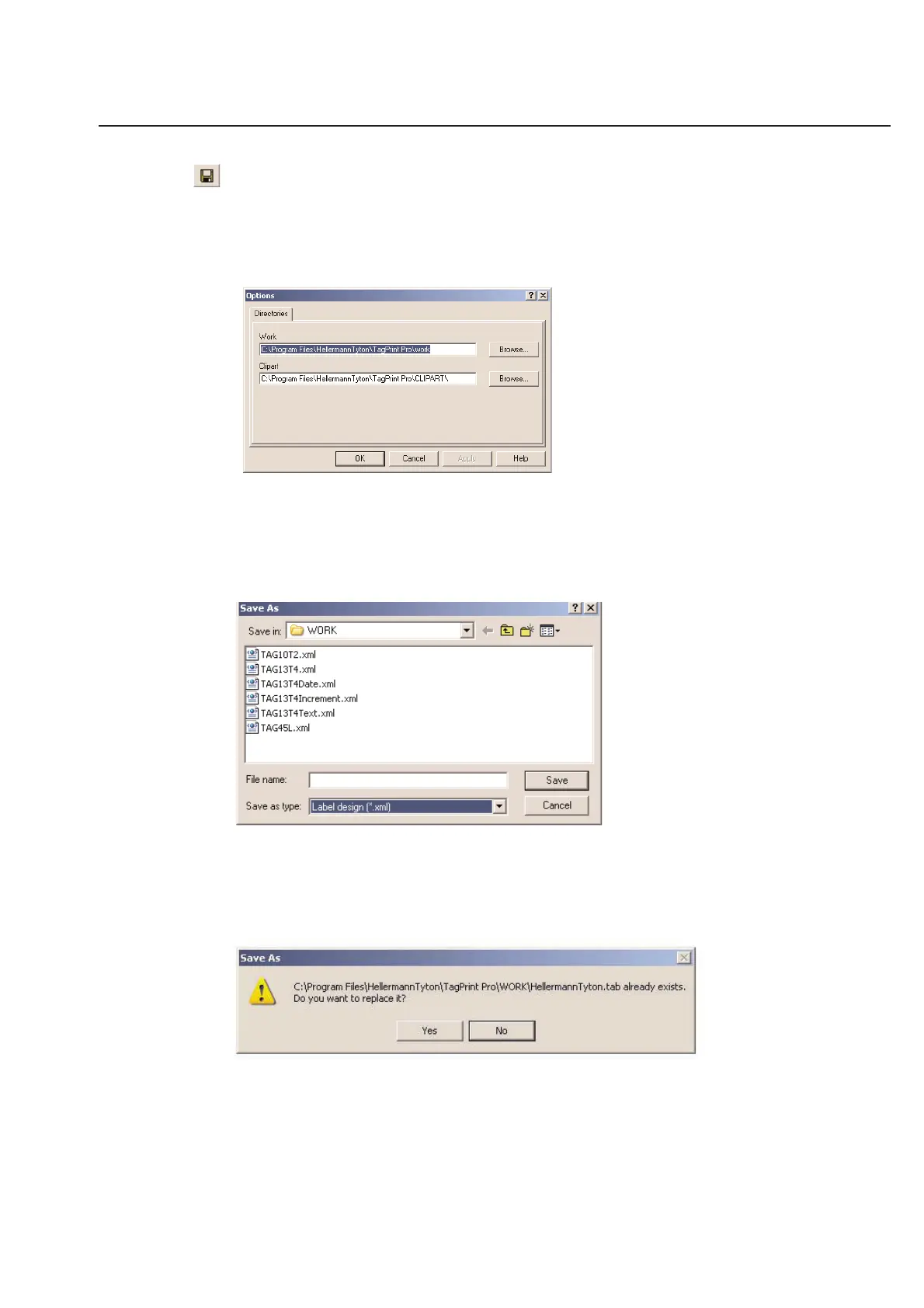
The default location to save your work is listed in the Options dialog box. You can open the Options dialog box by
clicking on the Options menu of TagPrint Pro.
The default work folder is located in the same place as the tagprint.exe application. If you wish to change the default
save location, simply click Browse... and choose a new folder.
Save As...
The Save as... command is to be used if you have a new table that needs to be saved or if you wish to rename a
previous job. Either way, the following dialog box will appear:
This is a standard Windows dialog box. You may choose the folder that you wish to save to directly from the Save in:
pull down window. Enter the name of the file in the File name: entry blank. You may name it anything you like, and
are limited only by Windows naming rules. All TagPrint Pro tables will be saved in the .tab Data Table format.
To prevent you from accidentally over-writing existing files, TagPrint Pro will warn you when your name for a new file
matches something that has already been saved.



 To Next Page