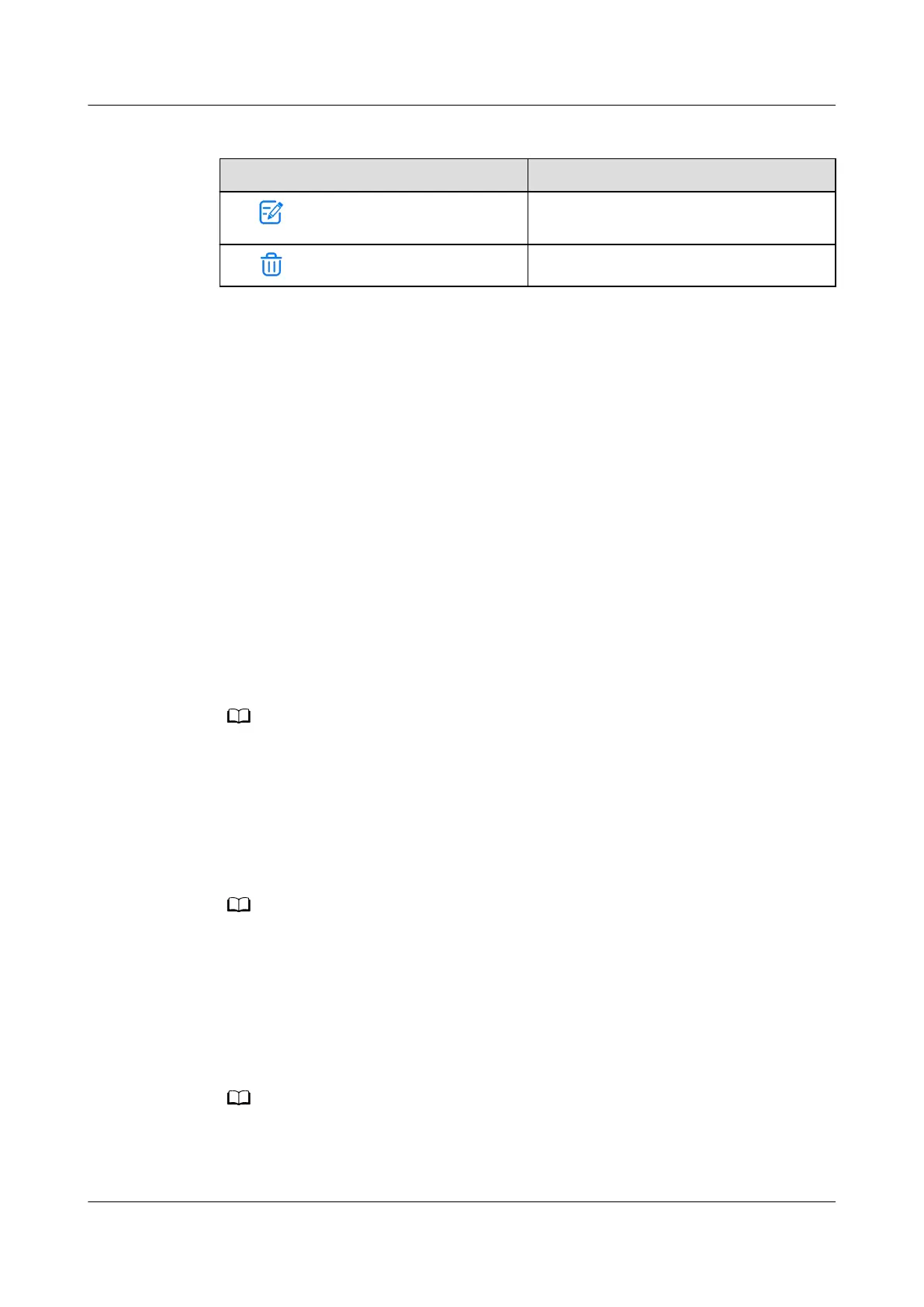
Table 5-17 Facial recognition management functions
Operation Purpose
Tap .
Modify the access actuator associated
with the user.
Tap .
Delete the facial data.
Step 4 Tap OK.
----End
5.3.5 Commissioning
Conguration Wizard
Context
● Only administrators are entitled to perform the conguration wizard.
● Currently, commissioning wizard is provided for the following functions:
Smart Module Settings, Basic Param Settings, Add Devices, Add Sensor,
Plan View, Power Dist Settings, Temp Control Settings, Linkage Test,
Video Settings, and Access Management.
Procedure
Step 1 Log in to the ECC800-Pro WebUI as an administrator.
The conguration wizard is displayed when you log in to the ECC800-Pro WebUI for the rst
time or the system type is switched.
Step 2 Choose Maintenance > Conguration Wizard to access the parameter
conguring page for the deployment wizard.
Step 3 Congure related parameters on the page as instructed. For details, see the
function description on the left of the page.
● In the process, click Previous, Next, and Skip as required.
● To exit before the conguration is complete, click Finish to terminate the conguration
directly.
Step 4 After conguring the parameters, click Finish.
Step 5 After conrming that the commissioning Result is normal, enter the Checker
Name and Check Date, and click
Conguration Completed.
To export the conguration result, click Export Check Result. The export le format is csv.
----End
FusionModule2000-S Smart Modular Data Center
User Manual 5 Power-On Commissioning
Issue 07 (2022-09-30) Copyright © Huawei Technologies Co., Ltd. 186



 To Next Page