TE20 Videoconferencing Endpoint
4 Conference Operations Using the Web Interface
Huawei Proprietary and Confidential
Copyright © Huawei Technologies Co., Ltd.
Or they can obtain the conference access number and password from the SMC2.0
administrator.
Step 2 Choose Conference > Call.
Step 3 In the Site name/IP address/Number text box, enter conference access number, for example,
0755100000159.
Step 4 Set the call parameters. Their description is provided in Table 4-1.
Select the highest data transmission rate supported by your endpoint to increase the call success rate.
Step 5 Click Call, as shown in Figure 4-4.
Figure 4-4 Entering the conference access number
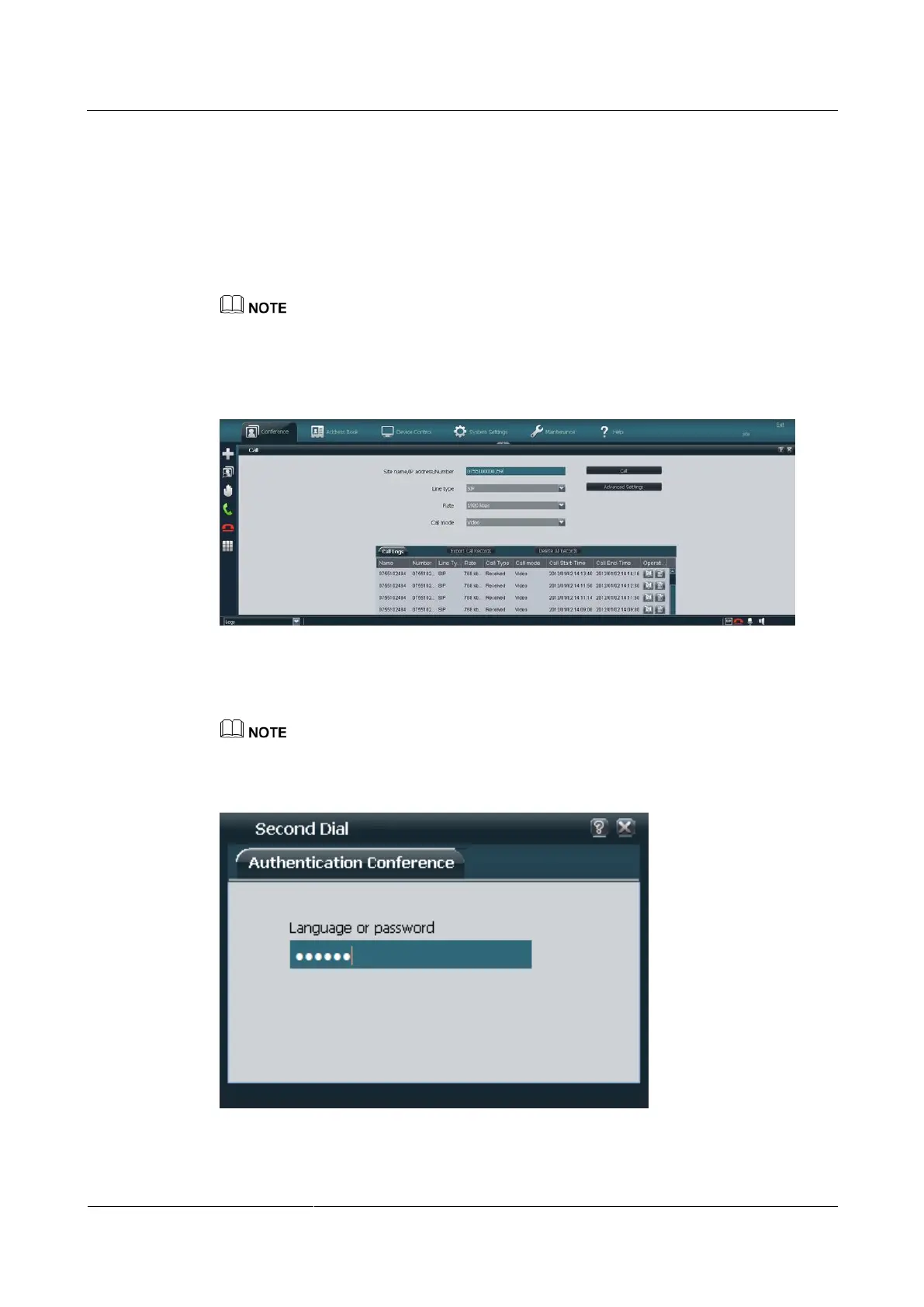
Step 6 Choose Conference > Second Dial. Then enter the conference password and press the pound
button (#) as prompted, as shown in Figure 4-5.
To join a conference that has a password, enter the password using the keypad.
Figure 4-5 Entering the conference password
----End



 To Next Page