TE20 Videoconferencing Endpoint
4 Conference Operations Using the Web Interface
Huawei Proprietary and Confidential
Copyright © Huawei Technologies Co., Ltd.
other sites in the conference can hear the site.
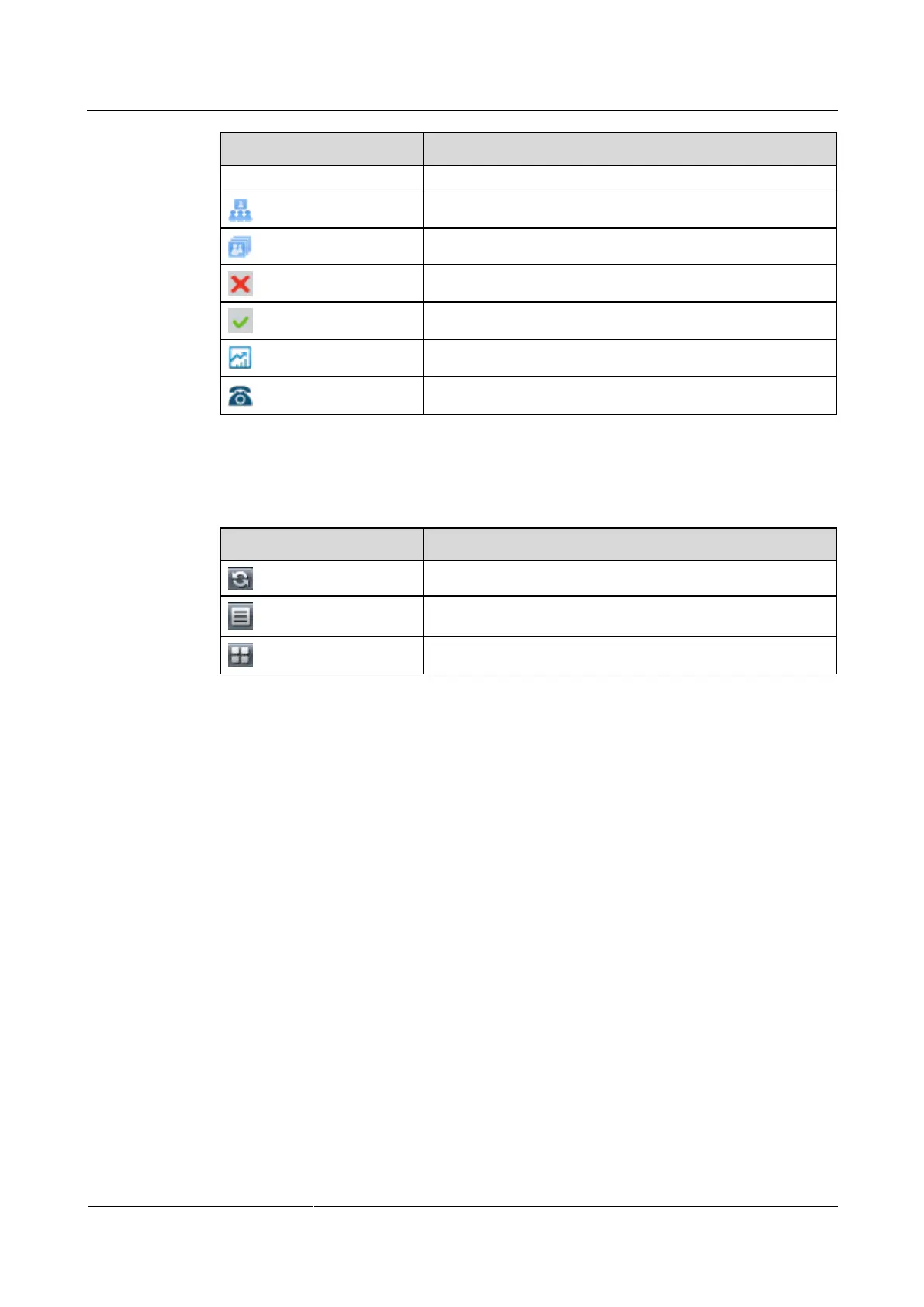
The site is being broadcast.
The site is being viewed.
The site is not in the conference.
The site is in the conference.
The site is sharing a presentation.
The site is a H.323 PHONE, or SIP audio site.
Table 4-4 lists the icons used to adjust the site display mode on the conference control page.
Table 4-4 Icons used to adjust the site display mode
Refreshes the conference control page.
Displays sites in a list.
Request Chair
Only sites that are not the chair can request chair control rights. The chair site has more
conference control rights than non-chair sites. Sites can request chair control rights when no
chair site exists in a conference. Audio-only sites cannot request chair control rights.
Only one chair site exists in a conference. Other sites can request to be the chair site only after
the chair control rights are released or revoked.
Step 1 Click Request Chair.
Step 2 (Optional) Enter the conference control password, that is, the chair password, as shown in
Figure 4-9.
Obtain the conference control password from the SMC2.0 administrator or the site that
initiates the conference.



 To Next Page