TE20 Videoconferencing Endpoint
4 Conference Operations Using the Web Interface
Huawei Proprietary and Confidential
Copyright © Huawei Technologies Co., Ltd.
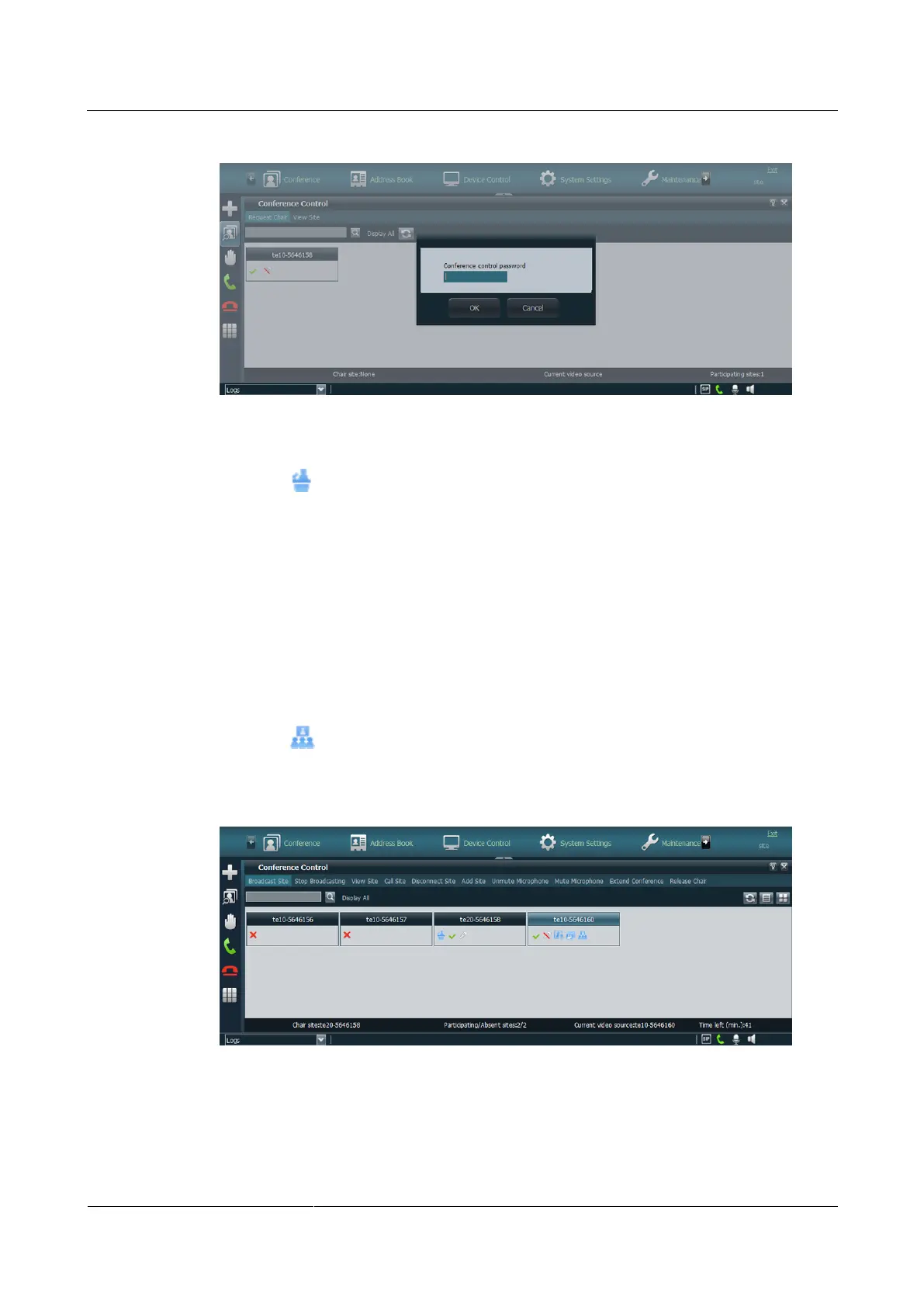
Figure 4-9 Entering the chair password
Step 3 Click OK.
When the icon is displayed, the site has become the chair site.
----End
Broadcast Site
The chair site can broadcast any video site, including the chair site itself. When a site is
broadcast, all non-chair sites are forced to view the video of the broadcast site while the chair
site can view the video of any site that is present at the conference.
Step 1 Click Broadcast Site.
Step 2 Select a conference site.
When the icon is displayed, the conference site has been broadcast, as shown in Figure
4-10.
Figure 4-10 Broadcasting a site
----End



 To Next Page