TE20 Videoconferencing Endpoint
4 Conference Operations Using the Web Interface
Huawei Proprietary and Confidential
Copyright © Huawei Technologies Co., Ltd.
Stop Broadcasting
The chair site can use the Stop Broadcasting operation to stop site broadcast. After Stop
Broadcasting is implemented, all conference sites can watch any other site.
Step 1 Click Stop Broadcasting.
Step 2 Select a conference site that is being broadcast.
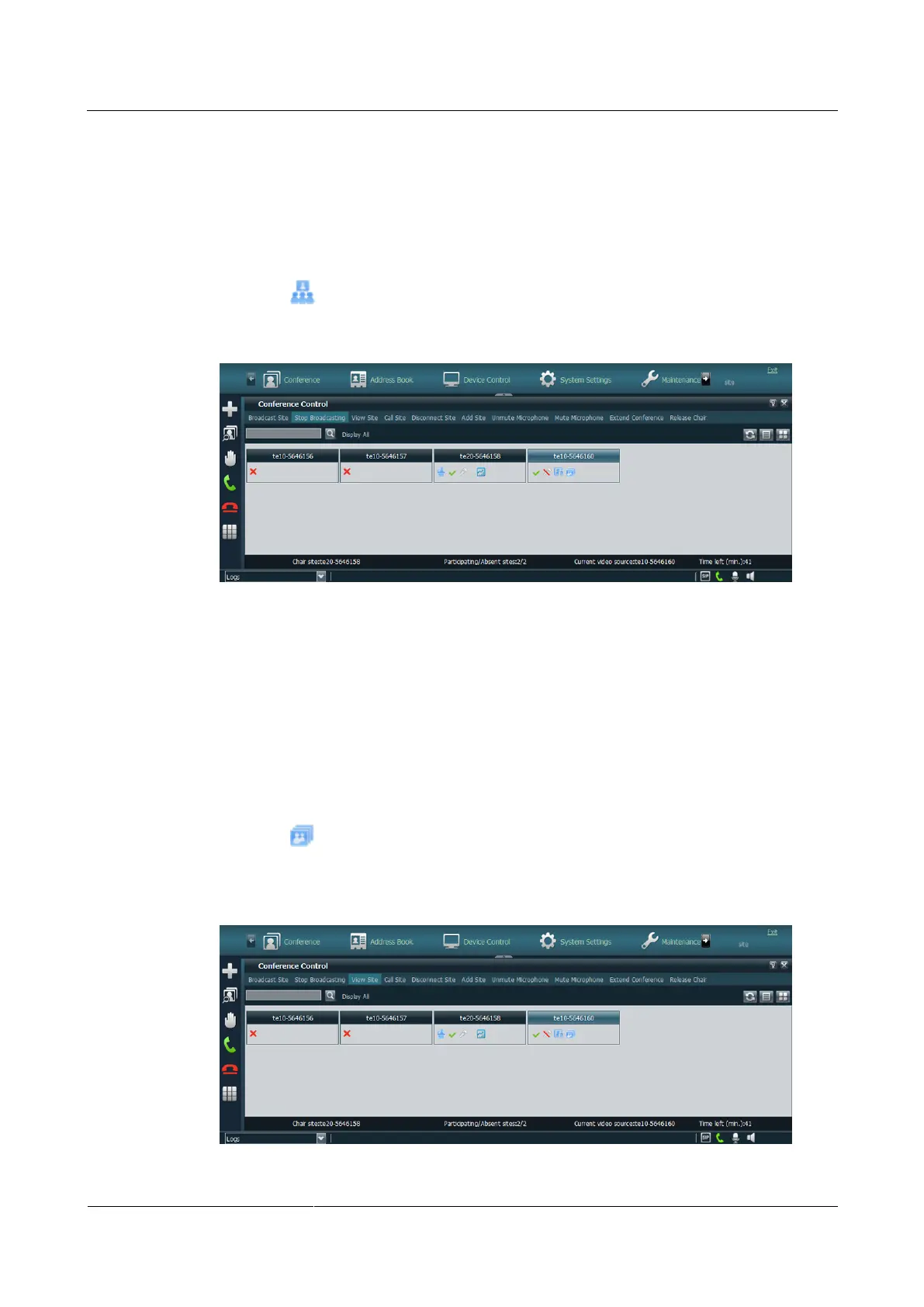
When the icon disappears, site broadcast has been terminated, as shown in Figure 4-11.
Figure 4-11 Terminating site broadcast
----End
View Site
At your site, you can view continuous presence consisting of multiple sites or view a single
site. This operation does not affect the video viewed by other sites.
Step 1 Click View Site.
Step 2 Select a conference site.
When the icon is displayed, the conference site is being viewed, as shown in Figure
4-12.
Figure 4-12 Viewing a conference site



 To Next Page