TE20 Videoconferencing Endpoint
4 Conference Operations Using the Web Interface
Huawei Proprietary and Confidential
Copyright © Huawei Technologies Co., Ltd.
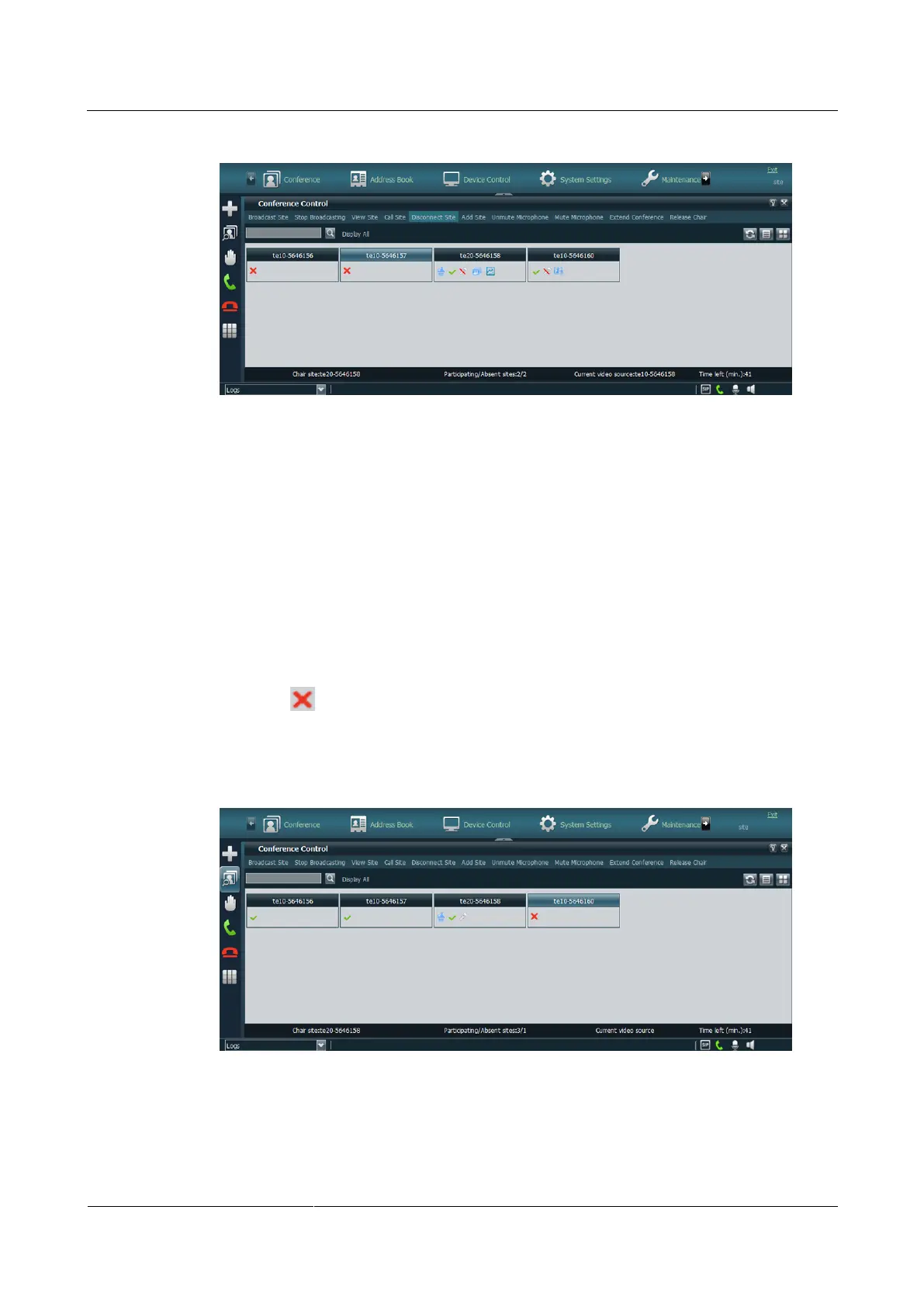
Figure 4-14 A site that has been disconnected
----End
Add Site
After a conference starts, the chair site can still add sites into the conference. If a site is
successfully added to the conference, the site becomes a participant in the conference.
Step 1 Click Add Site.
Step 2 To add sites from the local or LDAP address book or add sites that have not been defined in
the address book.
Step 3 Click Add Site.
When the icon is displayed, the conference site has been added to the conference, but
has not joined the conference. You can use the Call Site function to invite the site to join the
conference, as shown in Figure 4-15.
Figure 4-15 A site that has been added
----End



 To Next Page