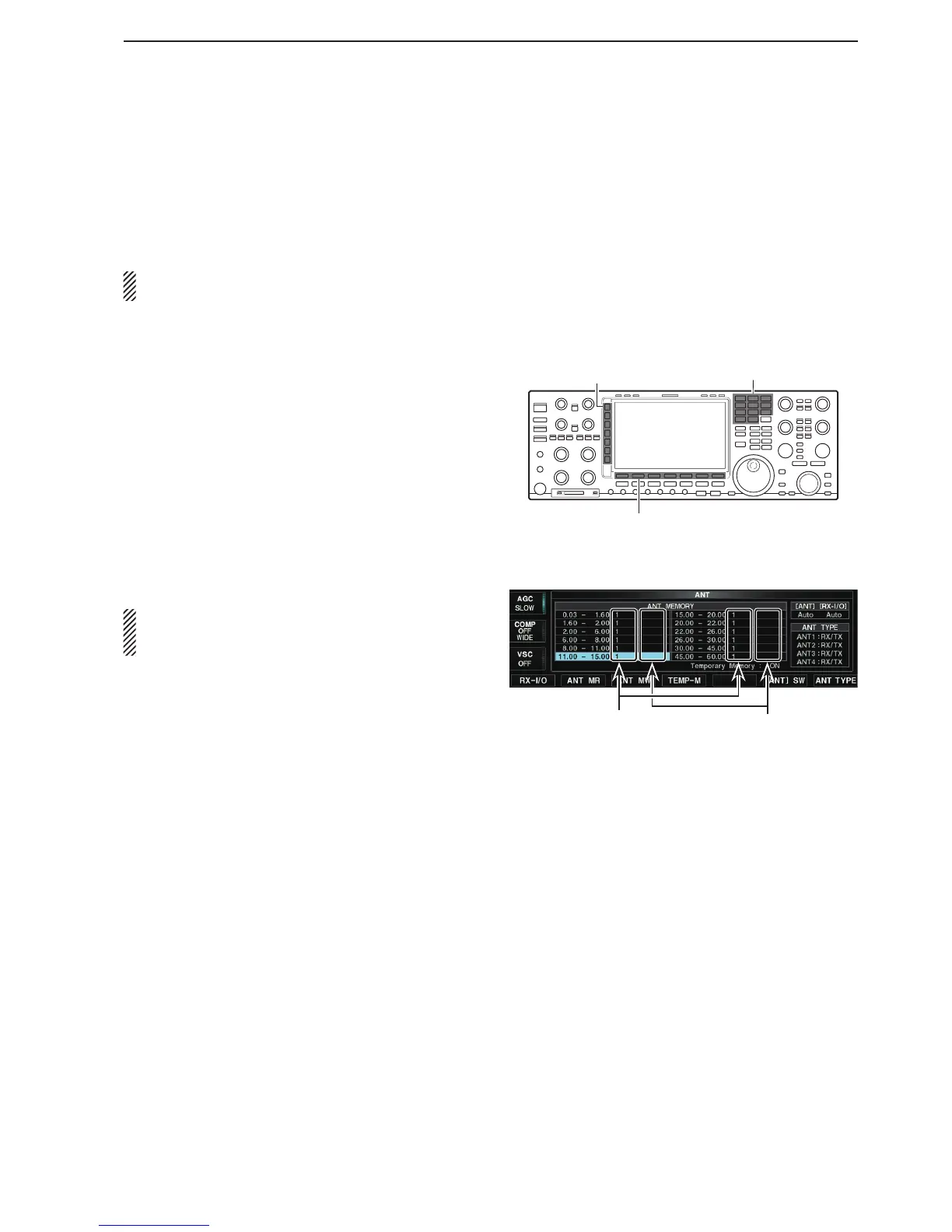
Antenna memory settings
This function stores the antenna connector number for
each frequency band.
You can assign an antenna connected to [ANT1] to
[ANT4] and the two [RX-I/O] and an operating band.
NOTE: [ANT1] is set as the default for all operating
bands and no [RX-I/O] is used.
Example: Assigning [ANT3] when you select the 14 MHz
band.
q Hold down the Multi-function [ANT]() key for 1 sec-
ond.
• The ANT screen is displayed.
w Push the [14] band key.
• The 14 MHz band is selected.
e Push the Multi-function [ANT]() key several times
to select the “ANT3”.
• “” appears.
r Hold down [ANT MW](F) for 1 second to store the
antenna selection into the antenna memory.
• “” disappears.
t Push [EXIT/SET].
• Exits the ANT screen.
NOTE: Push [RX-I/O] to change the settings without
going to item step r above. The change can be
stored in the antenna memory. (p. 13-6)
() Multi-function keys
Band keys
(F) Function keys
• ANT screen
‘ANT1’ is set. Displays [RX-I/O]
connection status



 To Next Page