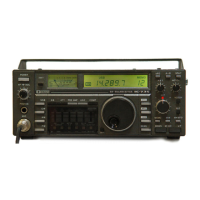
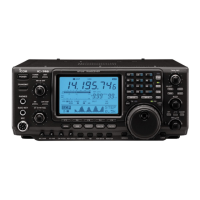
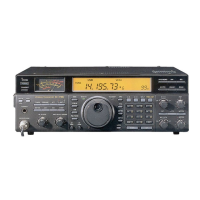
&3 DIGITAL RF SELECTOR KEY [DIGI-SEL]
(p. 7-12)
Push to turn the digital RF preselector ON or OFF.
• The [DIGI-SEL] indicator lights white when the preselec-
tor is in use.
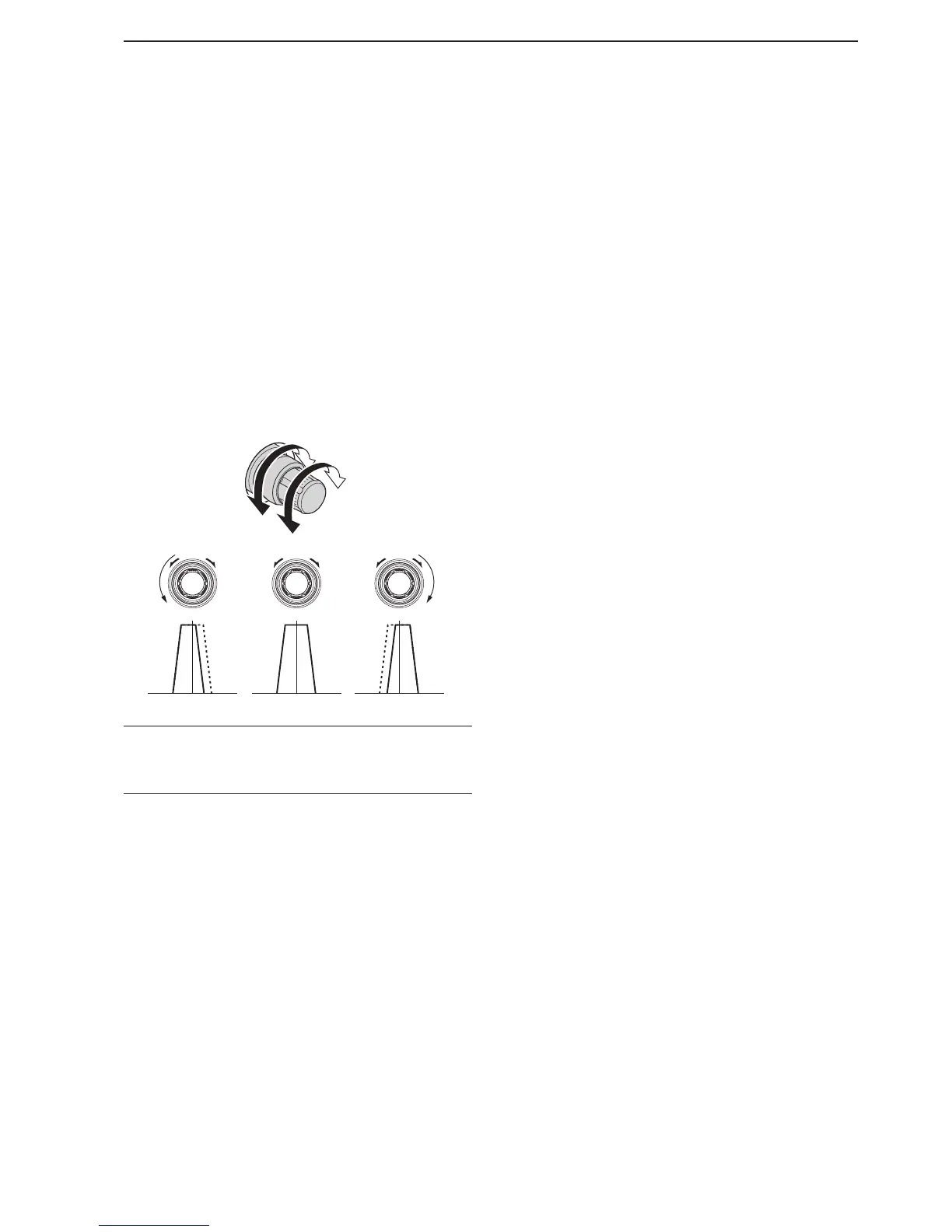
&4 PASSBAND TUNING CONTROLS [TWIN PBT]
(p. 7-5)
Adjusts the receiver’s IF filter ‘passband width’ using
the DSP.
• The passband width and shift frequency are displayed in
the Multi-function display.
•
Hold down [PBT CLEAR] for 1 second to clear the PBT
settings.
• The adjustment range is half of the selected lter pass-
band width, and the value is adjustable in 25 Hz steps
for the SSB/CW/RTTY/PSK modes, and 100 Hz steps
for the AM mode.
What is the PBT control?
The PBT function electronically modifies the IF passband
width to reject interference. This transceiver uses the DSP
circuit for the PBT function.
&5 RIT/∂TX CONTROL [RIT/∂TX] (pp. 7-3, 8-5)
Shifts the receive and/or transmit frequency without
changing the transmit and/or receive frequency.
• Rotate the control clockwise to increase the frequency,
or rotate the control counterclockwise to decrease the
frequency. The RIT or ∂TX functions must be ON.
• The shift frequency range is ±9.999 kHz in 1 Hz steps (or
±9.99 kHz in 10 Hz steps).

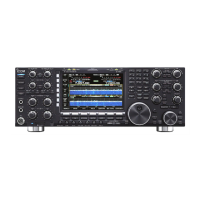

 To Next Page