15
5
■
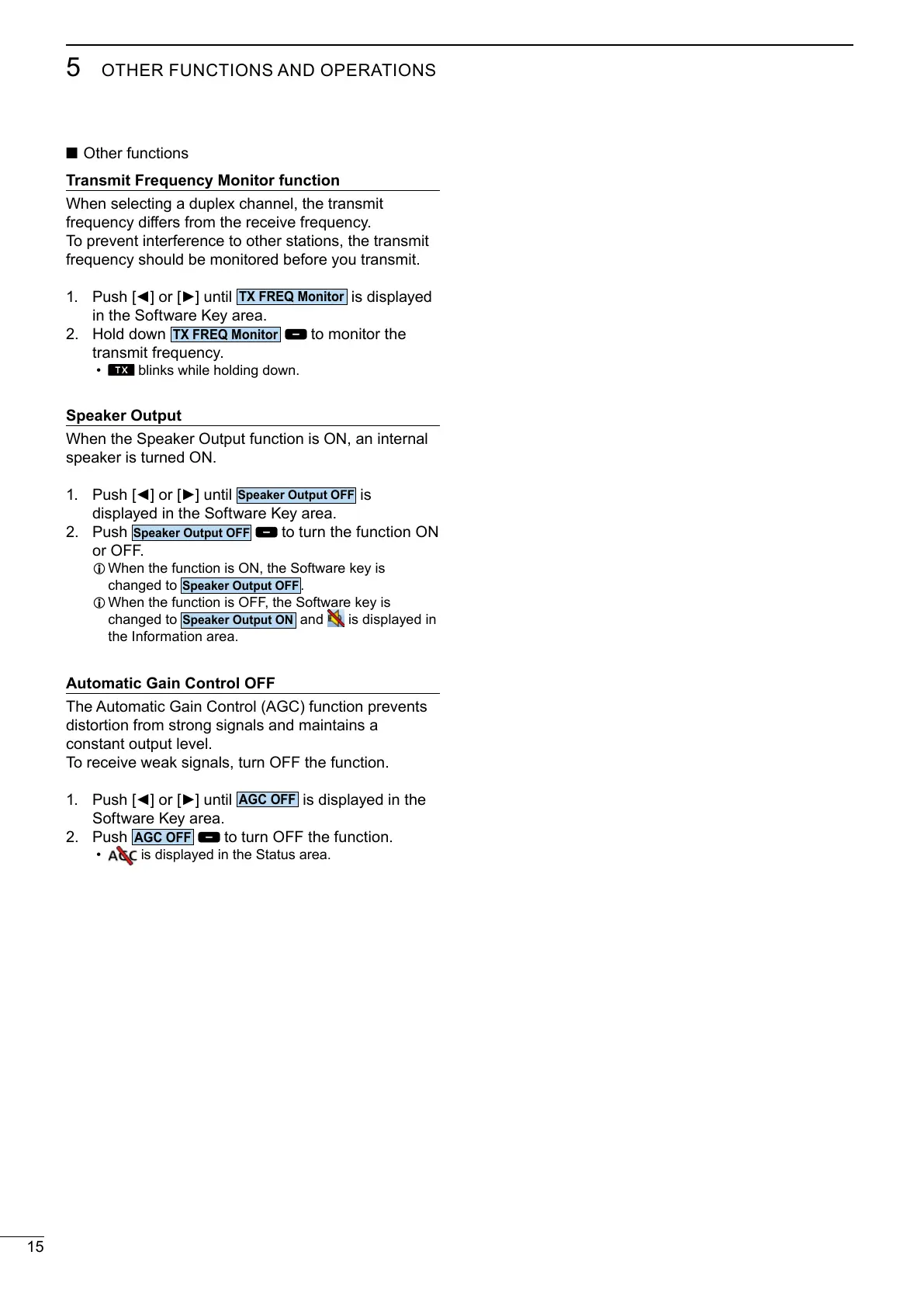
Transmit Frequency Monitor function
To prevent interference to other stations, the transmit
frequency should be monitored before you transmit.
1.
is displayed
in the Software Key area.
2. Hold down
to monitor the
transmit frequency.
• blinks while holding down.
Speaker Output
1.
is
displayed in the Software Key area.
2. Push
L
changed to
.
L
changed to
and is displayed in
the Information area.
Automatic Gain Control OFF
distortion from strong signals and maintains a
constant output level.
1.
is displayed in the
Software Key area.
2. Push
• is displayed in the Status area.



 To Next Page