30
DSC OPERATION
6
6
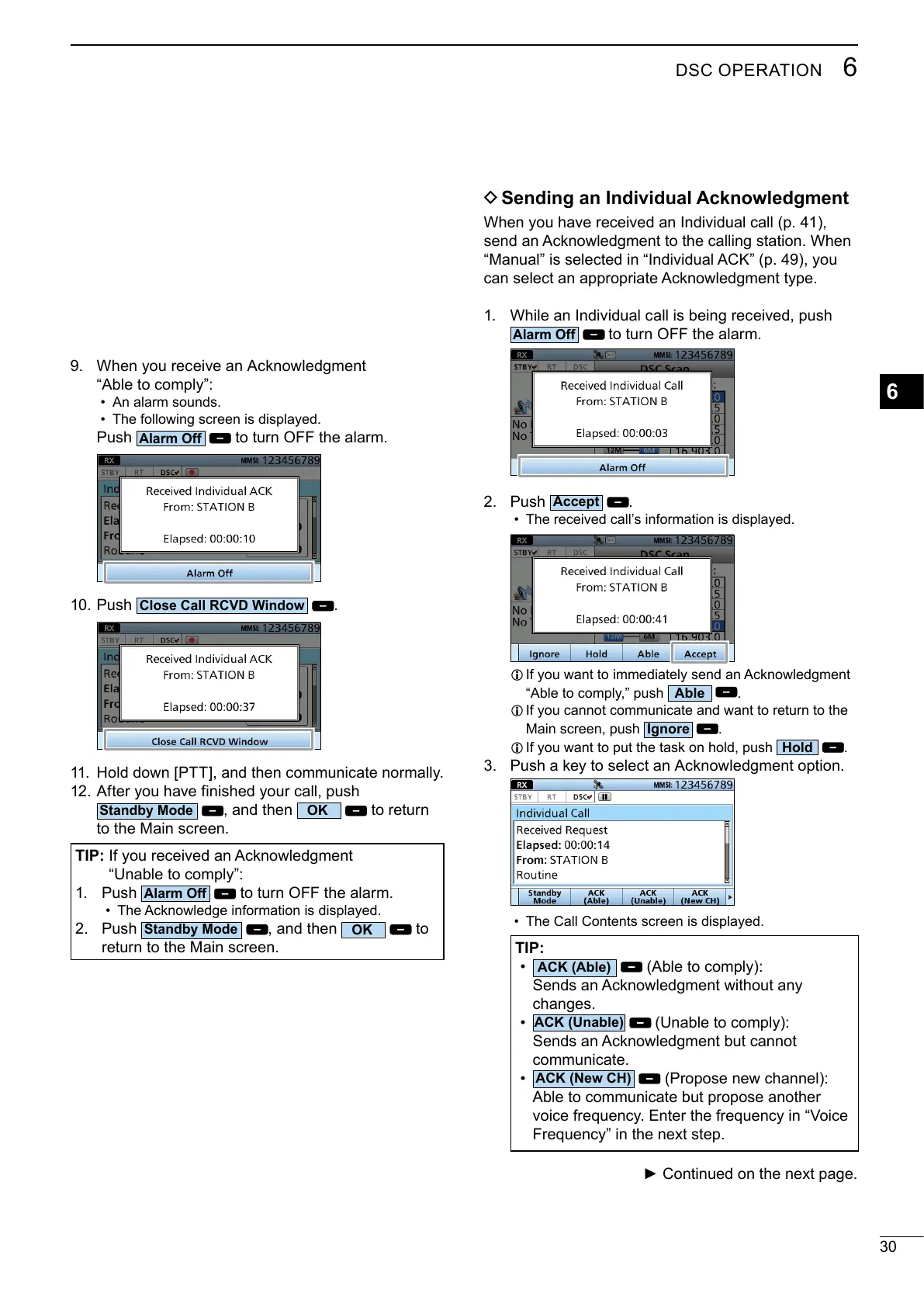
• An alarm sounds.
•
Push
to turn OFF the alarm.
10. Push
.
11.
12. After you have finished your call, push
, and then
to return
to the Main screen.
TIP:
1. Push
to turn OFF the alarm.
•
2. Push
, and then
to
return to the Main screen.
D Sending an Individual Acknowledgment
1.
to turn OFF the alarm.
2. Push
.
• The received call’s information is displayed.
L
.
L
Main screen, push
.
L
.
3.
• The Call Contents screen is displayed.
TIP:
•
changes.
•
communicate.
•
voice frequency. Enter the frequency in “Voice
Frequency” in the next step.



 To Next Page