EasyManua.ls Logo

Icom IC-M804 - Auto Tune; External Tuner; Noise Reduction; Radio Settings

Icom IC-M804
88 pages
Print Icon
To Next Page IconTo Next Page
To Previous Page IconTo Previous Page
Loading...
58

7
7
3. 
Exit
to return to the Main
screen.
Compatible PGN list
Receive
059392 
059904 
060160 
060416 
Management
060928 
065240 
126208 NMEA
126464 
126996 
129026 

129029 

Transmit
059392 
059904 
060416 
Management
060928 
126208 
126464 
126993 
126996 
126998 
129026 

129029 

129808 
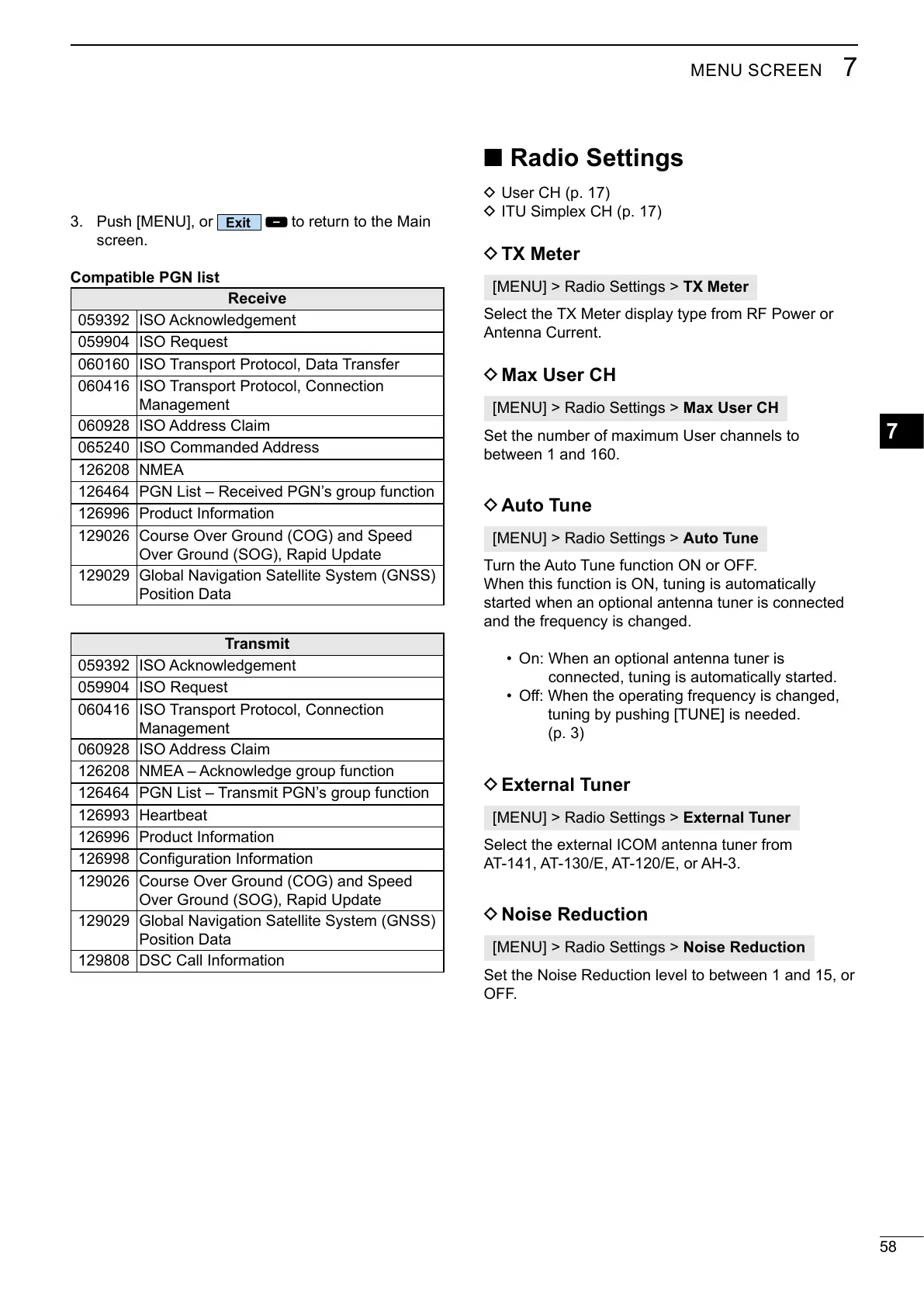
Radio Settings
D 
D 
D TX Meter
TX Meter


D Max User CH
Max User CH
Set the number of maximum User channels to
between 1 and 160.
D Auto Tune
Auto Tune
Turn the Auto Tune function ON or OFF.
When this function is ON, tuning is automatically
started when an optional antenna tuner is connected
and the frequency is changed.
On: When an optional antenna tuner is
connected, tuning is automatically started.
󰀨
tuning by pushing [TUNE] is needed.

D External Tuner
External Tuner


D Noise Reduction
Noise Reduction

OFF.

Table of Contents

Related product manuals