6
DSC OPERATION
■ DSC Settings
D Scanning Receiver (Continued)
When selecting or editing “ Routine frequency”
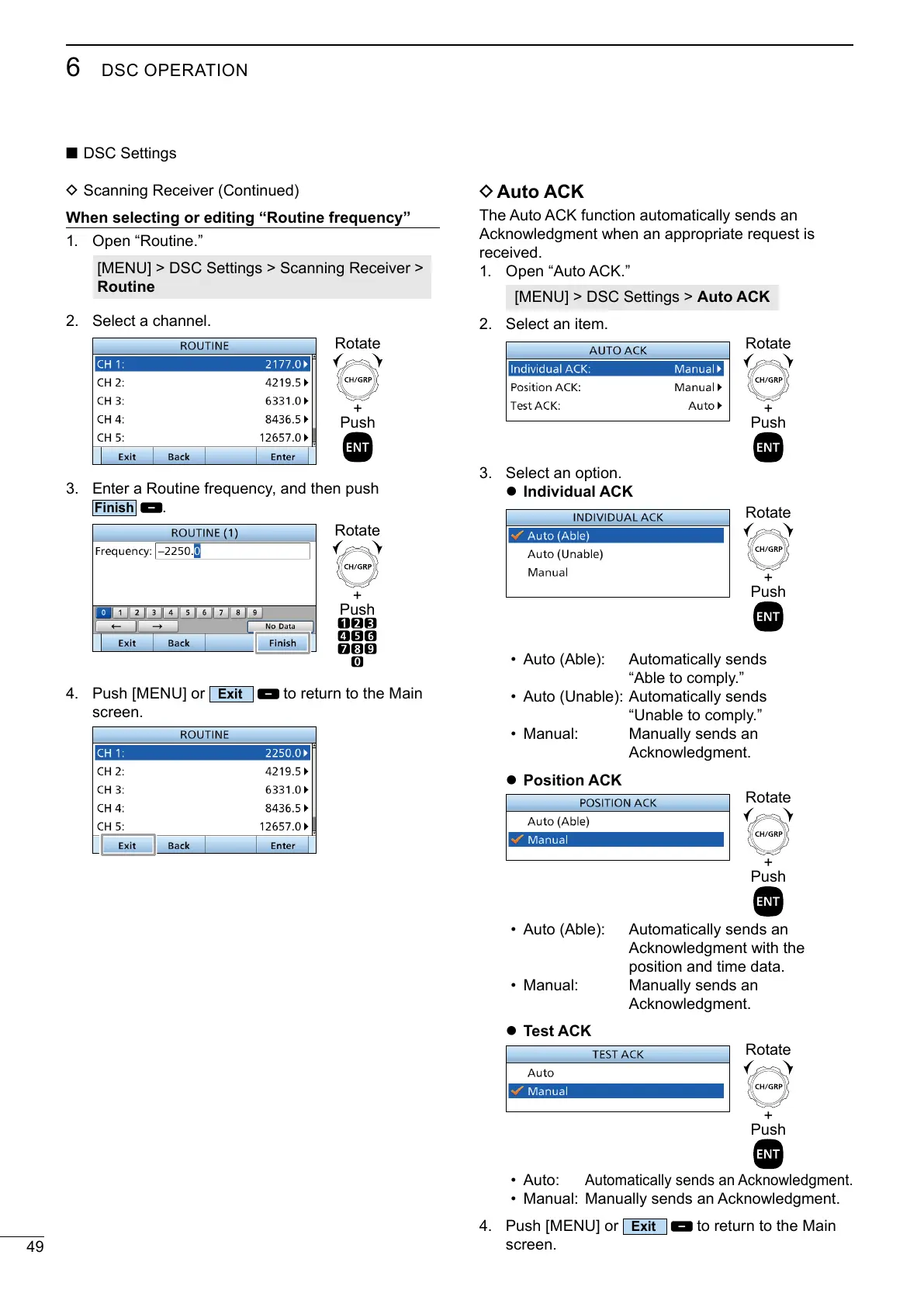
1. Open “Routine.”
[MENU] > DSC Settings > Scanning Receiver >
Routine
2. Select a channel.
+
Push
Rotate
3. Enter a Routine frequency, and then push
.
+
Push
Rotate
4. Push [MENU] or
to return to the Main
screen.
D Auto ACK
The Auto ACK function automatically sends an
received.
1. Open “Auto ACK.”
[MENU] > DSC Settings > Auto ACK
2. Select an item.
+
Push
Rotate
3. Select an option.
z Individual ACK
+
Push
Rotate
•
•
• Manual: Manually sends an
z Position ACK
+
Push
Rotate
•
position and time data.
• Manual: Manually sends an
z Test ACK
+
Push
Rotate
• Auto:
•
4. Push [MENU] or
to return to the Main
screen.



 To Next Page