50
DSC OPERATION
6
6
D NMEA Data Output
in this setting, the transceiver outputs the DSC data to
the NMEA output port.
L You can send Distress calls regardless of this setting.
1. Open
“NMEA Data Output.”
[MENU] > DSC Settings > NMEA Data Output
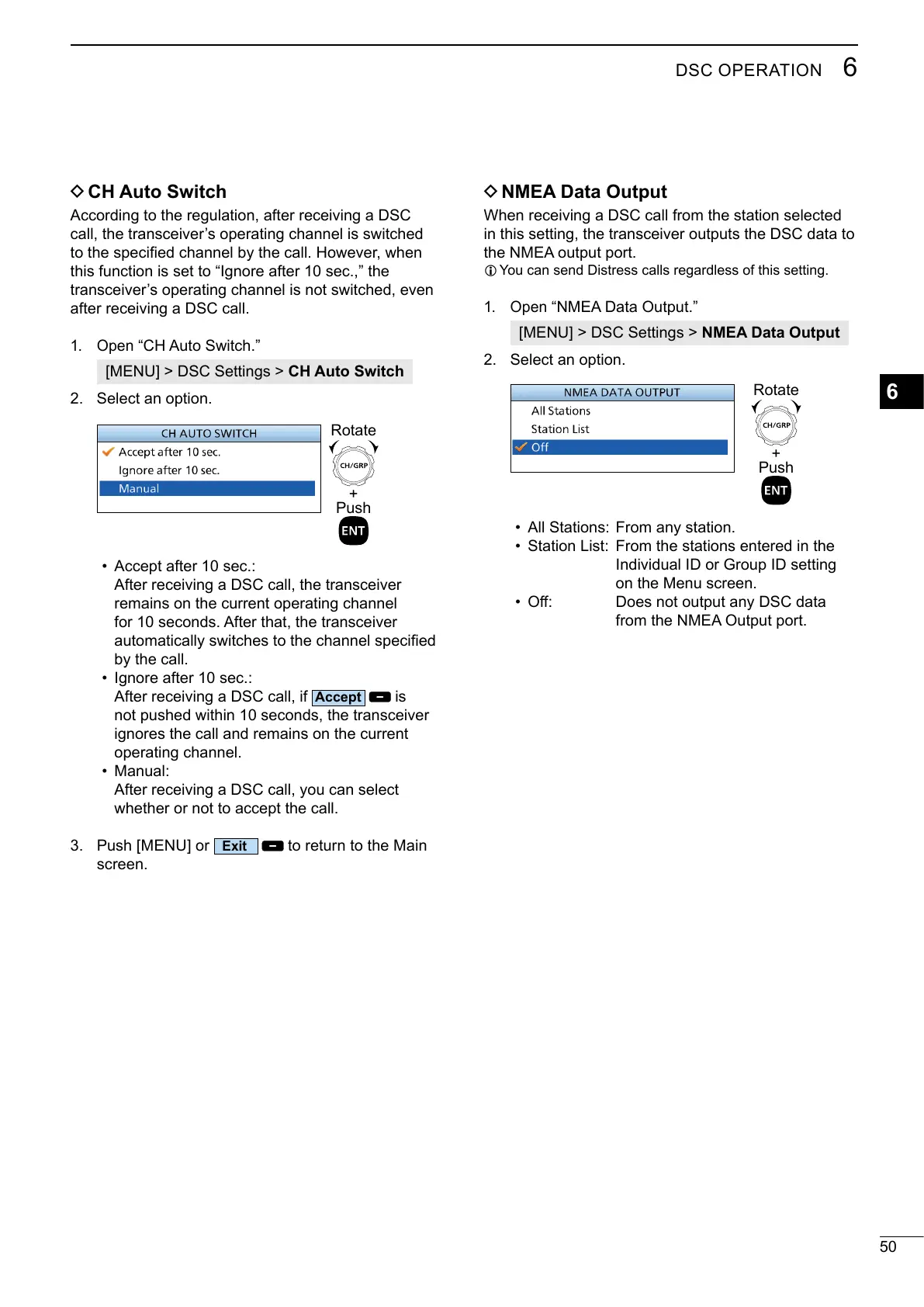
2. Select an option.
• All Stations:
From any station.
• Station List: From the stations entered in the
Individual ID or Group ID setting
on the Menu screen.
•
from the NMEA Output port.
D CH Auto Switch
According to the regulation, after receiving a DSC
this function is set to “Ignore after 10 sec.,” the
after receiving a DSC call.
1. Open
[MENU] > DSC Settings > CH Auto Switch
2. Select an option.
+
Push
Rotate
• Accept after 10 sec.:
After receiving a DSC call, the transceiver
remains on the current operating channel
for 10 seconds. After that, the transceiver
• Ignore after 10 sec.:
After receiving a DSC call, if
is
ignores the call and remains on the current
operating channel.
• Manual:
After receiving a DSC call, you can select
3. Push [MENU] or
to return to the Main
screen.
+
Push
Rotate



 To Next Page