Part 1 - Getting Started
11
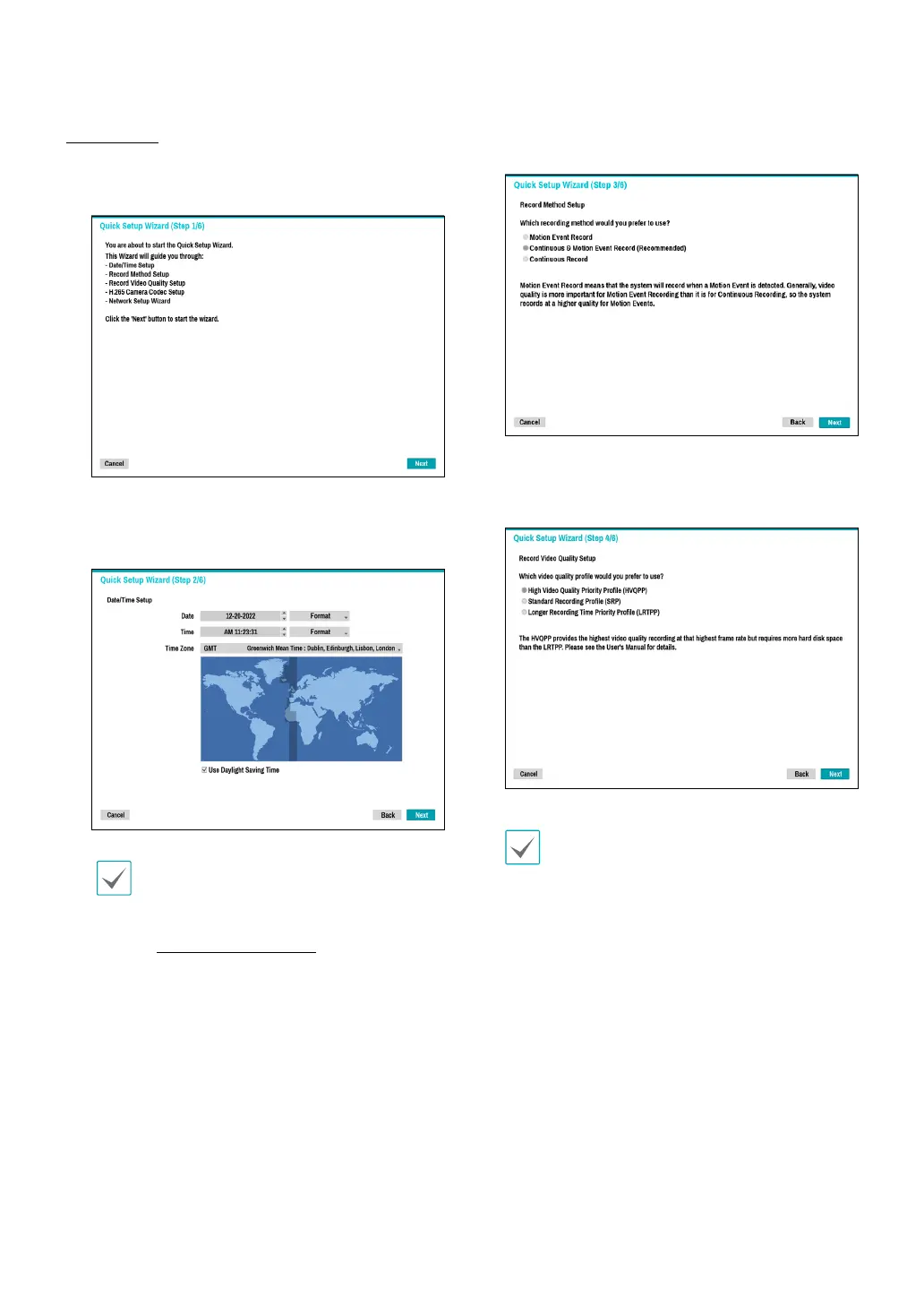
Quick Wizard
1
Select Quick Wizard.
2
Specify the current date and time and then click
Next.
•
The new date and time settings will only be
applied after clicking Next.
•
For more information on date and time
settings, refer to the Date/Time section under
System Setup on page 35.
3
Choose the desired Recording Method and click
Next.
4
Choose the desired Recording Quality and click
Next.
•
Higher recording quality uses up more disk
space.
•
Recording resolution is determined based on
the selected recording quality.
– High Video Quality Priority Prole: Very
high
– Standard Recording Prole: High
– Longer Recording Time Priority Prole:
Standard



 To Next Page