Part 2 - Conguration
87
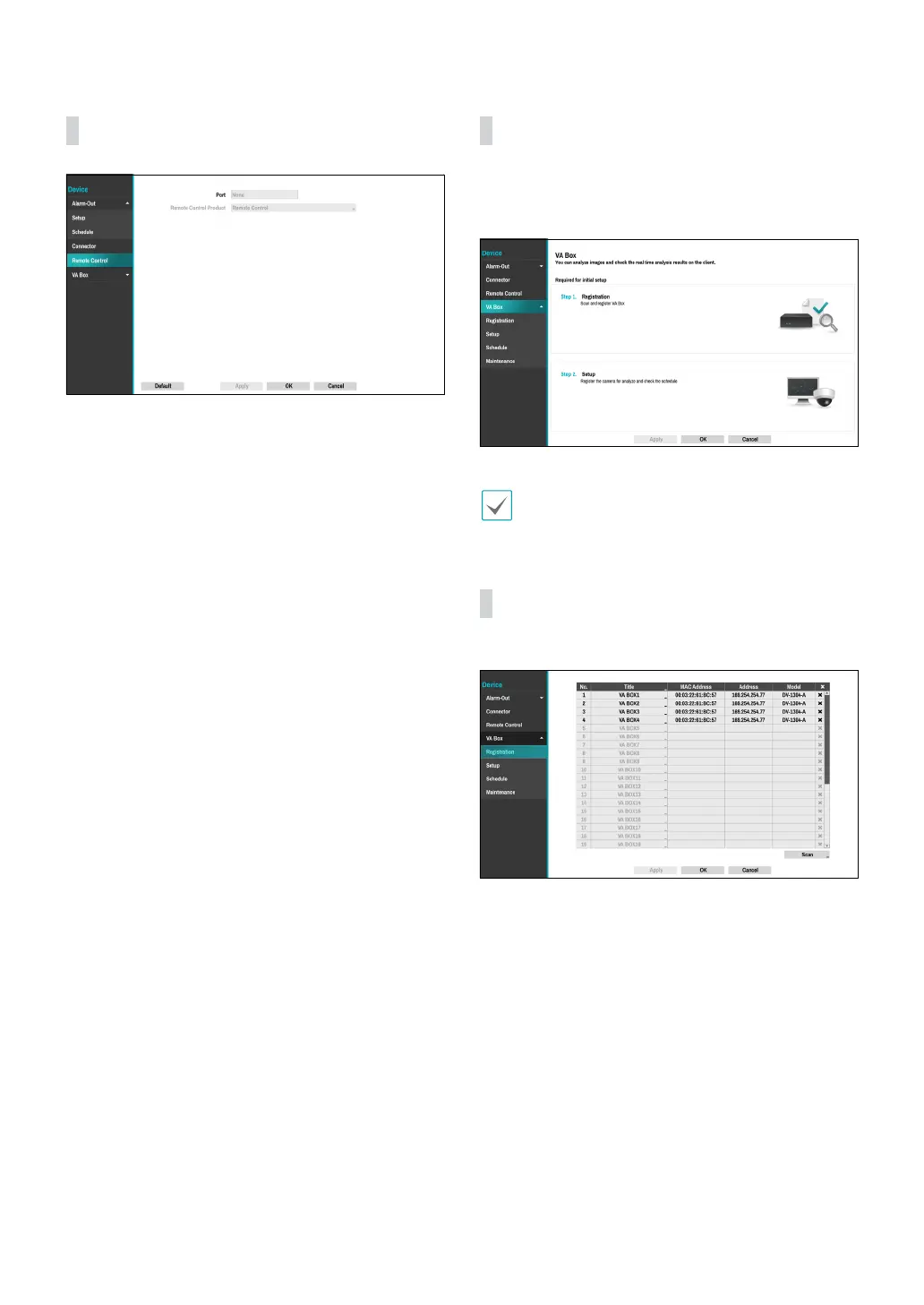
Remote Control
● Port: Indicates the remote control device connected
in the previous Connectors tab.
● Remote Control Product: Select remote control
products.
VA Box
By analyzing camera images, you can check real-time
analysis results from a client program such as the IDIS
Center.
VA Box can only analyze the video from the camera
using H.264 and H.265.
VA Box_Registration
You can register VA Box at remote locales.
● Title: Edit the VA Box’s name.
● MAC Address: Displays the VA Box’s MAC address
registered to the NVR.
● Address: Displays the VA Box’s IP address registered
to the NVR.
● Model: Indicates the VA Box’s model.
● Scan: Select to scan and register the device
connected to the NVR.



 To Next Page