Part 2 - Conguration
75
• In order to use the Callback feature, the NVR
must be registered on the remote program.
● When the analytic type is set to Intrusion
Detection in the Device - VA Box- Setup
tab, Use Ignoring Time option is not
dispalyed on the screen.
● To use the IDLA function, you need to set
up a time-lapse or pre-event recording
schedule in advance. Otherwise, the video
may not be displayed when searching the
event log.
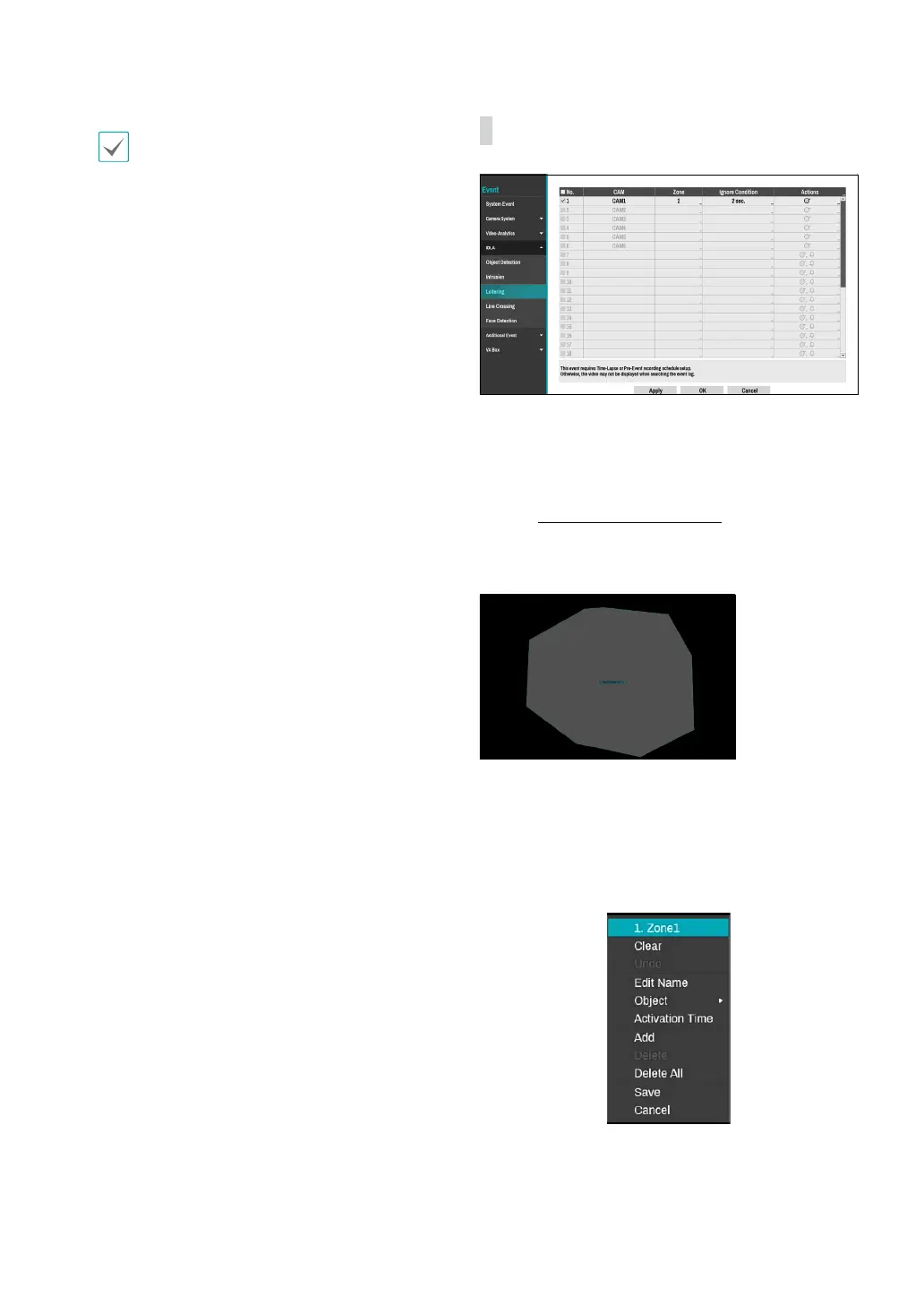
IDLA_Loitering
● No.: Select which cameras to apply Loitering to. It is
activated only when the analytic type is set to Loitering
in the Device - VA Box- Setup tab.
● CAM: Indicates the camera channel. VA BOX title is
displayed next to the camera channel number.
Refer
to the VA Box_Setup on page 88 for basic
information on setting the VA BOX.
● Zone: Set a zone to be detected as a polygon.
You can set a zone using the mouse. The zone is
displayed in transparent. Drag and drop the vertex to
modify the zone.
Right-click on the zone setup screen to bring up the
Intrusion Menu.



 To Next Page