Part 2 - Conguration
60
Advanced Mode Options
Select to congure event types and video proles.
● Type: Event-specic and time recording icons are as
follows:
Time Lapse
(Time)
Audio Detection
Alarm-In Trip Zone
Motion Tampering
Video Loss Text-In
Recording Fail
Camera Fan
Error
PIR
VA Loss
Loitering
Auto Track
Exceed
Occupancy Limit
Mask Rule
Violation
Social
Distancing
Violation
Queue
Congestion
Obejct Detection Line Crossing
Intrusion Face Detection
Network Alarm
● Video Prole: Congure the prole to use for
recording.
● Dwell: Specify how long to record for after a
corresponding event occurs.
• Upper-tier schedule's settings apply to
uncongured channels.
• If multiple events take place on a specic channel
and dierent Video Prole and Dwell Time settings
apply, highest settings apply to all event-linked
recordings.
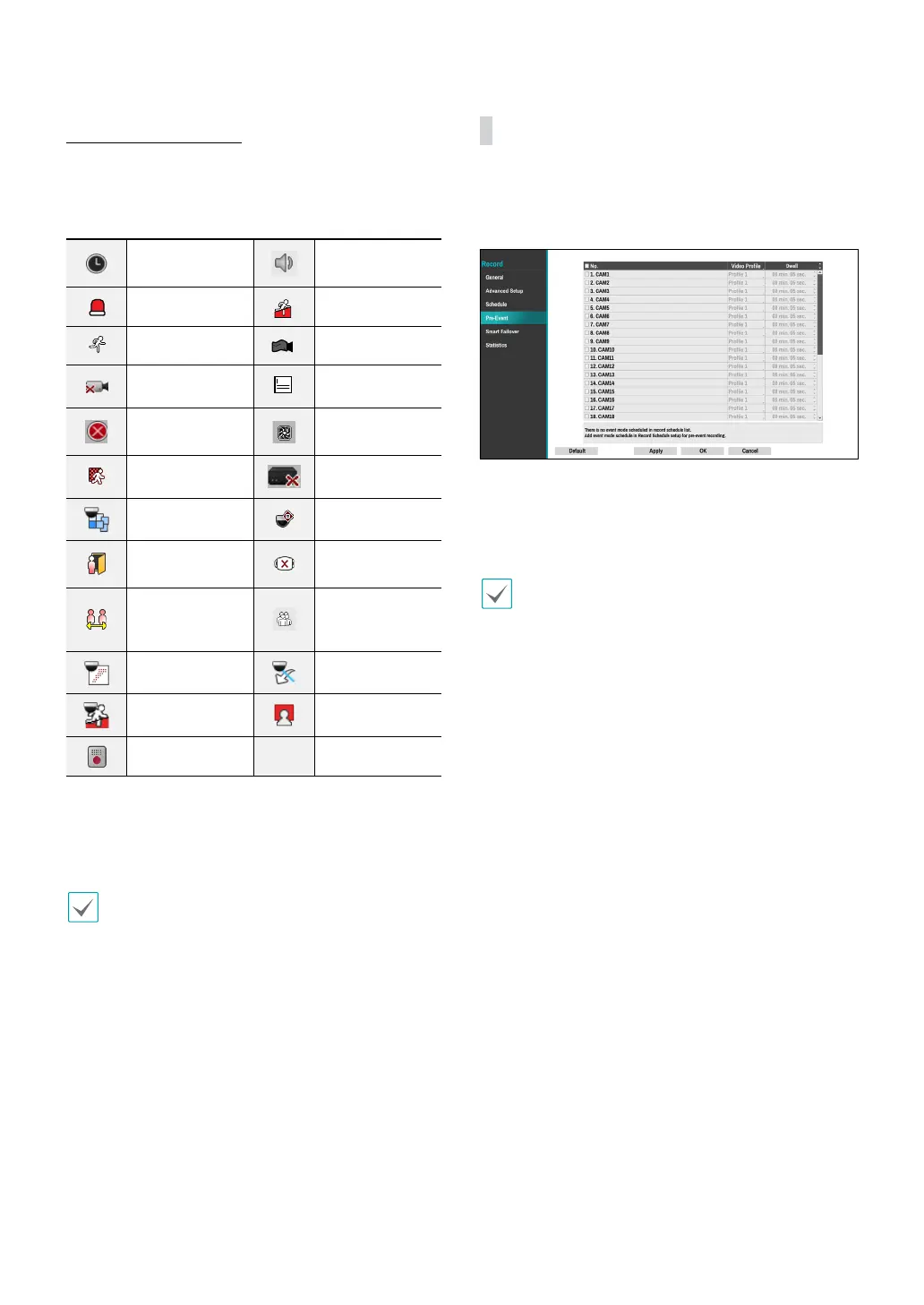
Pre-Event
When an event occurs, enabling this option includes
the specied duration prior to the event in the event-
triggered recording.
● No.: Select which cameras to apply Pre-Event to.
● Video Prole: Select a video prole for the recording.
● Dwell: Specify the duration of pre-event recording
data.
• If no event mode schedule exists in the schedule, a
warning message prompting you to add an event
mode schedule will be displayed.
• The warning message will appear even in Time &
Event mode.
● To use the IDLA function, you need to set up
a time-lapse or pre-event recording schedule
in advance. Otherwise, the video may not be
displayed when searching the event log.



 To Next Page