Part 2 - Conguration
53
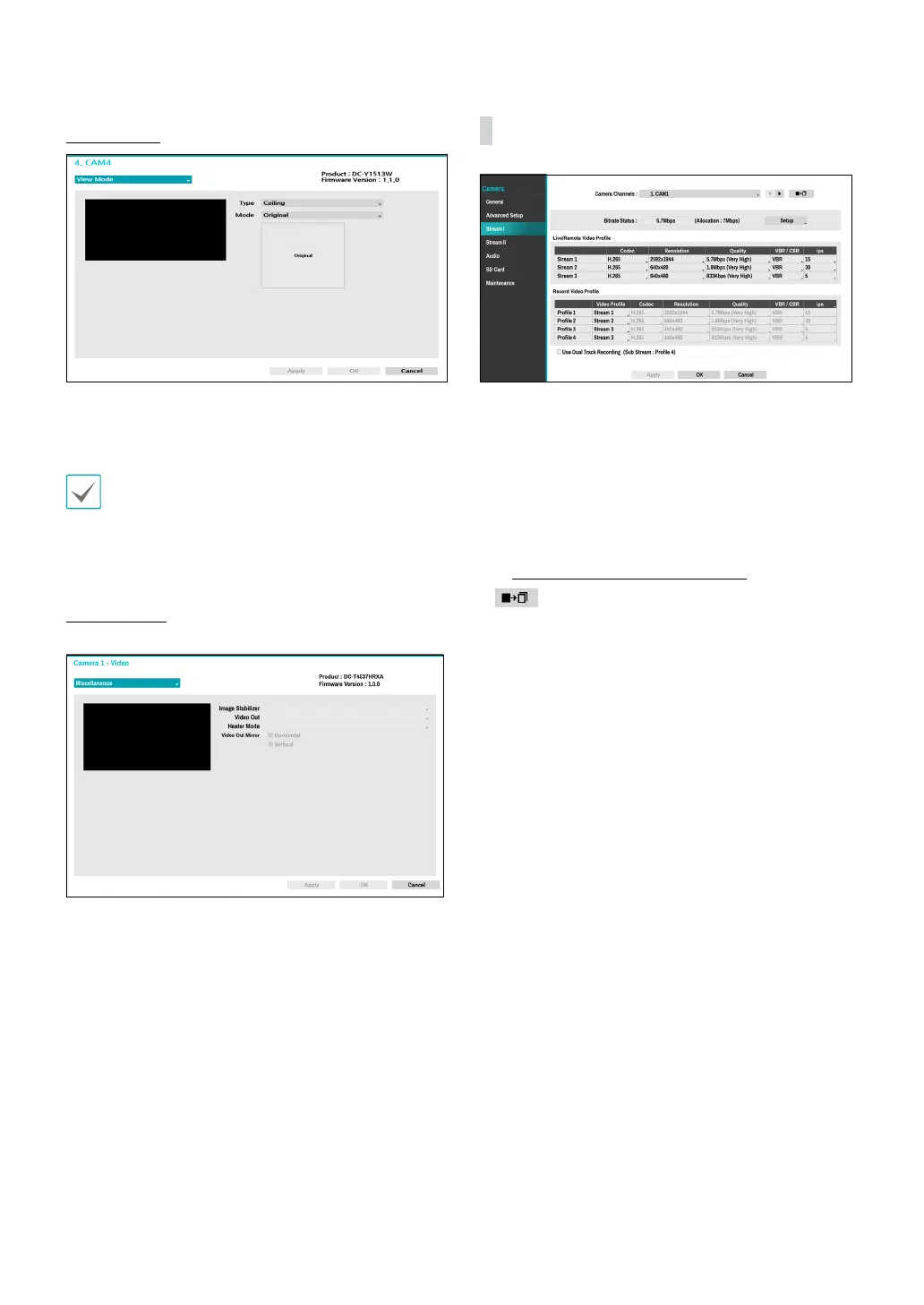
View Options
● Type: Selects the camera view.
● Mode: Selects the screen layout in live mode.
• Dewarping feature is not supported when mode is
set to the original.
• When changing the view mode, the resolution will
be applied automatically.
Miscellaneous
● Image Stabilizer: Activate Image Stabilizer. The
Image Stabilizer reduces blurring caused by camera
shake that results from external conditions such as
the wind.
● Video Out: Select NTSC or PAL as the method of
camera analog video output.
● Heater Mode: Set whether to use the heater. If On,
the heater will operate if the camera’s temperature is
lower than the heater operating temperature. If O,
the heater will not operate regardless of temperature.
● Video Out Mirror: If the video output is CVBS, the
screen can be inverted.
Stream I
Congure the camera’s live and recording resolution,
codec, picture quality, transfer speed, and ips speed
settings.
● Camera Channels: It’s possible to congure a unique
video prole for each camera.
● Bitrate Status: Display the highest value of stream.
Click the Setup button to change the allocation for
each channel. For more information on bitrate, refer
to Camera View Buttons on page 17.
●
: Apply the video prole settings of the camera
selected under Camera Channel to a dierent camera.
● Live/Remote Video Prole: Check the current Live
video picture quality and edit remote video prole
settings.
● Record Video Prole: Set up 4 recording quality
proles.



 To Next Page