Part 2 - Conguration
113
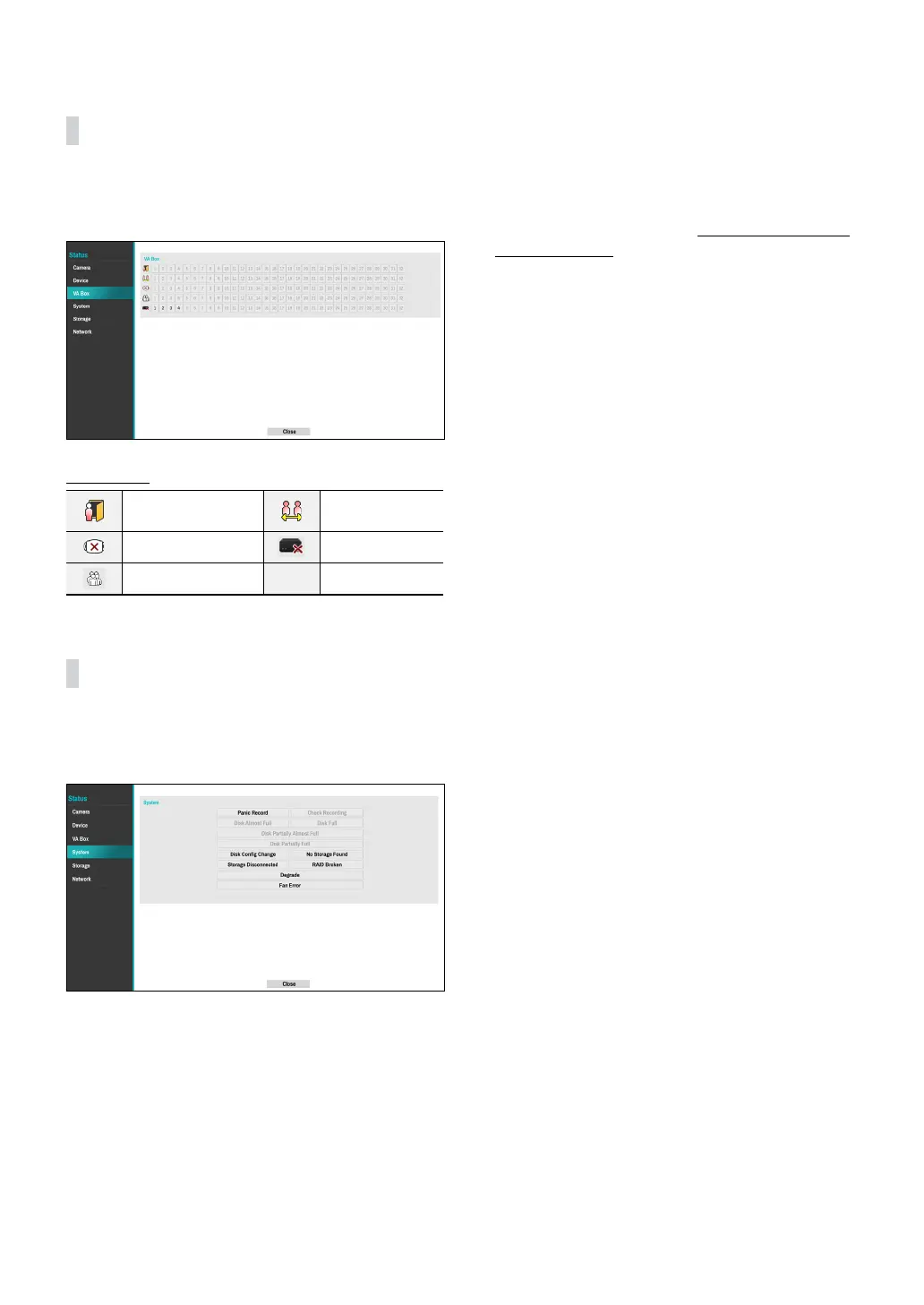
VA Box
This screen displays an overview of VA Box events.
When an event occurs, the corresponding channel
ashes for 5 seconds.
Event Types
Exceed Occupancy
Limit
Social Distancing
Violation
Mask Rule Violation VA Loss
Queue Congestion
System
This screen displays an overview of system events.
When an event occurs, the corresponding channel
ashes for 5 seconds.
● Panic Record: Displays event status based on current
Panic Record status.
● Check Recording: Displays event status based on
System Monitoring settings.
● Disk Almost Full/Disk Full: If the storage device is
not in Recycle status, event status is displayed when
the amount of disk space specied under System
Monitoring is reached and when the disk becomes
100% full.
● Disk Partially Almost Full / Disk Partially Full: If the
storage device is not in Recycle status, event status is
displayed when a disk in one of multiple quota groups
reaches a specied capacity or disk usage reaches
a specied capacity under System - Monitoring. For
more information, refer to the Mirror Conguration
Error on page 41.
● Fan Error: Event is indicated when the cooling fan
cannot reach a certain RPM or fails for longer than 50
seconds.
● Storage Disconnected: Event status is displayed
when the storage device is abruptly disconnected.
● Disk Cong Change: It will be highlighted when
the NVR reboots after the hard disk drive has been
replaced.
● RAID Broken: Event status is displayed when the
mirroring conguration is broken.
● Degrade: Event status is displayed when one of the
HDDs composing mirroring is in error.
● No Storage Found: It will be highlighted when no
recordable storage device has been found.



 To Next Page