Part 2 - Conguration
37
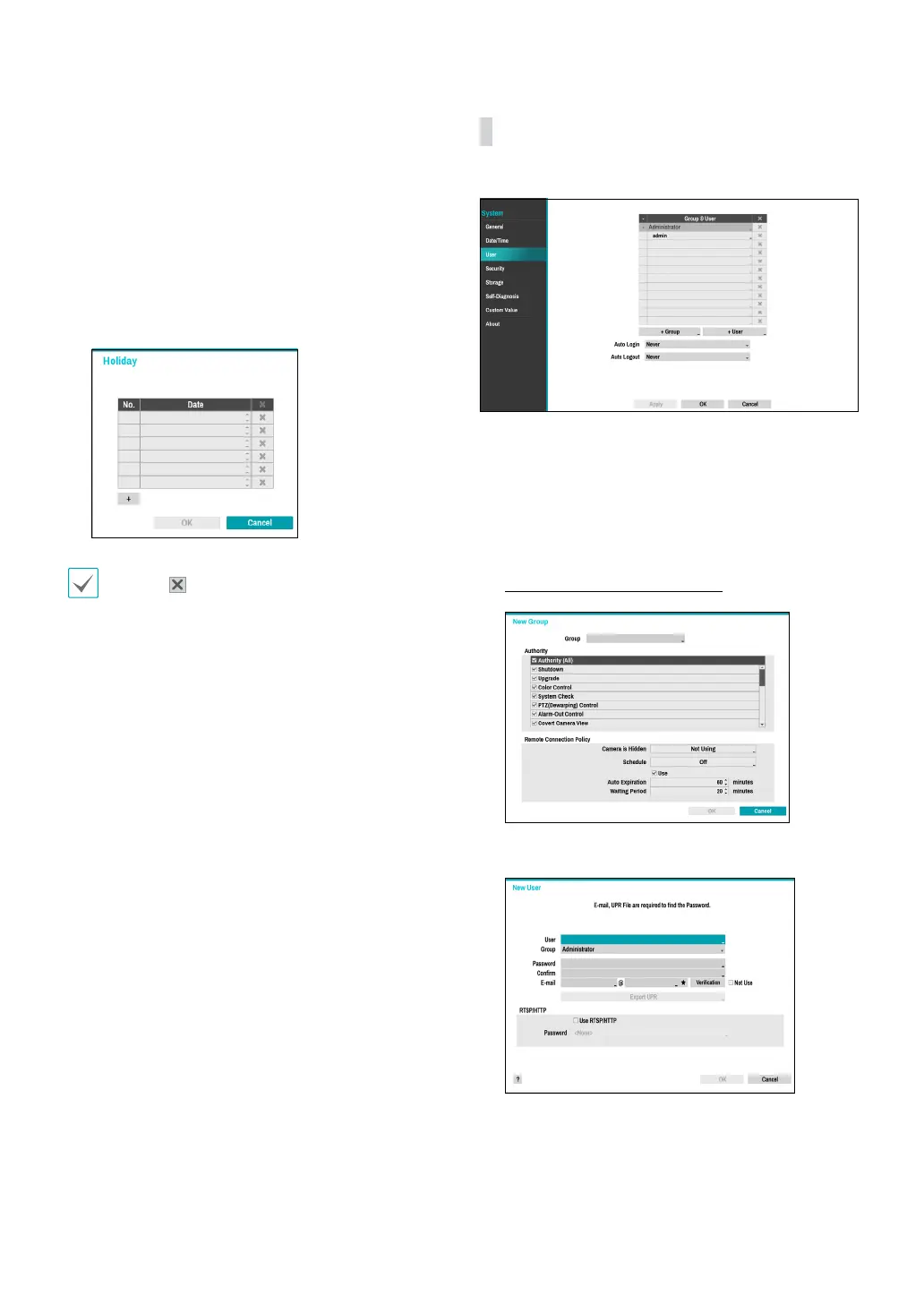
● Holiday: Designate holidays. On specied holidays,
recording takes place according to the holiday
recording schedule specied under Record Schedule.
1
Select the + button at the bottom of the window.
2
Select a date.
3
Select OK to apply and exit.
Select the icon to delete the existing holiday date.
User
Use this option to register users and assign permissions.
1
Select + Group and enter a group name. A group
name can be up to 15 characters in length.
2
Specify the group’s permission settings. For more
information on permission settings, refer to the
Group Permissions on page 38.
3
Select + User and then enter a user name.



 To Next Page