Part 2 - Conguration
34
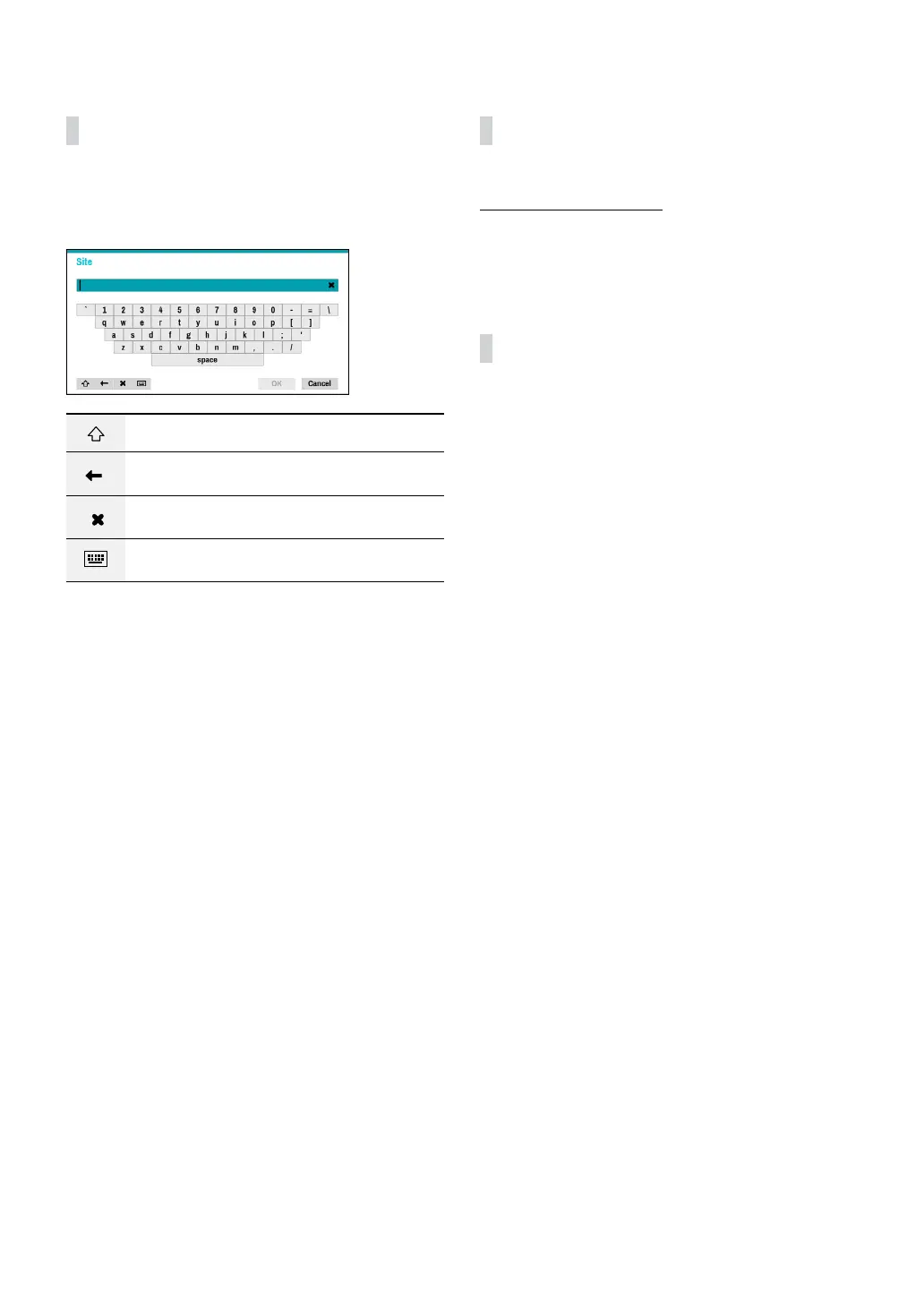
Text Input via Virtual Keyboard
Use the remote control’s arrow buttons to select a
virtual keyboard key and then press the remote control’s
$ button or click on the key using the mouse.
Toggle case.
Deletes the character to the left of the cursor.
Deletes the character to the right of the
cursor.
Converts keyboard.
Batch Assignment
Certain table-format menus such as the shown in the
Camera Setup on page 44 allow you to change
the title value. In this case, changing the title value
simultaneously changes all other entry values on the
same row.
Mouse
Using a mouse makes it easier to congure the settings.
A mouse lets you make selections faster and use its
wheel to scroll through long menus. You can also use
the mouse wheel to increase/decrease numerical values.



 To Next Page