33
Menu Use
Information contained in this section (Menu Use)
applies to all other instructions found throughout Part
2 - Conguration.
Menu Icon
Use the virtual keyboard to enter text.
Type the text.
Open a drop-down menu.
X Delete the item.
Change the order of table entries.
Change the range of values.
Add new items or works.
Indicate that there are predened items for
convenience.
Display the submenu or pop-up window.
(except for information, error and alert
windows)
Login with an ID that has permission to access the setup
menu is needed to access and make changes to the
Setup menu.
When using Use 2FA feature, registered mobile device
must be authenticated before entering the setup
menu. For more information on 2FA function, refer to
Use 2FA on page 39.
1
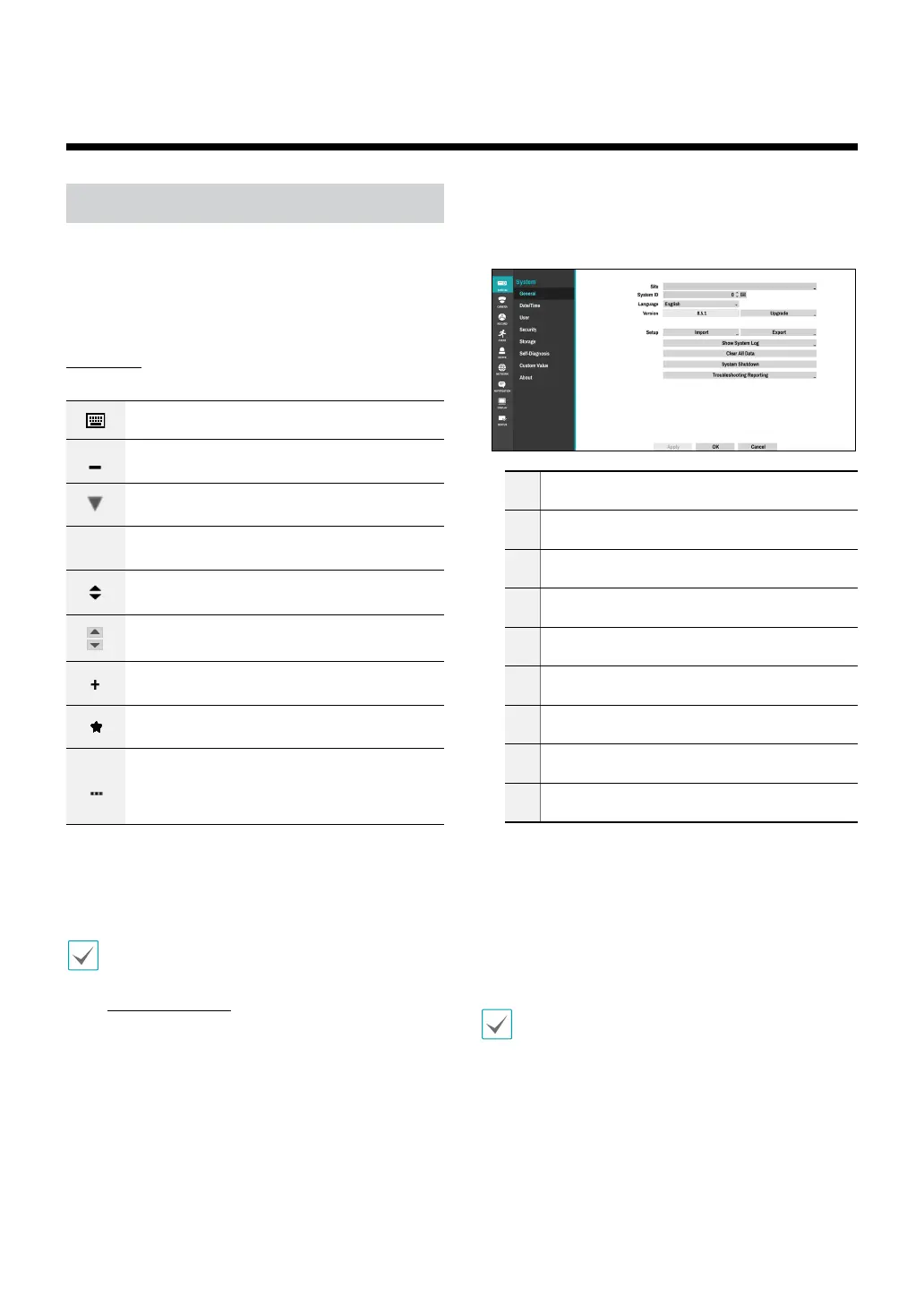
While in Live mode, press the remote control's
SETUP button or select Live menu > Setup using the
mouse.
1
2
3
4
5
6
7
8
9
1
System Setup
2
Camera Setup
3
Record Setup
4
Event Setup
5
Device Setup
6
Network Setup
7
Notication Setup
8
Display Setup
9
Status Setup
2
Use the remote control’s arrow buttons to select
an option and then press the remote control’s $
button or left-click on the option using the mouse.
3
Change the setting and then select Apply or OK to
save the change.
To apply default settings, select the Default button
located on the left bottom corner of the setup window.
Part 2 - Conguration



 To Next Page