Part 2 - Conguration
65
value between 1 sec and 5 secs or choose Never.
– Use Ignoring Time: Select Time Setup to specify
the audio detection ignore time of camera
channels. Audio detection will be disabled during
the specied time frame.
● Actions: Specify which actions to take when audio
detection events occur.
– Record: Specify which cameras to begin linked
recording on when an event occurs. If the schedule
is set to Event or Time & Event mode, the selected
cameras will begin linked recording when an event
occurs.
– Alarm-Out: Designate event-triggered alarm-out
channels (each for the NVR and camera) and beeps.
– Notify: Congure to be notied of events by Mail,
LAN1 through 5, Push, FTP, and/or Alert Window.
– PTZ: Moves the PTZ camera to a specic preset
position when an event occurs.
– Event Monitoring: Selects the cameras to monitor
when an event occurs.
In order to use the Callback feature, the NVR must be
registered on the remote program.
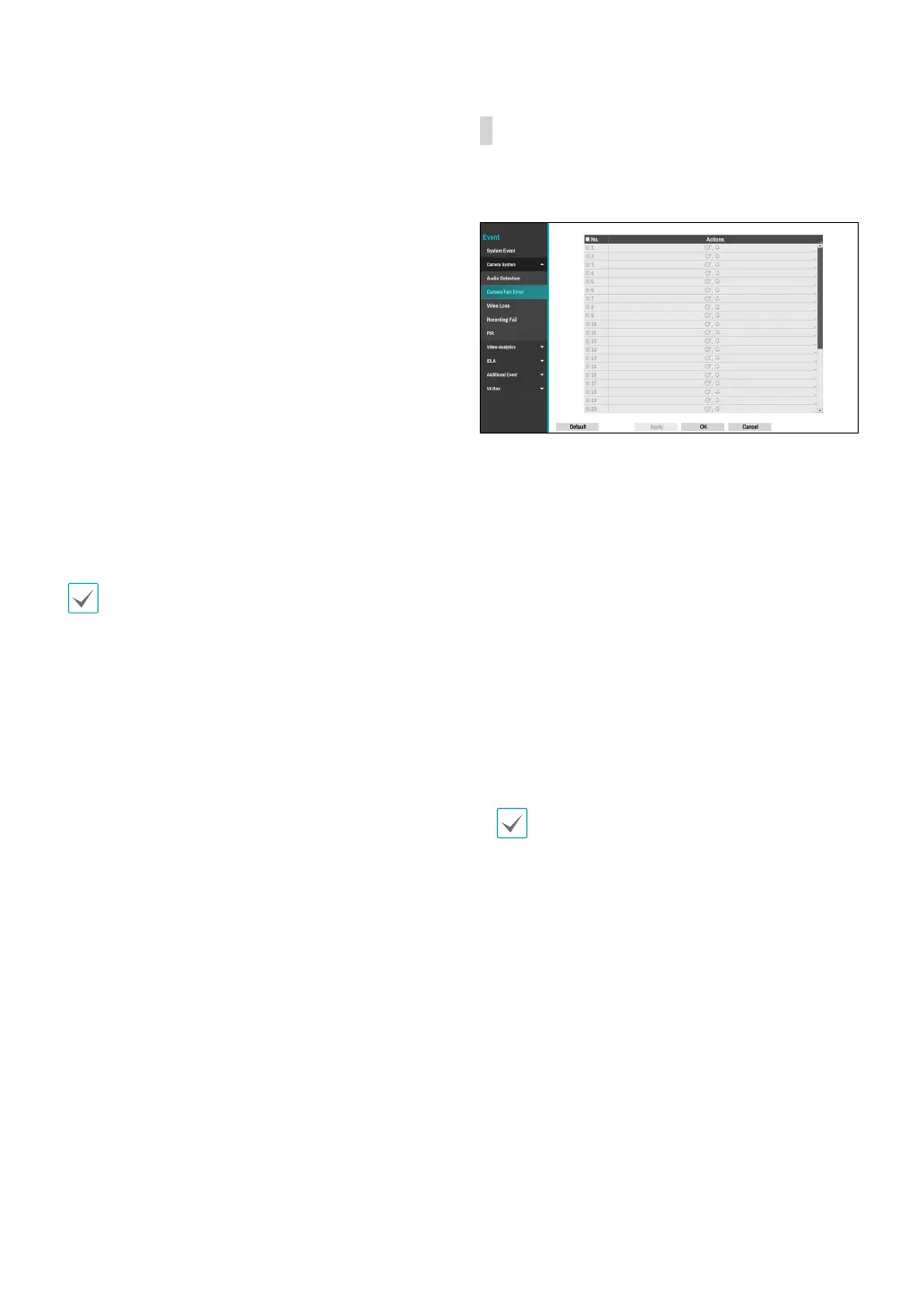
Camera System_Camera Fan Error
The event occurs when the fan has stopped in the fan
mounted camera.
● No.: Select which cameras to apply Fan Error to.
● Actions: Specify which actions to take when a Fan
Error event occurs.
– Record: Specify which cameras to begin linked
recording on when an event occurs. If the schedule
is set to Event or Time & Event mode, the selected
cameras will begin linked recording when an event
occurs.
– Alarm-Out: Designate event-triggered alarm-out
channels (each for the NVR and camera) and beeps.
– Notify: Congure to be notied of events by Mail,
LAN1 through 5, Push, FTP, and/or Alert Window.
– PTZ: Moves the PTZ camera to a specic preset
position when an event occurs.
– Event Monitoring: Selects the cameras to monitor
when an event occurs.
• In order to use the Callback feature, the NVR must
be registered on the remote program.
• In case of the camera that not supports camera
system event, the camera system feature will be
disabled.



 To Next Page