Part 2 - Conguration
112
Status Setup
Refer to the Menu Use on page 33 for basic
information on using the Setup menus.
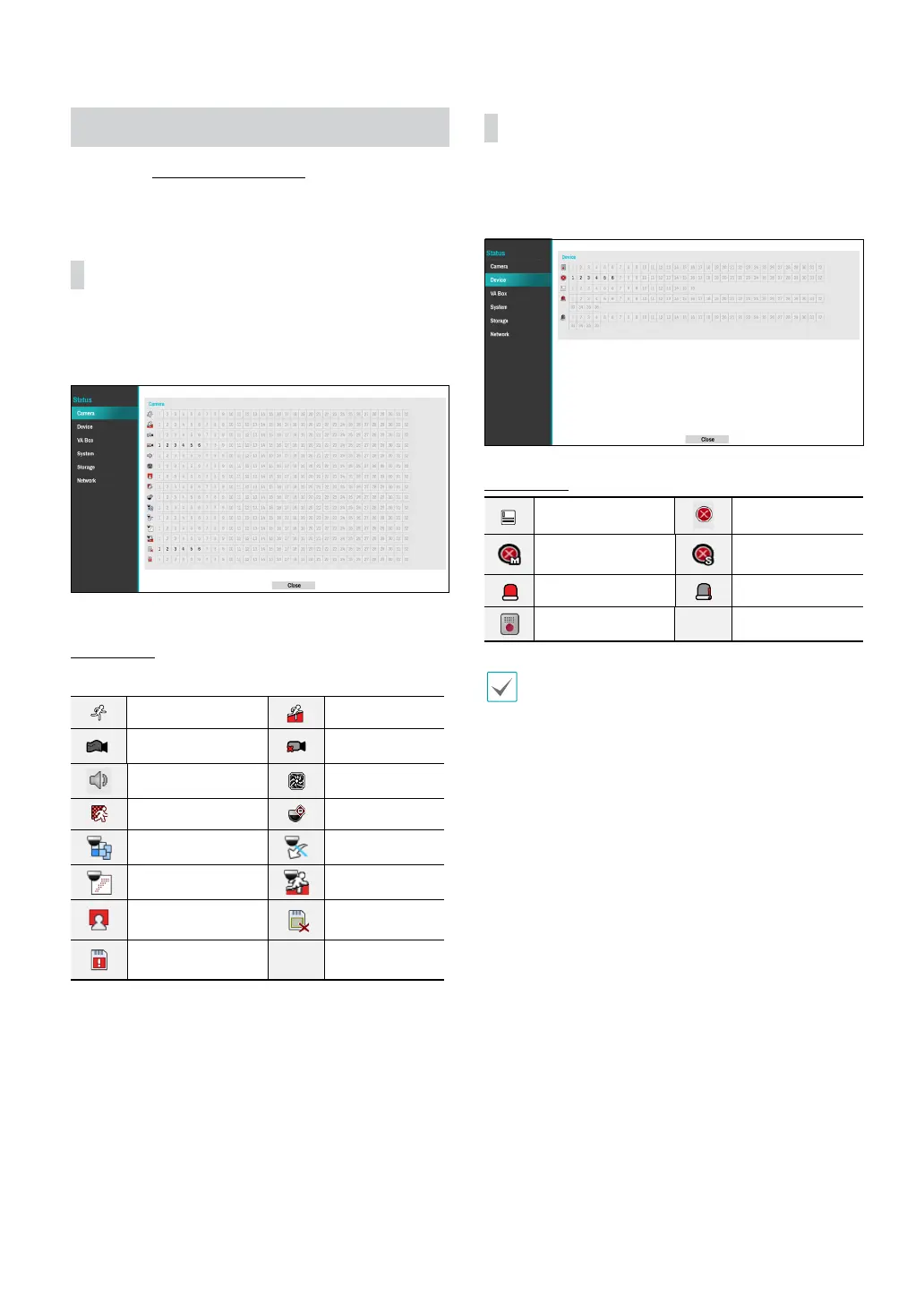
Camera
This screen displays an overview of camera events.
When an event occurs, the corresponding channel
ashes for 5 seconds.
Event Types
Motion Trip Zone
Tampering Video Loss
Audio Detection Camera Fan Error
PIR
Auto Tracking
Loitering Line Crossing
Obejct Detection Intrusion
Face Detection
Storage
Disconnected
Disk Bad
Device
This screen displays an overview of device events.
When an event occurs, the corresponding channel
ashes for 5 seconds.
Event Types
Text-In Recording Fail
**Recording Fail of
Main Stream
**Recording Fail of
Sub Stream
Alarm-In Check Alarm-In
Network Alarm
** The two events are supported by some products
only.



 To Next Page