Part 2 - Conguration
85
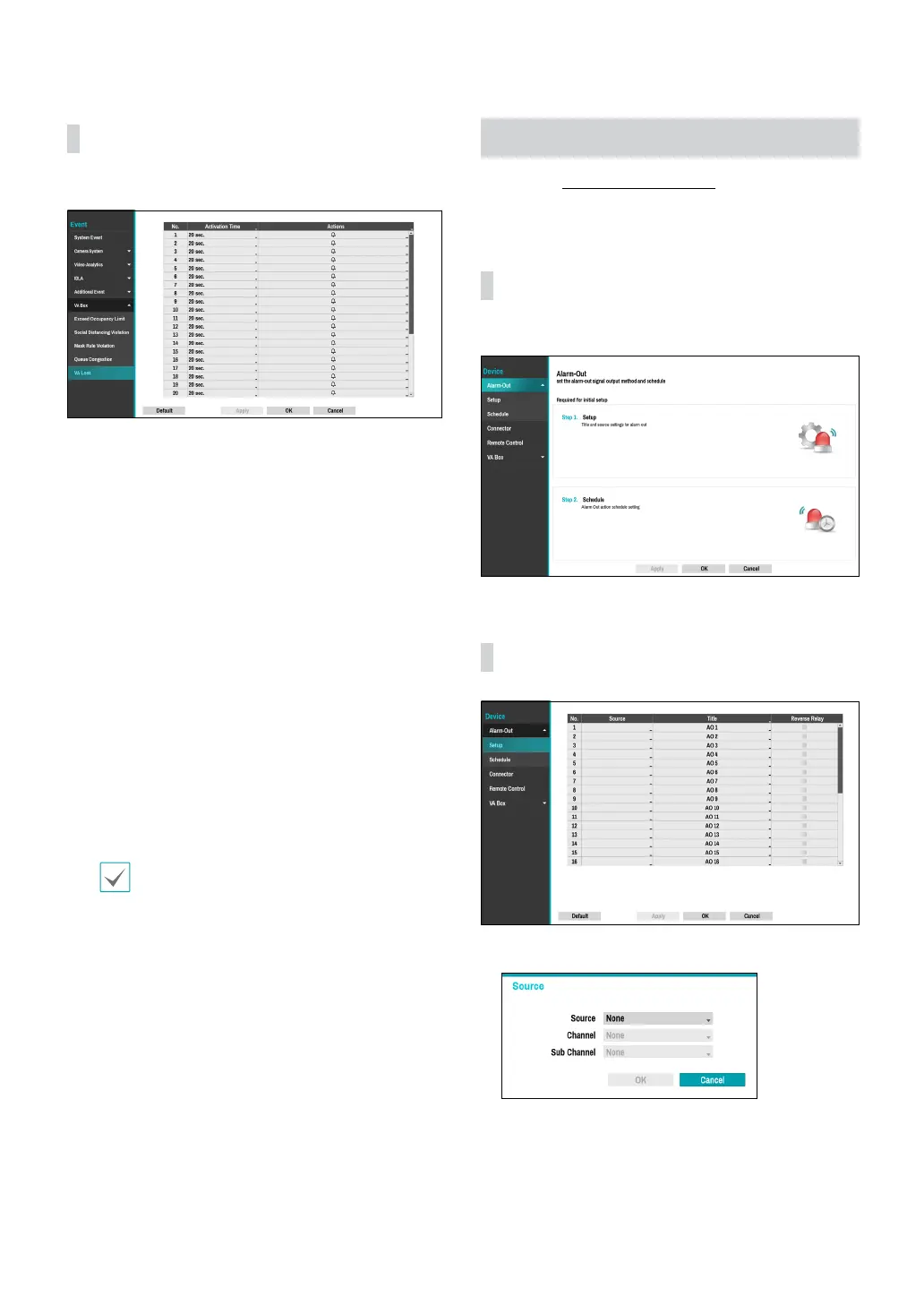
VA Box_VA Loss
This event occurs when VA Box does not operate normally.
● Activation Time: Specify how long VA loss has to last
in order for it to be considered as an event. When the
VA loss is not detected for the specied duration of
time, it will not be considered as an event.
● Actions: Specify which actions to take when a VA loss
event occurs.
– Record: Specify which cameras to begin linked
recording on when an event occurs. If the schedule
is set to Event or Time & Event mode, the selected
cameras will begin linked recording when an event
occurs.
– Alarm-Out: Designate event-triggered alarm-out
channels (each for the NVR and camera) and beeps.
– Notify: Congure to be notied of events by Mail,
LAN1 through 5, Push, FTP, and/or Alert Window.
– PTZ: Moves the PTZ camera to a specic preset
position when an event occurs.
– Event Monitoring: Selects the cameras to monitor
when an event occurs.
In order to use the Callback feature, the NVR must
be registered on the remote program.
Device Setup
Refer to the Menu Use on page 33 for basic
information on using the Setup menus.
Alarm-Out
A list of events for setting up Alarm-Out.
Alarm-Out_Setup
● Source: Specify the device to use for Alarm-In event.
– Channel: Set the channel of the source you set.
– Sub Channel: Set the sub channel of the source
you set.



 To Next Page