Part 2 - Conguration
54
● Video Prole: Select Stream 1, Stream 2, Stream 3,
or Custom (available from Record Video Prole only).
– Codec: Supports H.264 and H.265.
– Resolution: Select a resolution supported by the
camera. Maximum available resolution is chosen
automatically based on the selected video prole.
– Quality: Assign dierent Quality settings to
dierent cameras.
– VBR/CBR: Select VBR or CBR. Transmitted data size
varies depending on the amount of movements in
the images with VBR but is xed with CBR.
– ips: Select a value between 1 and 30. Maximum ips
is determined automatically based on the selected
video prole.
● Use Dual Track Recording: Set to record with the
video prole value (main stream) set in the schedule
and record with the prole 4 value (sub stream) at the
same time.
• It displays as below when recording on a network
video recorder.
– If the screen layout is less then 3x3, video
prole (main stream) is displayed and if it
is larger than 3x3, prole 4 (sub stream) is
displayed.
– If the channel is larger than 3x3 size on the
screen layout such as 1+7 and 1+12, the
video prole (main stream) is displayed rst
but otherwise the prole 4 (sub stream) is
displayed rst .
• This function is supported only for cameras
supporting dual recording function.
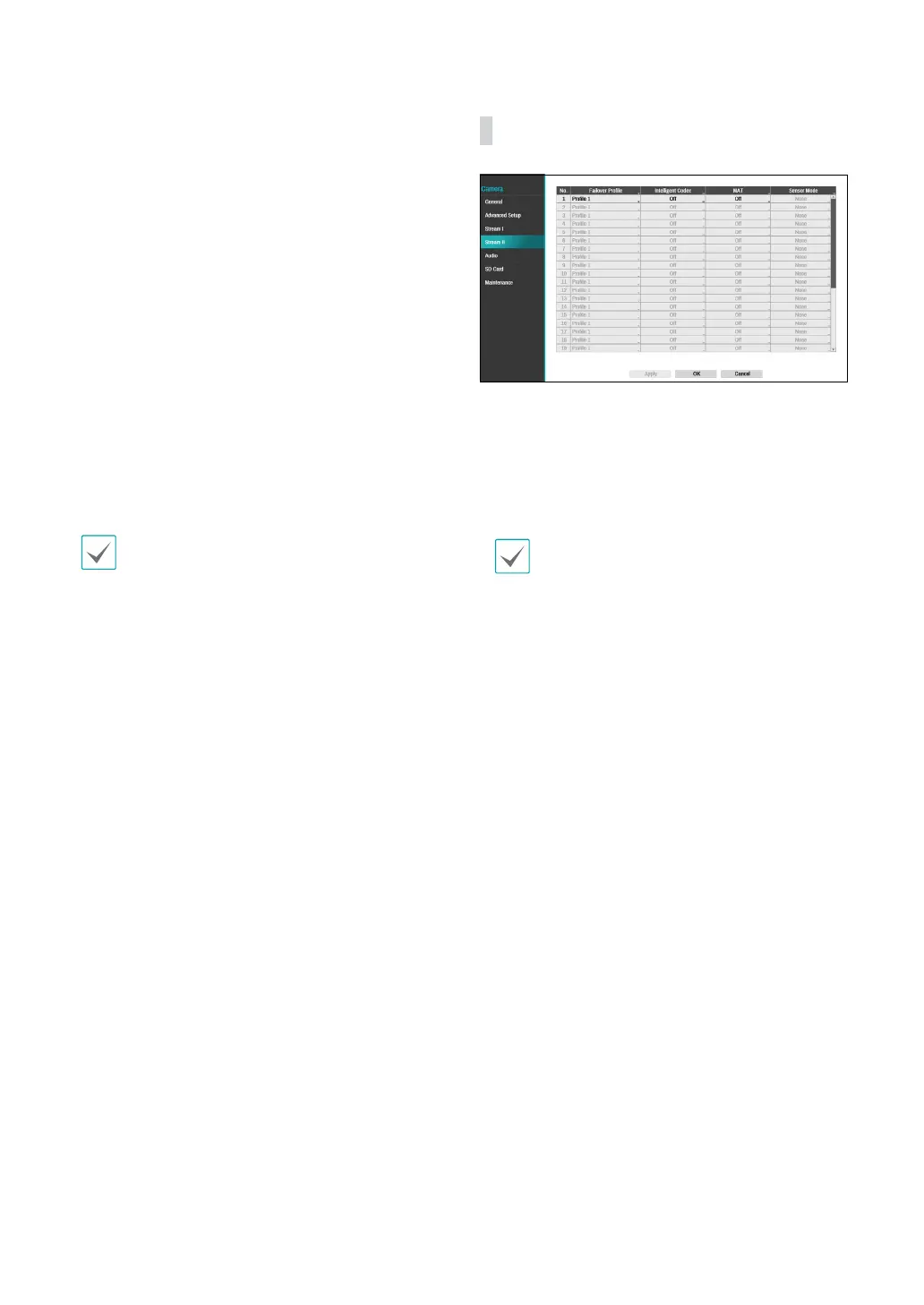
Stream II
Congure the camera’s failover prole, intelligent codec
and MAT settings.
● Failover Prole: Select a video prole for the smart
failover recording.
● Intelligent Codec: Lower bitrate by using the
intelligent codec.
• Some camera models may not support the
Intelligent Codec function.
• When using intelligent codec function, the
start of some functions, such as clip copy or clip
attachment can be changed to an earlier point
than the selected point.



 To Next Page