Part 2 - Conguration
40
• 2FA device registration is supported only via IDIS
Mobile app.
• Only the administrator account user can congure
this option.
• The maximum number of device that can be
registered is 16.
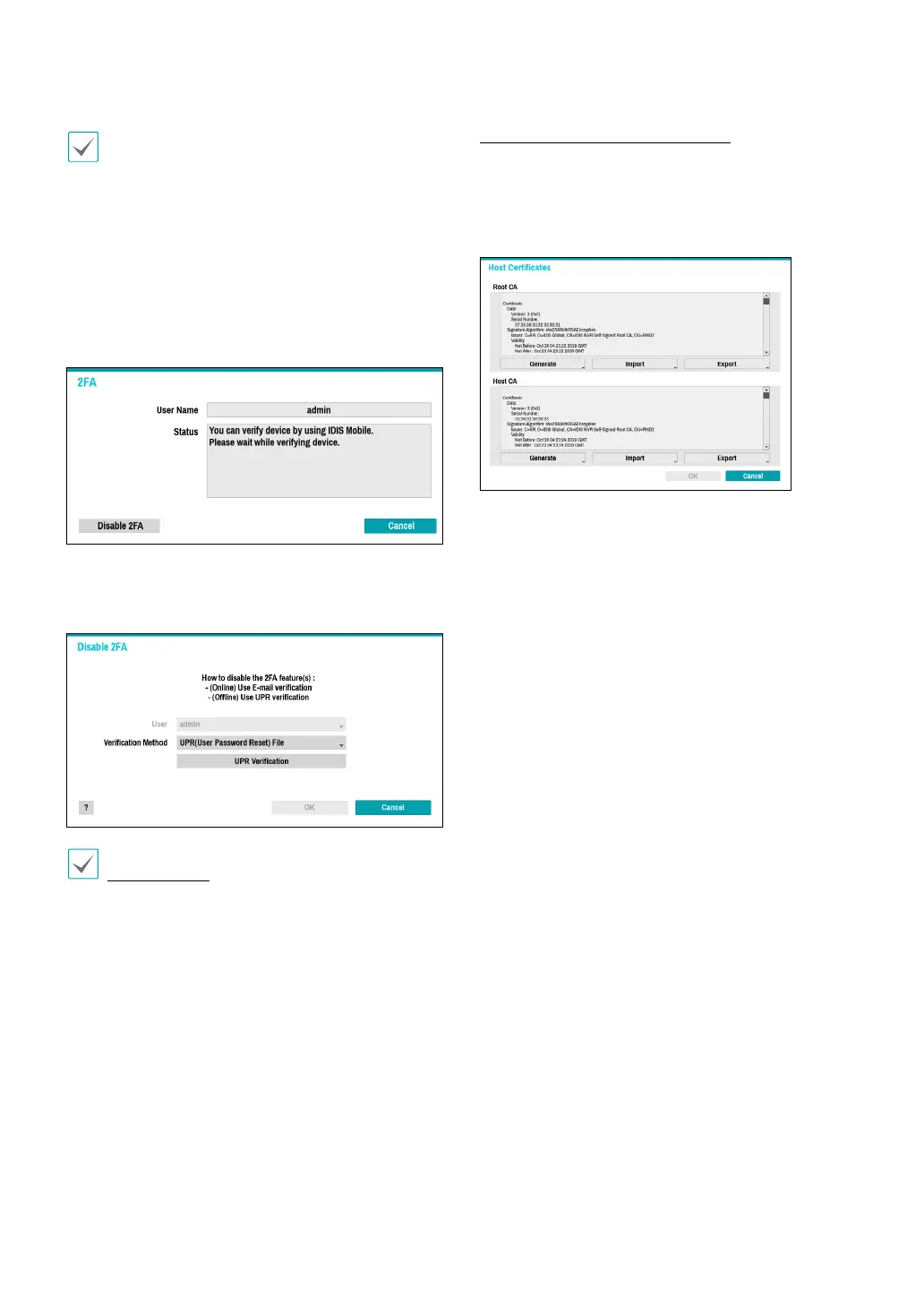
When the mobile device registration is complete, the
following message will appear. Click Disable 2FA at
the bottom left corner of the screen to deactivate 2FA
function via the email of an administrator user account.
To use email authentication, the FEN setup must be
congured. To use UPR function, the UPR le must be
saved in advance.
For more information on saving the UPR le, refer to
User on page 37.
Network Security (Host Certicates)
This is the certicate management menu for network
security access. It supports checking the product certicate
information, creating the new certicate, exporting and
importing certicates.



 To Next Page