Part 2 - Conguration
63
Monitoring Options
System
Dene monitoring times. If self-
diagnosis is not performed on a
regular basis, the system will assume
an error.
Bootup,
Restart,
Shutdown
Dene bootup, restart and
shutdown actions.
Panic Record Dene panic recording actions.
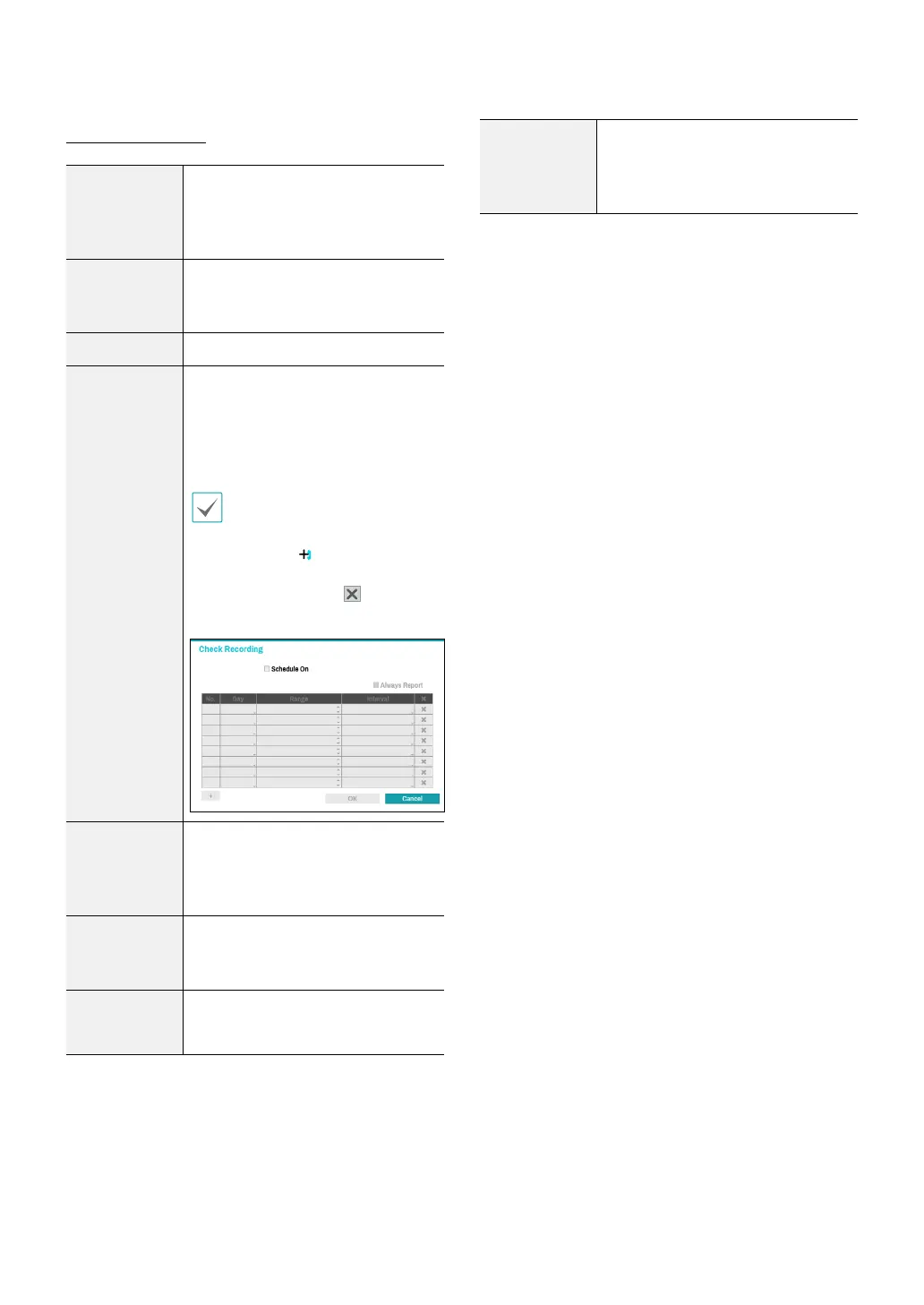
Check
Recording
The system will assume an error if
the system has been scheduled to
record normally but recording does
not take place during scheduled
intervals.
Select Schedule On and then
congure the days of the week,
times, and monitoring interval.
Select the button on the
bottom left of the screen to add
a schedule. Select icon to
delete the schedule.
Check Alarm-
In
The system will assume an error if
the alarm-in status does not change
during the specied monitoring
interval while alarm-in is active.
Disk Almost
Full
Generates an event if the disk
reaches the specied capacity (80%
to 99%).
Disk Full
Generates an event when all disks
reach their maximum capacity.
Disk Partially
Almost Full
Generates an event when a disk
in one of multiple quota groups
reaches the specied capacity (80%
to 99%).



 To Next Page