105
User Interface
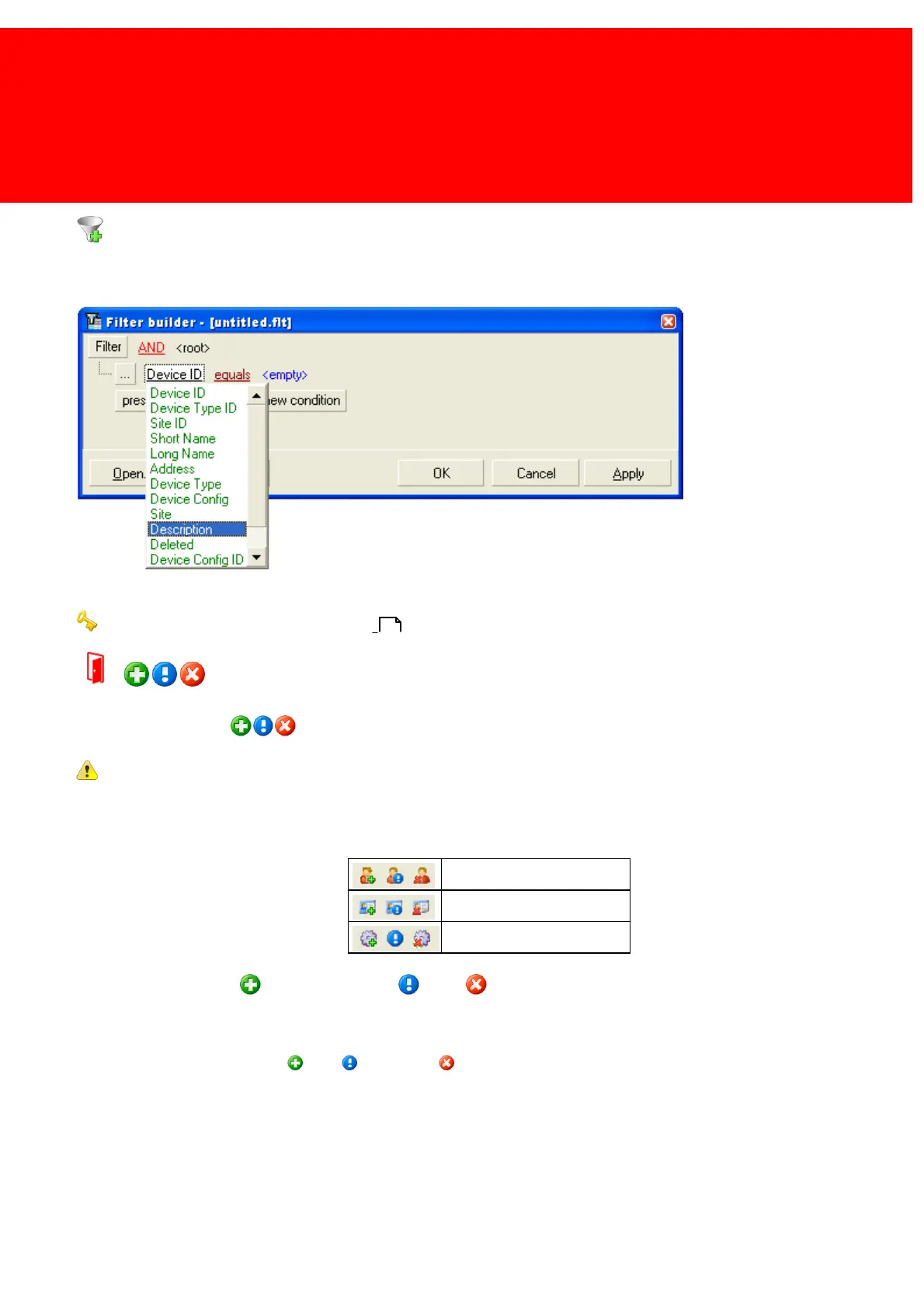
Build Filter
Use this button to build a custom filter. It will open the build filter screen shown below in which a filter can be build, saved
to the disk, or load one that is saved earlier.
Read more about building advanced filters in the chapter:
How to build an advanced filter on page:
How to use the Modify Bar
This is the Modify Bar:
The Modify Bar can look different!
When possible the icons are a representation of the active object.
For instance below are the modify bars for 'Users' , 'Cards' and 'Product Templates'.
As can be seen the plus , exclamation mark and x symbol are shown at their respective icons.
This bar is used to modify data in the database. New records can be added, edited and/or deleted. To modify use the 3
buttons on the Modify Bar: Add , Edit and Delete .
If this bar is shown in the detail screen of another object, data in that detail screen can be Inserted, Edited or Deleted.
110



 To Next Page