70 - Inepro Back Office Suite
Steps
Fill out the location name and the organisation and the site data. The site can be an office, a department or even a floor or
part of a building. It is the smallest group the data can be grouped by. Make sure to fill out the Site Type (it can be set to
default when price lines are not used) and the Code (which must be a unique numeric value).
DocuPRO Device(s)
Prerequisites:
§
DocuPRO hardware
Where
§
Main Menu\Basic\DocuPRO Device(s)
DocuPRO Devices
DocuPRO devices are copiers, multi-functional's and printers.
Printers are automatically imported. When the printer is installed in Windows it will be imported as DocuPRO device.
Copier need to be added manually. Multi-functional's are created by adding the device as a Windows printer (letting the
device be imported as DocuPRO device), then adding a copier and merging them into one device.
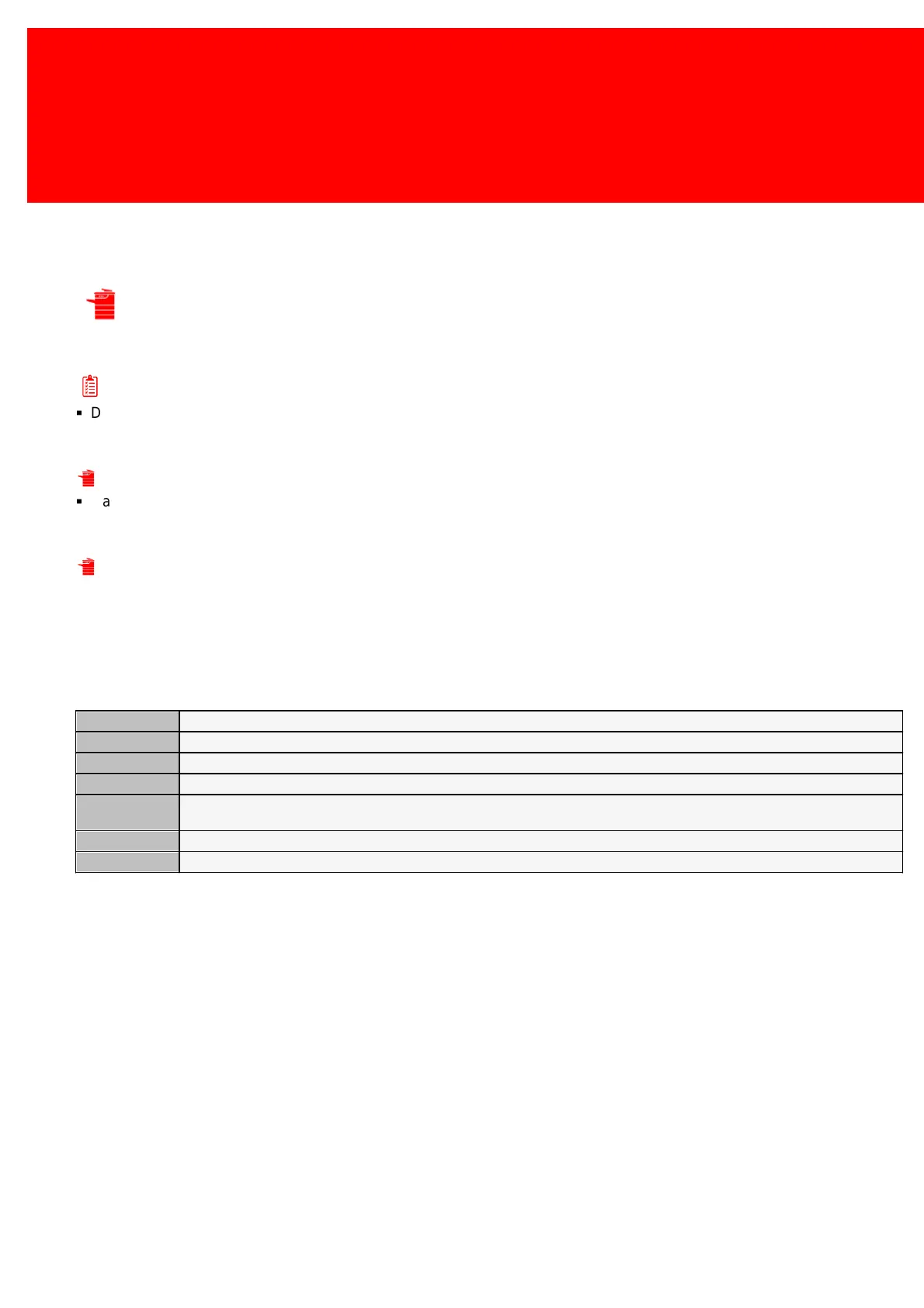
The DocuPRO device properties:
Enter a name for this device no longer then 15 characters, this is used for display on the terminals.
Enter a name for this device no longer then 40 characters, this is used for reports.
The IP-address of the device.
The Device Type is a type of device like a 'printer' or 'cash register'.
Product Template is a pre-set list of Products or Paper Prices with certain settings already configured. Manually configure large
groups of products at once.
The site the user, device, product or PayCon is located.
A free field to enter extra information such as a description of the object or it's location.



 To Next Page