154 - Inepro Back Office Suite
Configuration
Insert User data manually
Prerequisites:
§
Existing server
Where
§
Main Menu\Basic\Users
User general data
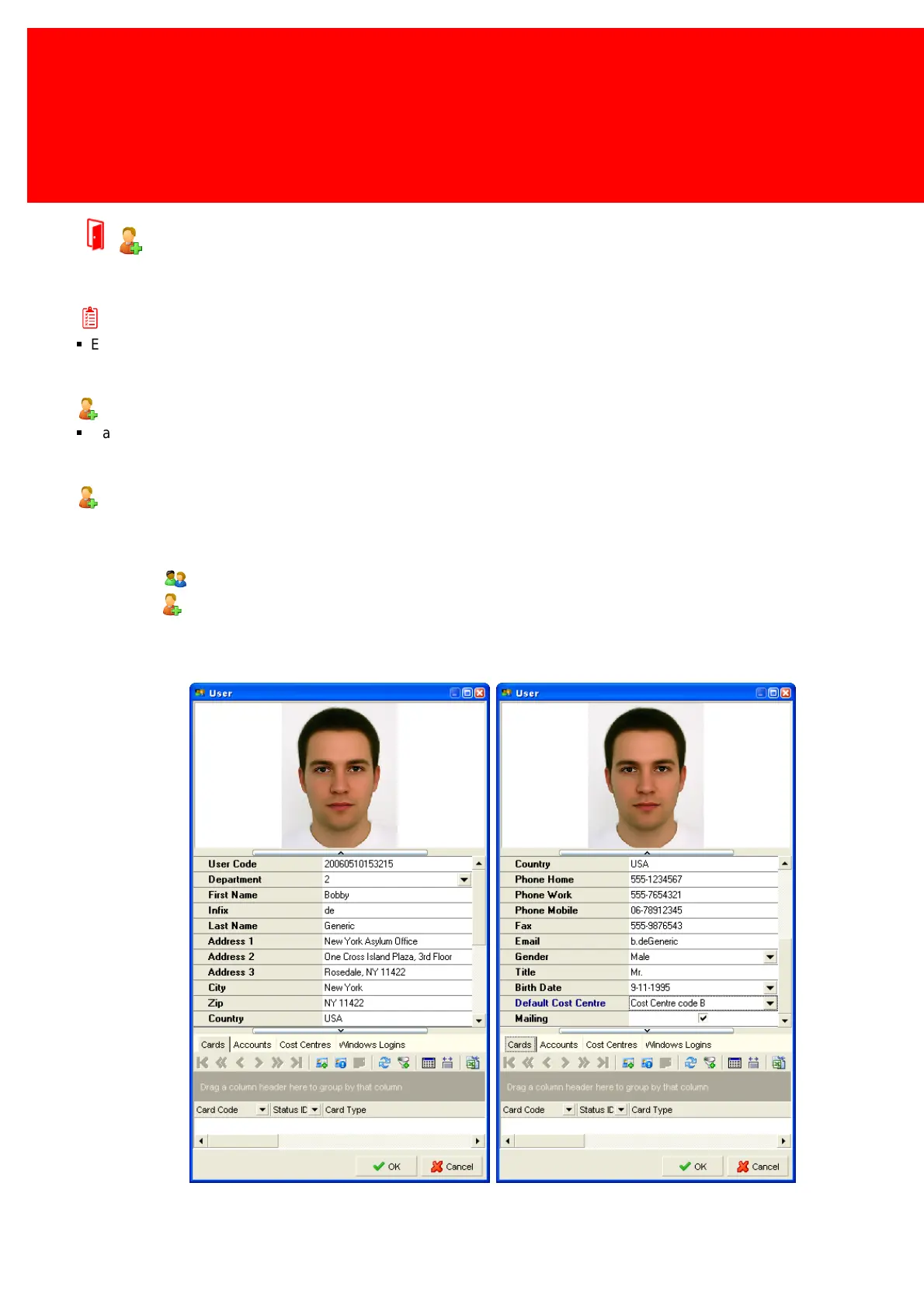
We will create User using some example data, to replicate this three departments (1, 2, 3) and three Cost Centres (A, B, C)
are needed.
1. Go to the "Users" window.
2. Click the "Insert User" button.
3. The screen shown below (twice) will open:



 To Next Page