184 - Inepro Back Office Suite
Configuration
Create / Edit / Lookup Windows login
Prerequisites:
§
None
Where
§
Main Menu\Basic\Users
Create / Edit / lookup a Windows login name in Inepro Back Office Manager
When using the DocuPRO module to let User pay for printing, the user that is printing a job must be linked to the user in the
Inepro Back Office Suite database. This is done by the Windows login name under which the user is printing. So the
Windows login name of the user must be known in the Inepro Back Office Suite database.
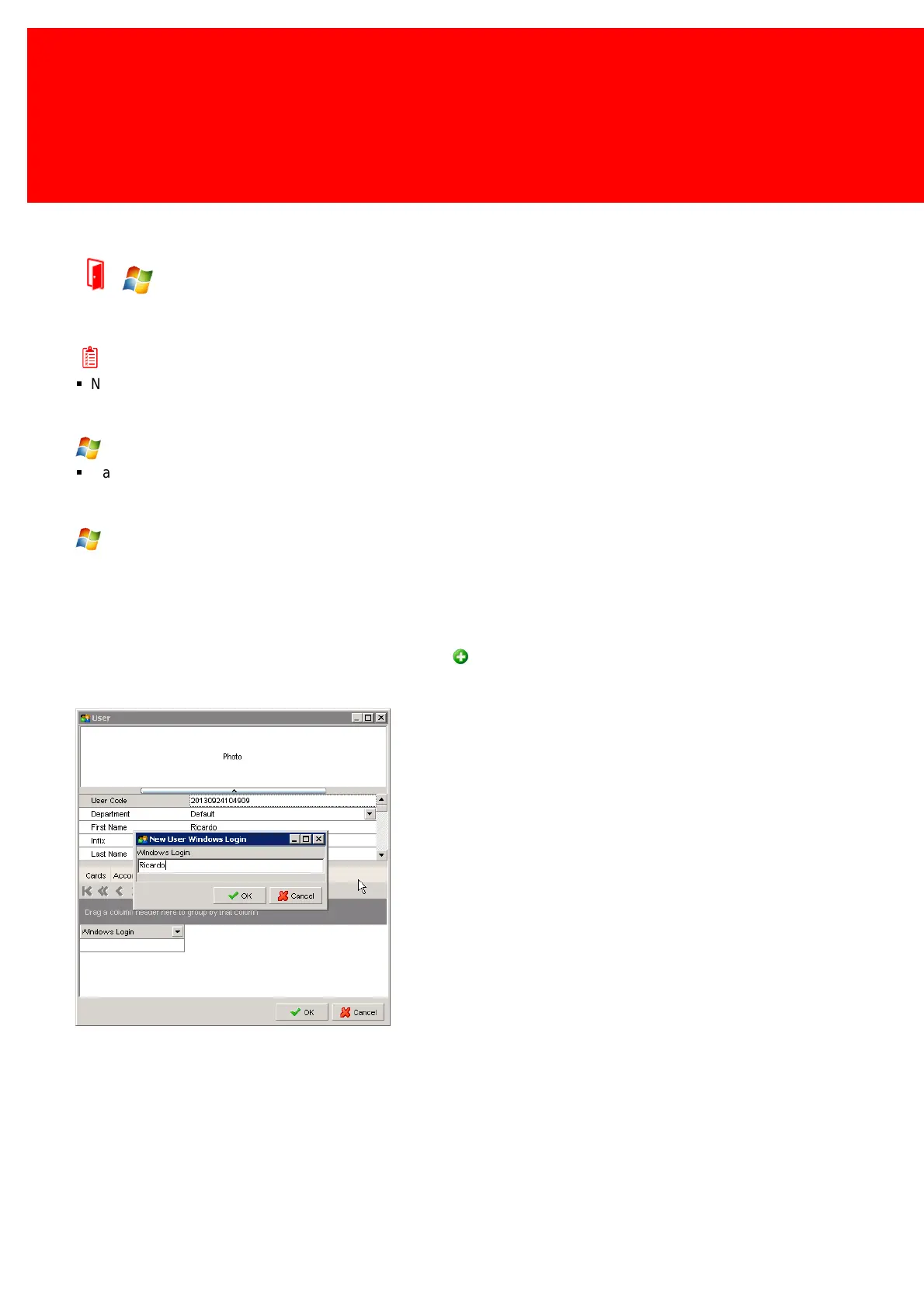
In the User screen four pages are shown at the bottom of the User Detail screen, the last page is labeled 'Windows Login
Name'. Add the login name of the user there (use the Add Button). When at the main user screen access the context
menu (by right-clicking) and search which user is linked to a given Windows login.



 To Next Page