25
Wizard
Wizard
When the Inepro Back Office Manager is started for the first time, a wizard is started to assist in setting and defining the
basic elements of the IBOS system.
The possibilities of the dialog screens are treated in this section.
Prerequisites:
§
None
Where
§
Main Menu\Tools\Wizard...
The wizard can be started manually, or is started automatically at the first-time-use.
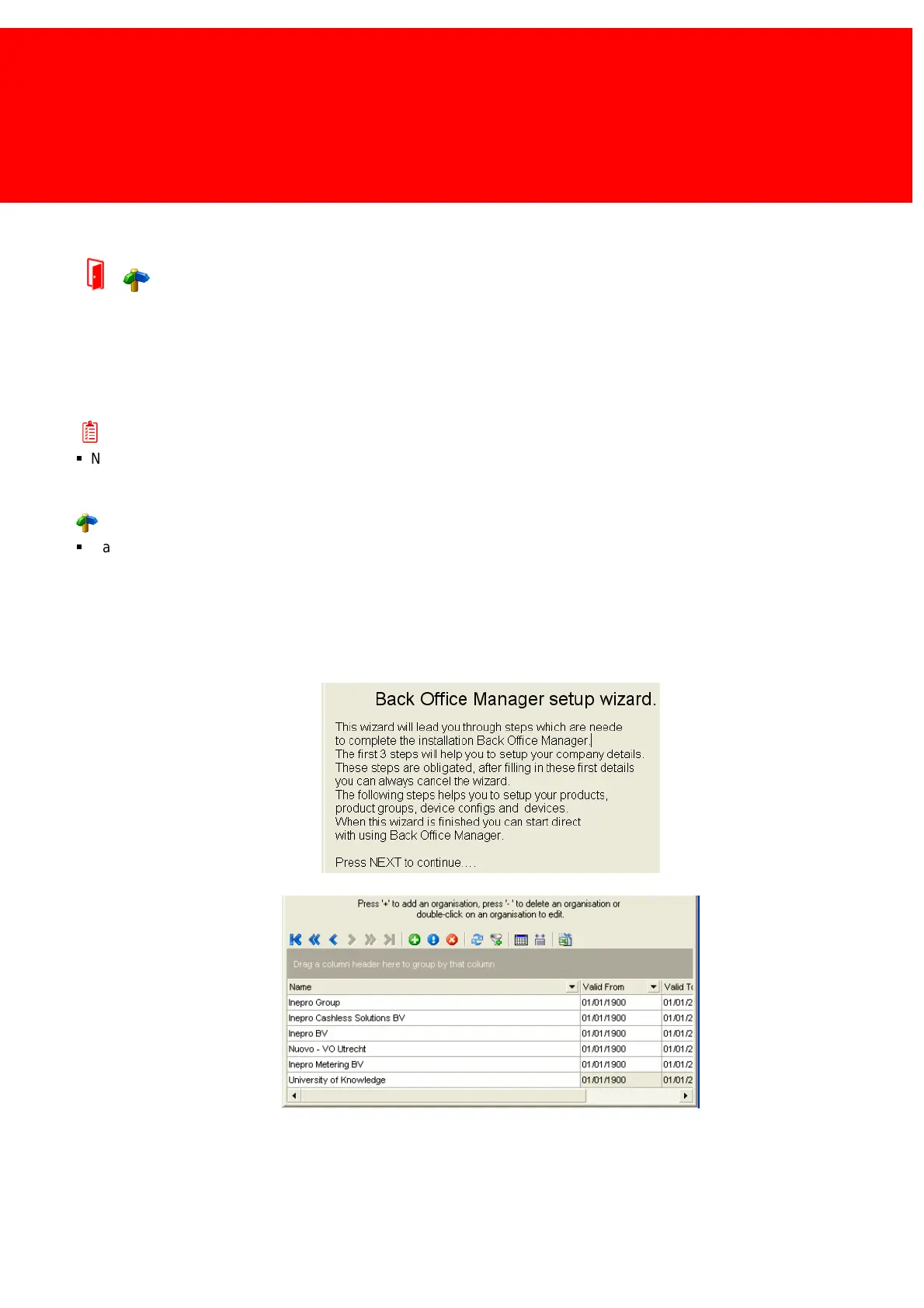
First the welcome screen is shown, which will give some idea on what stages to expect during the setup wizard.



 To Next Page