133
Cards - Acounts - Tags
Print and Create Tags
Prerequisites:
§
Users defined
§
Accounts defined
§
Card Layout
§
Card Printer
§
Card Printer License
Where
§
Main Menu\Basic\Accounts
Print and Create Tags
Tags are objects that can present a unique ID to a reader. They don't have the ability to be written, however objects that
are used as a Tag sometimes do, like Mifare cards.
When an object like a Mifare card has on it information from the Inepro system, it will also be a Inepro Card.
To create a tag:
Open the Account window, go to the tag screen and present the tag to the reader, the tag should be added and a dialog
screen appears to confirm this.
To print a new tag:
·
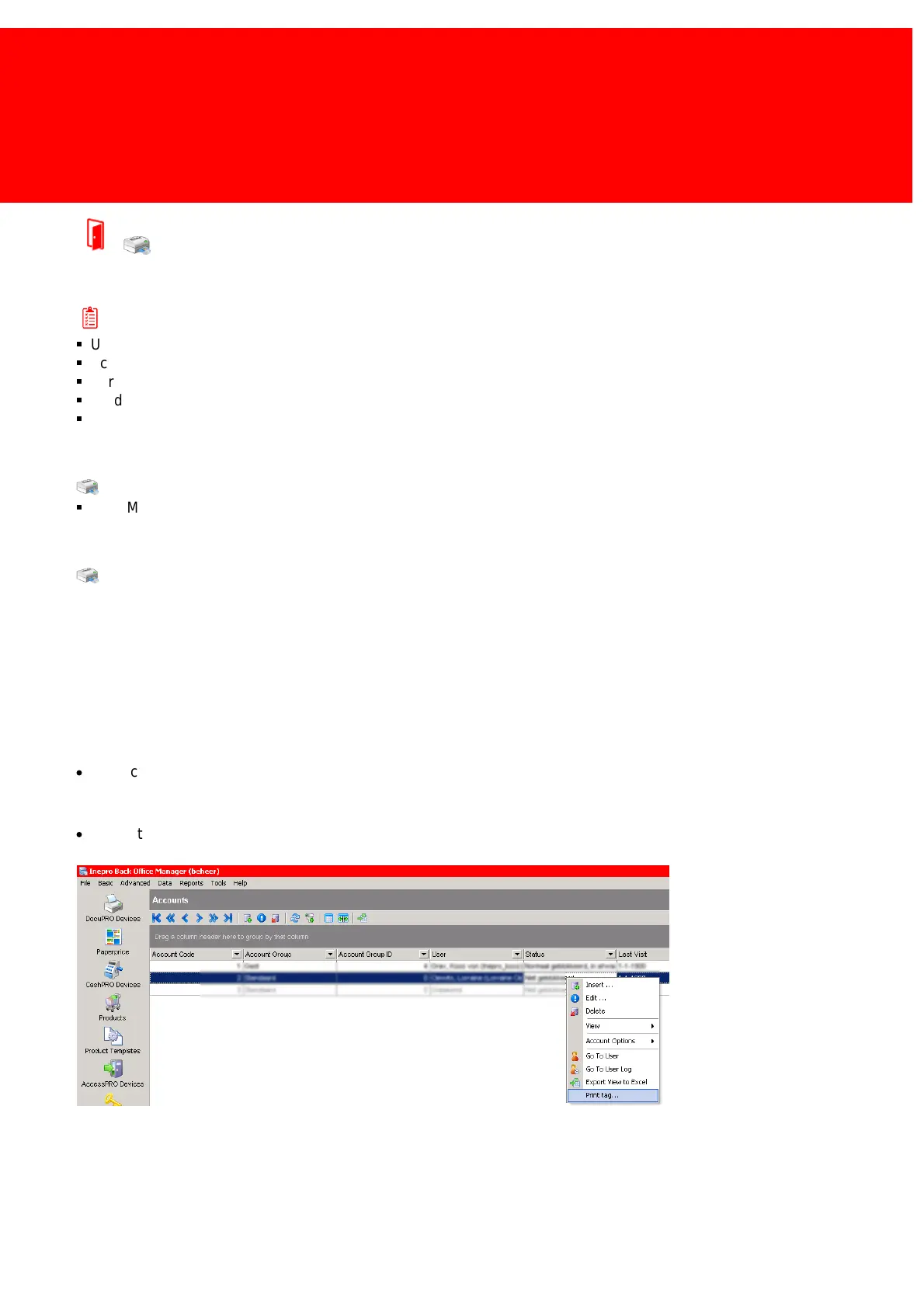
Right-click the account that the tag belongs to, and click 'Print tag'.
To print a tag that has already been connected to an account:
·
Delete the tag from the account and insert it in the card printer to be the first card fed and then choose 'Print tag'.



 To Next Page