82 - Inepro Back Office Suite
Steps
Card Layout(s)
Prerequisites:
§
(if the layout is to be used) A Card Printer
§
(if the layout is to be used) A Card Printer Licence
§
User data, like name, photos, bar codes, etcetera present in the database to test the layout
Where
§
Main Menu\Advanced\Card Layouts
Card Layout
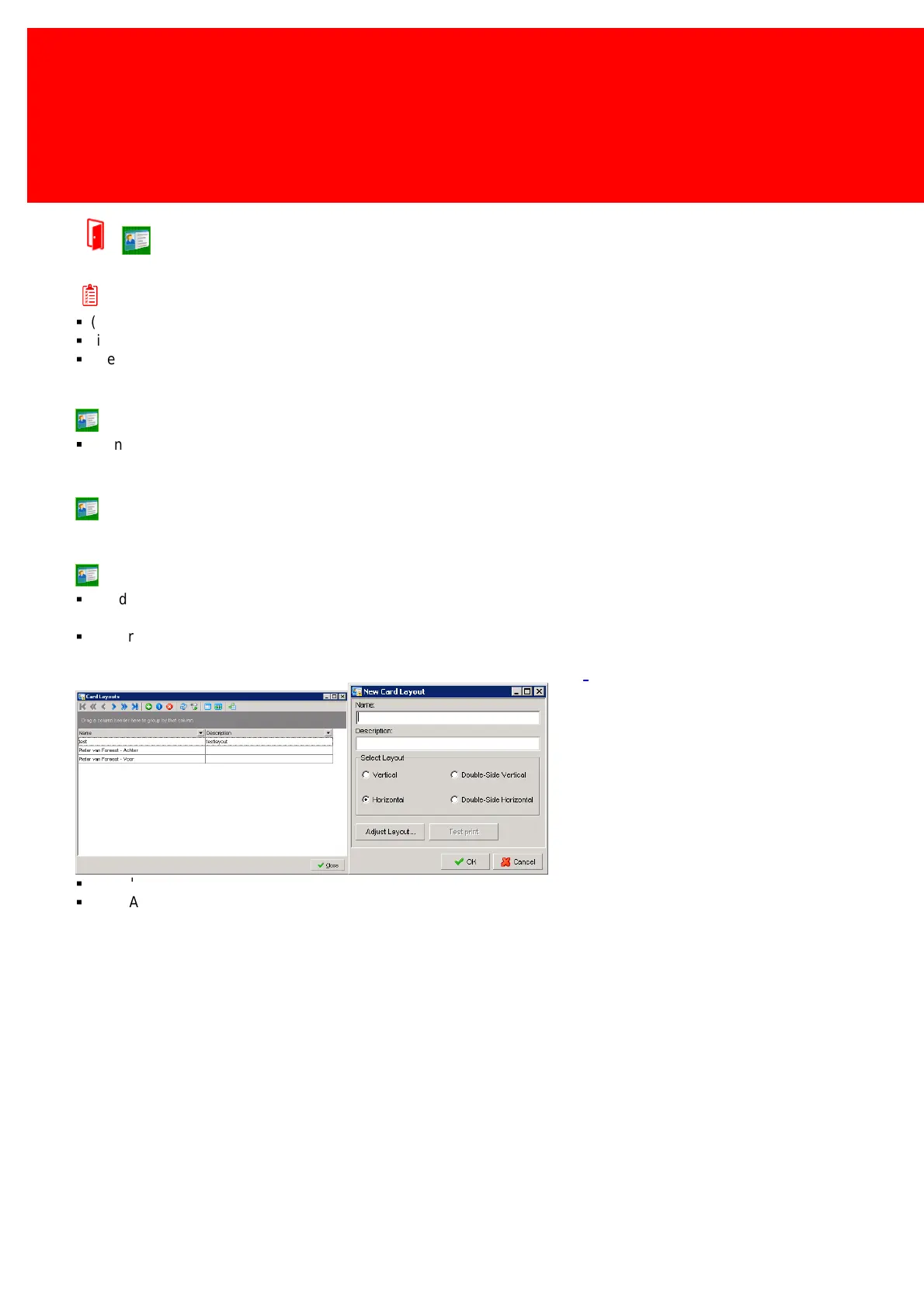
In Card Layout the layout of the user cards or tags can be created or edited.
Creating a new Card Layout
§
Decide which information must be printed on the card, maybe the class a student is in on the card, or their gender,
birthdate, barcode or address information.
§
If more user specific information on the card than we provide room for in the database is needed, we recommend
'misusing' the fields 'Address Line 2' and 'Address Line 3' if they are not (and will not be) used by the system otherwise.
Import the correct information with either CSV or Active Directory see page:
§
Go to 'Advanced -> Card Layouts'
§
Click 'Add new Card Layout'.



 To Next Page