56 - Inepro Back Office Suite
Steps
Products and Paper Prices
Prerequisites:
§
(if used) Product Groups
§
(if used) Price Lines
§
(if used) V.A.T.
§
(if used) created Product Images
Where
§
Main Menu\Basic\Products
§
Side Bar Menu\Products
§
Main Menu\Basic\Paper Prices
§
Side Bar Menu\Paper Prices
Products and Paper Prices
Products are the items that can only be sold by CashPRO devices like candy, soda, etc.
Paper Prices is where prices can be assigned to the products of the DocuPRO device. This can be for example a A4 Colour
scan or a B&W A3 print.
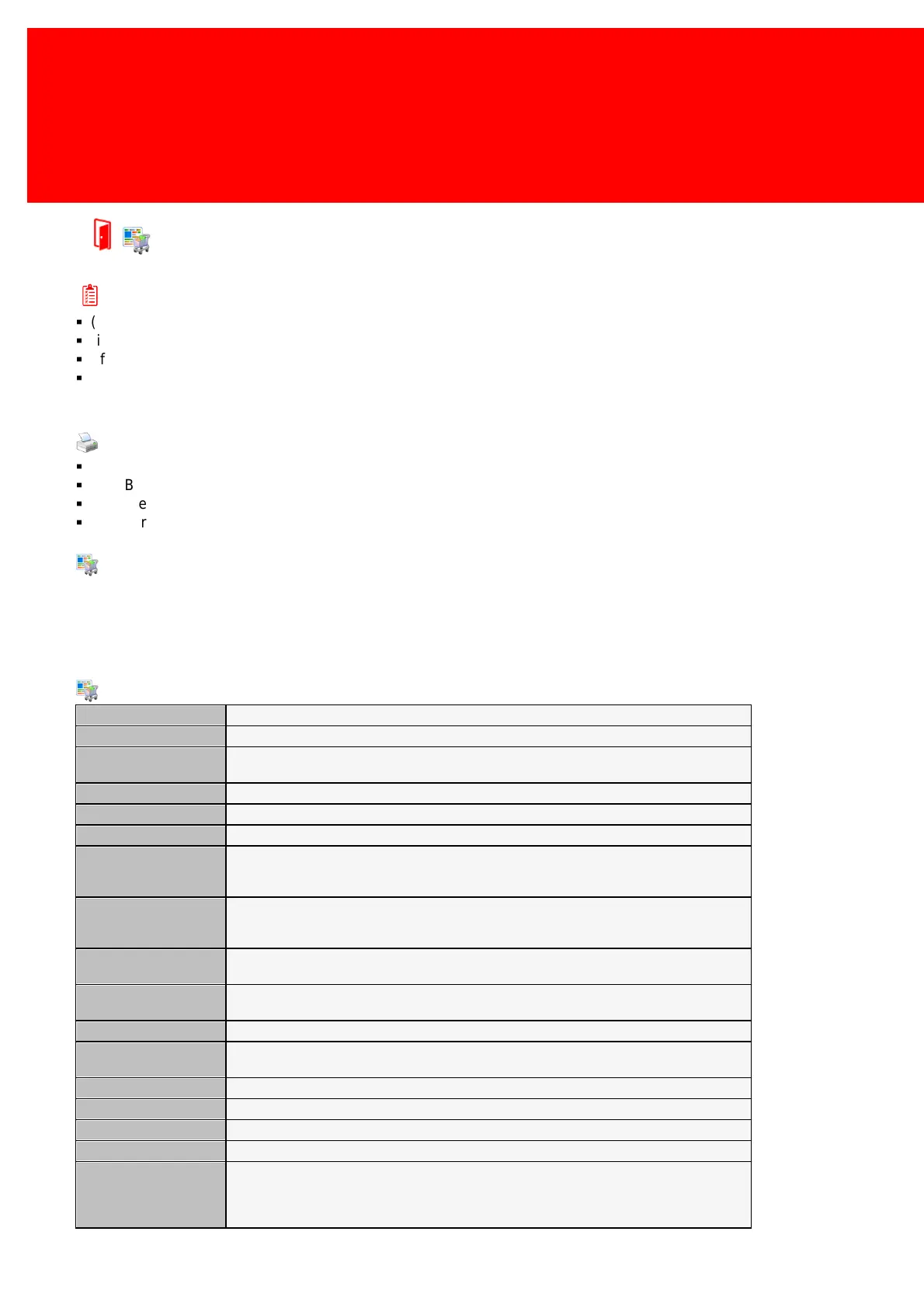
The Products / Paper Price properties:
The Product Code is a unique number to identify the product.
A name, less then 15 characters long. This field is stored and optionally displayed on the
PayCon.
The full product name (this name will be used in reports and in the manager).
The group this product is part of.
Open Price will be used when the cashier should decide what the price of the product is. For
example a 'Soup of the day' could cost €4,00 one day and €5,00 the next. Instead of
setting the price each day the price will be open and will be set by the employee.
The type of the product, for example a 'cash register', 'vending', 'print' or 'copy'. This is used
in combination with Device Type and Product Template to make sure the Document products
like 'print' or 'copy' can't be used on CashPRO device like a 'vending machine' and vice versa.
Determines if a product is linked to another product. It can be set to 'Normal' (not linked),
'Compound' (the main product) or 'Linked' a product linked to another product.
Determine per what quantity type a product is sold (Pieces, Mass or Volume). By default set
to Pieces with a Content Factor of '1'.
The multiplier to use with the content type.
Tare is only needed if the product has another content type then 'Pieces'. The Product
container, this can be a bottle, a salad bowl, a plate, a box, etcetera.
A second Value Added Tax.
An extended description of the product.
Selling should be ticked if the product is to be sold, uncheck it if it is't.
Paper Type
(Paper Price Only!)
The job scanner will use this paper type to tell DocuPRO manager what paper type the job is
using, DocuPRO will then inquire which printer is sending the job, if it has a product with such
a paper type and then charge the price of that product. Never assign the same paper type
twice to the same printer!



 To Next Page