136 - Inepro Back Office Suite
Steps
Block / Unblock a Card
Prerequisites:
§
User tags or cards
Block / Unblock a Card
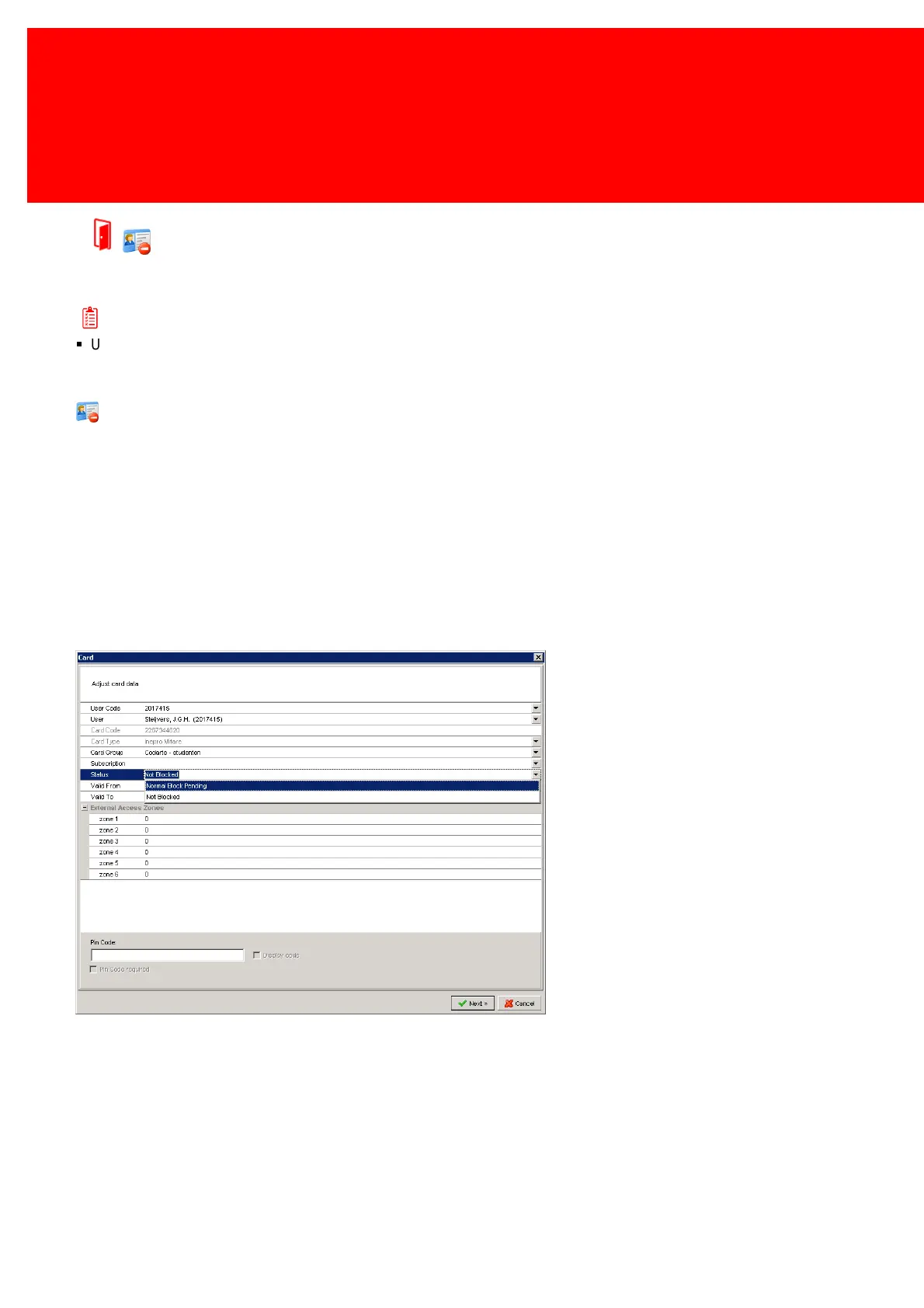
In the Inepro Back Office Suite a card or tag can be 'locked' or 'blocked'. A card or tag can be locked when it has been taken
from a terminal too soon, it can be blocked by a system administrator to prevent users to use the card.
A system administrator will can lock a card directly when it is available to him at his desk with the Administrator Terminal.
He can also lock the the card in the system; 'Normal Block Pending' and the card will be send to the lock lists of all the
Terminals and the locked value on the card itself (in a SVC system) will be set to true when this card is presented to a
terminal.
A card will be permanently locked when a card is replaced and the money is written to a new card, these cards can never
be unlocked again.
Cards that are 'normally blocked' or 'normally blocked pending' can be 'unblocked'.


 To Next Page