51
Define
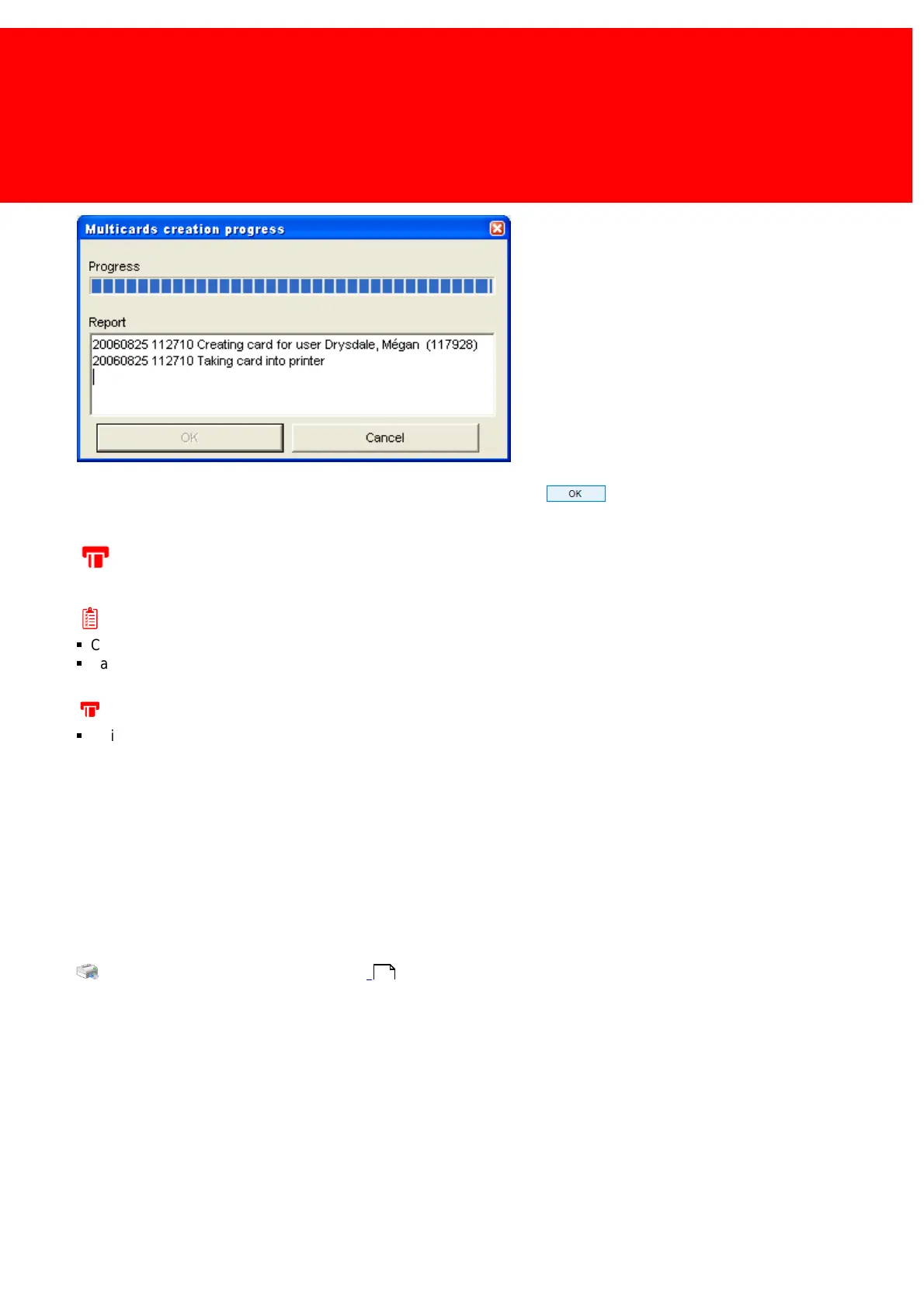
7. The cards will now be created. Check the report before clicking for cards that haven't been printed and/or
created correctly.
Printing a Card without Creating it
Prerequisites:
§
Card Printer connected & configured
§
Card Layout defined
Where
§
Main Menu\Basic\Users
Printing a Card without Creating it
When the User cards already have been created or when 'dummy' cards are printing just to show or sample the layout, the
card can still be printed without writing data on the card.
1. Select the User(s).
2. Right click (one of) the user(s).
3. Pick 'Simple Options > Print User card'.
4. Pick the desired Layout from the layout menu.
Read more about connecting a Card Printer in the chapter:
How to connect a Card Printer on page:
6



 To Next Page