66 - Inepro Back Office Suite
Steps
How to use the Organisation structure
Prerequisites:
§
Defined Price Lines
Where
§
Main Menu\Advanced\Organisation
How to use the Organisation structure
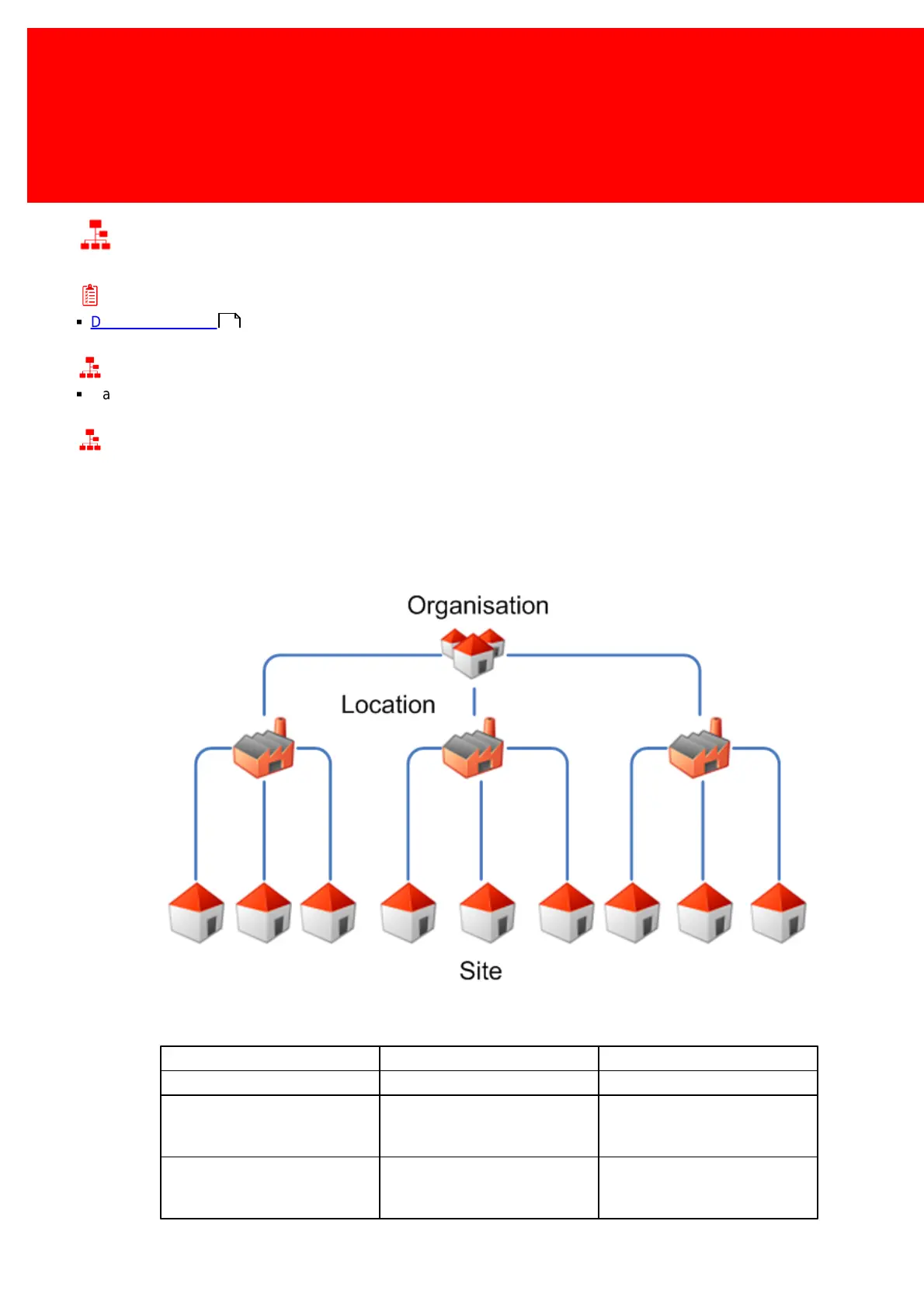
Every instance of the Inepro Back Office Manager needs a site defined. A site can be part of a location, and a location can
be part of a organisation. When the Inepro Back Office manager is started for the first time, or when the setup wizard is
started or when either the 'Organisation', 'Location' or 'Site' option is chosen directly the organisational structure can be
adapted.
Some samples of an organisational structure:
Germany
The Netherlands
United Kingdom
Department of physics
Department of mathematics
Accounting Management
62



 To Next Page