47
Define
What is the target use of the budget
Is it a balance or a unlimited budget?
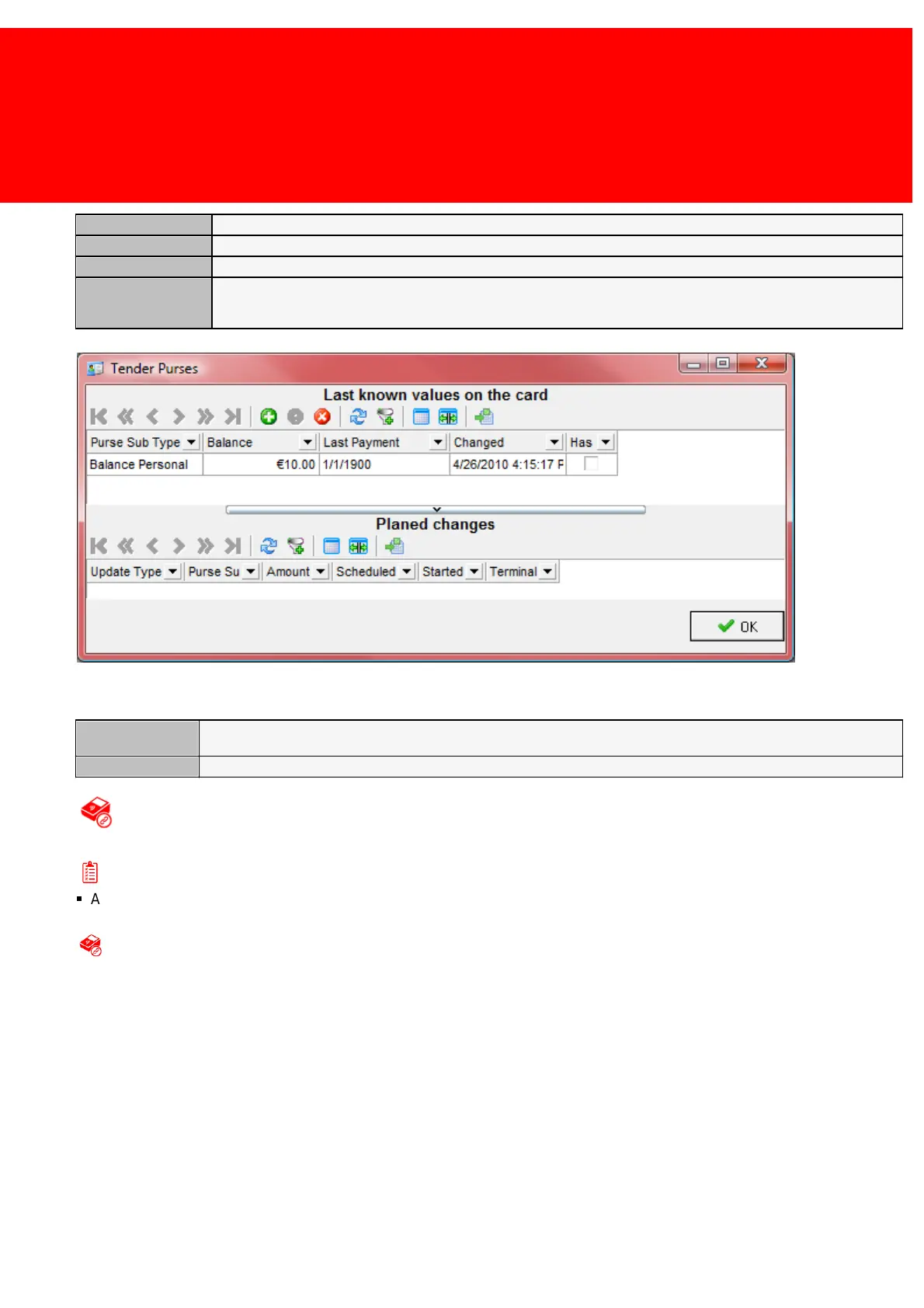
View the current data and the changes that are scheduled to occur
View the current data and the changes that are scheduled to occur
Third screen:
The card group linked to the Card Group
Overwrite with this Card Group
Creating a card with the Admin Terminal
Prerequisites:
§
Admin Terminal connected & configured
Creating a card with the Admin Terminal
Simply create by presenting a card to the Admin Terminal.
Empty card on the PayCon (SVC system only)
1. Put Card on Admin PayCon, the card screen pops-up.
2. Check and if not correct change user or user code to the desire user
3. Check and if not correct change the other information press next
4. Check and if not correct change the purses, press next
5. Finish
Create card from the User menu without printing it
1. Select the User(s)
2. Right click (one of) the user(s)
3. Pick 'Create Card => Create <Card Technology Type> card with a Administrative Terminal (Where <Card Technology
Type>) is either a proximity card or a chip card.



 To Next Page